Location-Based Email Personalization: A Practical Guide
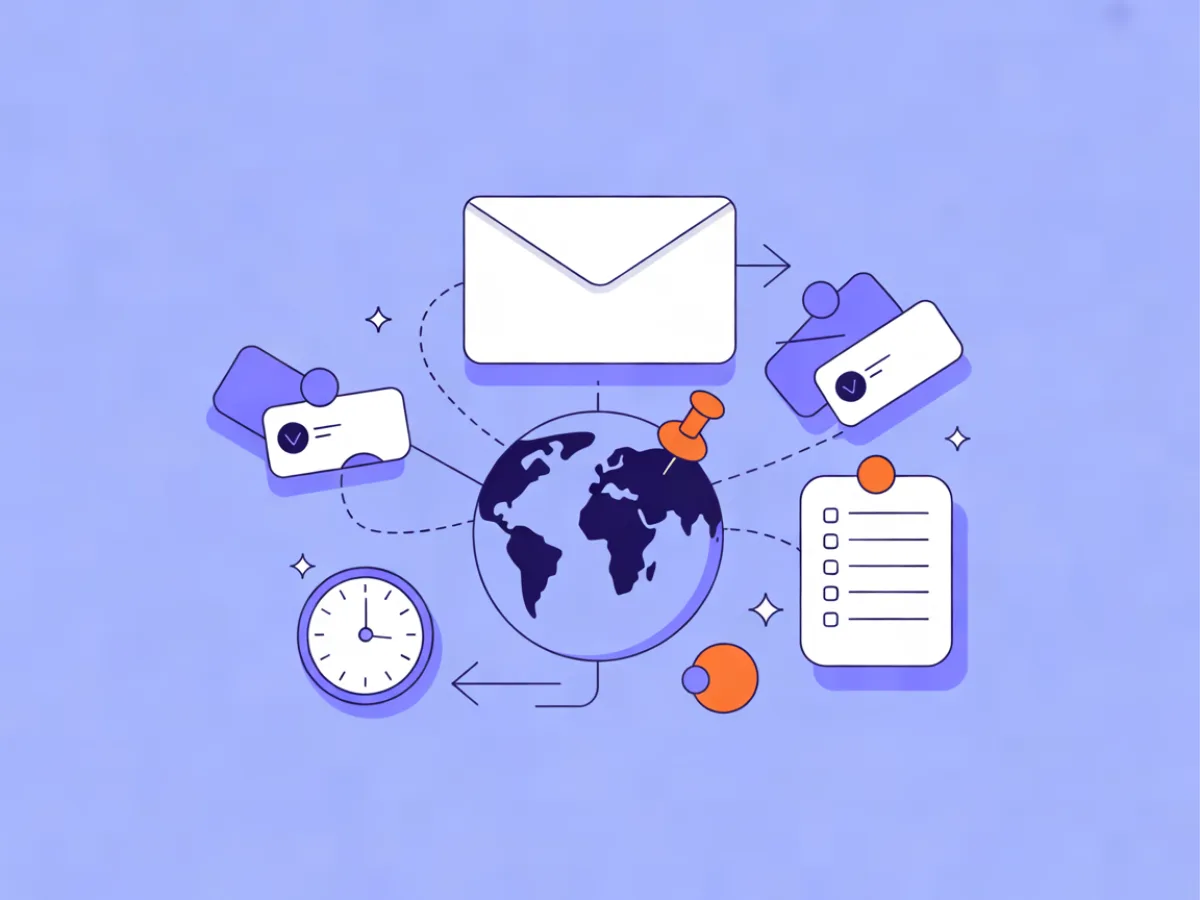
Location-based email personalization means using a contact's location data — country, region, city, time zone, language, currency — to change what an email says, which offer it carries, or when it arrives. It is not a standalone strategy; it is one input among profile and behavioral data, and it works best when you treat declared location fields as the source of truth and inferred data as a fallback. This guide covers where the data comes from, how to decide what to personalize, a setup sequence you can follow today, worked examples, common mistakes, and a pre-send checklist.
What location-based email personalization actually means
Location-based email personalization is the practice of adapting an email's content, offer, or send time based on where a contact is. It differs from geo-targeting ads in an important way: ads target an audience you may never identify, while email personalization targets a known contact whose location you have stored, inferred, or both.
There are three layers you can personalize, and they carry different risk profiles:
- Content. Language, currency, date and address formats, seasonal references, local spelling. Low risk if your data is right, high annoyance if it is wrong.
- Offer. Shipping thresholds, local payment methods, region-specific promotions, store or event references. Medium risk because a wrong offer can feel irrelevant or even misleading.
- Timing. Sending in the contact's local working hours, or using send-when-most-active. Low risk and often the easiest win for a global list.
A sensible order is to start with content and timing because mistakes there are recoverable. Offers come last, once you trust the underlying fields.
Where the location data comes from
Your location data is only as good as its source. The realistic options:
- Declared fields. Country, city, or postal code collected at signup, in a preference center, or from an account or billing address. This is the most stable data you can hold, though it goes stale when people move.
- Language and locale settings. Often captured automatically from the browser or app. Useful for language decisions, less reliable for country.
- IP-based geolocation. Inferred at signup or click time. Approximate by nature, and can be wrong behind VPNs, corporate networks, and mobile carriers that route traffic through another region.
- Time zone. Best stored as an explicit field or derived from a declared country or city, not guessed from an IP address.
Prefer declared data. Treat inferred data as a fallback, and never let an IP-derived city override a city the contact typed in themselves.
If you are still deciding where to send from, see the Best Email Marketing Platforms compared side by side, with prices checked daily on each provider's own pricing page.
How location-based personalization works in practice
You store location as contact fields, build segments or conditional blocks on those fields, and resolve time zone at send time. There are two implementation styles:
Segment-level. A whole campaign or automation branch targets one location group — for example, everyone with country = DE. This is simpler to reason about, easier to report on, and straightforward to QA because each segment receives one known variant.
Block-level. One email contains conditional content that renders differently per contact — for example, a currency line that shows EUR for German contacts and GBP for UK contacts. This keeps a single template, but it complicates previews and testing, because you have to check every variant before sending.
Pick one style per use case rather than mixing both in the same email.
On the segment side, dynamic segments on fields, tags, engagement, events, and website behavior let you define groups like "contacts in France who viewed pricing in the last 30 days." Mailerflow also supports AI segmentation from a plain-language description, which is useful when you know the group you want but not the filter logic. For content differences inside a single send, AI personalization steps and website-behavior data from the JS SDK can tailor what each contact sees based on what they read or did.
Deciding what to personalize: content, offer, or timing
Use this order of operations:
- Language and currency first. These are objective, verifiable, and immediately noticeable when wrong. If you sell in multiple currencies, this is table stakes.
- Timing second. Moving a send into the contact's local working hours is low risk and is often the easiest timing win on global lists.
- Offers last. Region-specific promotions require confidence in your location data and a clear reason for the difference. If you cannot explain why a German contact sees a different offer than a French one, do not do it.
A useful test: if a contact saw the "wrong" variant, would they be confused, or merely see something slightly less relevant? Confusion means you need better data before you personalize.
Step-by-step: setting up location-based personalization
- Audit what you already hold. List every location field in your contact database and note how each was collected. A field with no known source is a field you cannot trust.
- Standardize the values. Country as ISO codes (
DE,FR,US), city names in one consistent format, time zone as IANA identifiers (Europe/Berlin,America/New_York), currency as ISO codes (EUR,GBP). Mixed formats break segments silently. - Fill gaps deliberately. Add a country field to your signup form or a preference center rather than guessing from an IP address. A contact who tells you where they are is worth more than one you inferred.
- Build segments. Start coarse:
country = DE, ortime_zone = Europe/Berlin. Coarse segments are easier to count and reason about than city-level ones. - Add conditional content or per-segment variants. Decide block-level or segment-level, and stick to it for that campaign.
- Set send timing rules. Use scheduling for fixed local times, or send-when-most-active in automations where you have enough engagement history.
- Test with seed contacts. Create test contacts in each location group and send to them first. Check currency symbols, date formats, and the rendered send time.
- Launch to a slice, then widen. Send to a small portion of each group, compare clicks and unsubscribes per group after 24–48 hours, then release the rest.
If you are building the automation around this, the trigger, waits, and conditions are the fiddly part. Mailerflow's AI automation builder drafts a workflow from a one-sentence description — trigger, waits, conditions, emails — for you to review before activation, which shortens the setup without removing your judgment from the loop.
Worked examples
These are illustrative scenarios, not customer stories.
Webinar invite with per-region timing. You store time_zone on every contact. The email body includes a conditional line: Starts at 15:00 {{time_zone}} resolved to the contact's local time, and the send is scheduled per region so it lands in the morning locally. Contacts with no time zone fall back to a neutral "check your local time" line and a single global send.
Retail welcome email by country. The welcome email swaps three elements based on country: currency symbol on prices, free-shipping threshold, and the returns policy paragraph. A contact with country = US sees USD and the domestic returns window; country = DE sees EUR and the EU returns window. Contacts with no country get the default variant with no currency symbol at all.
SaaS onboarding that respects local calendars. An onboarding sequence branches on country to avoid sending on major local public holidays and to reference local business hours in a "book a call" step. The branch is a simple condition, not a separate sequence.
Reactivation with a fallback branch. A win-back automation branches on country to pick a relevant offer, and includes an explicit fallback branch for contacts with no location data — a generic offer rather than a guessed one.
Common mistakes
- Assuming IP location is exact. It is not. A contact on a corporate VPN may appear in a different country entirely.
- Personalizing on city when you only reliably know country. City-level guesses produce wrong store references and wrong local offers.
- Sending at a fixed time for a global list. A 9 a.m. send in your time zone can land in the middle of the night for contacts several time zones away.
- Forgetting a fallback. Every conditional block and every segment needs a defined behavior for missing or unknown location.
- Mixing languages inside one email. A German subject line with an English body reads as broken, not personalized.
- Treating country as a proxy for language. A country is not a language. Switzerland has multiple official languages; so do Canada and Belgium.
- Ignoring consent and data protection. Location is personal data. Collect it with a lawful basis, store it securely, and honor export and erasure requests. If you are working through the privacy side, the privacy-first personalization guide covers the consent and creepiness questions in more depth.
- Letting fields go stale. People move. Give contacts a way to update their location in a preference center.
- Over-segmenting. Groups too small to learn from produce noisy metrics and fragile automations.
- Not testing conditional blocks. A frequent failure is shipping the wrong variant to a whole segment because nobody previewed it.
A short checklist before you send
- Location fields standardized (ISO country, IANA time zone, ISO currency).
- Source of each field known and documented.
- Fallback variant defined for missing or unknown location.
- Segments built and contact counts reviewed.
- Conditional blocks previewed for every variant.
- Time zone logic verified against a known contact in each region.
- Send timing set, whether fixed local time or send-when-most-active.
- Unsubscribe and preference links present in every variant.
- Consent records in place for location data.
- Small test send per location group completed.
- Per-group metrics reviewed 24–48 hours after launch.
FAQ
Is IP-based location accurate enough to personalize on? It can be acceptable for country-level fallbacks, but not for city-level content — VPNs, corporate networks, and mobile carriers can produce the wrong city. Use IP data to fill gaps, not to override declared fields.
Do I need city-level data or is country enough? Country is enough for currency, language, and most offers. City-level data is worth collecting only if you have physical locations or local events that genuinely differ by city.
How do I handle contacts with no location data? Build an explicit fallback variant and a named segment for unknowns. Then ask for the missing field in a preference center or a welcome email rather than guessing.
Does location personalization conflict with GDPR? No, but location is personal data. You need a lawful basis, a clear purpose, secure storage, and a way to honor export and erasure requests. Mailerflow provides GDPR tools including data export, erasure, consent logs, and configurable retention, with data hosted in Europe.
Should I personalize send time or content first? Send time. It is lower risk, applies to your whole list, and does not require you to be right about anything except the contact's time zone.
How many location segments is too many? When a segment is too small to produce a readable click rate, it is too small to act on. Merge small groups into a regional segment or a fallback until the numbers mean something.
If you want to try this without building the templates and automation logic by hand, describe the email or the workflow in a sentence and let Mailerflow's AI draft it for review. The Free plan includes 2,500 contacts and 10,000 emails a month.