Product Recommendation Emails: Approaches, Layouts and Examples
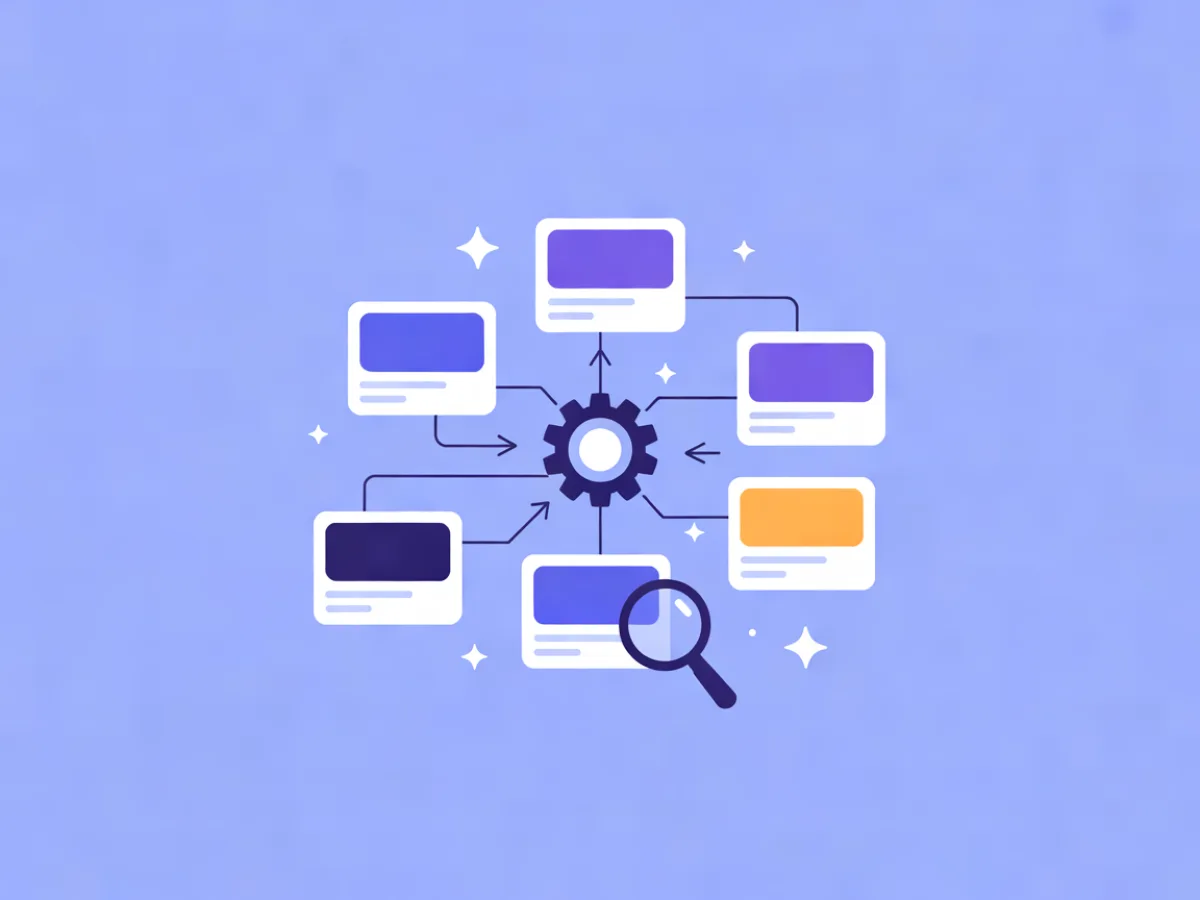
Product recommendation emails are emails where the product selection is generated per recipient rather than fixed by the marketer. Instead of choosing one hero product for everyone, you define the logic — bestsellers, viewed items, related items, or a model-based ranking — and the email assembles itself for each contact. This guide compares the four main approaches, shows what each needs to work, and gives you layouts, mistakes to avoid and a pre-send checklist.
What product recommendation emails actually are
A product recommendation email is any email where the products shown are selected by a rule or model per contact, not hand-picked once for the whole list. That separates it from two things people often confuse it with:
- Merchandising emails — the marketer picks the hero product (a new arrival, a seasonal push). Same product for everyone.
- Generic newsletters — content and products are editorial, not driven by recipient data.
The four families covered here are bestseller/popularity, viewed-item (browse abandonment), related-item (co-purchase or category affinity), and AI/model-based ranking. The practical difference: bestsellers are one list for everyone, while the other three are per-contact. When people say "personalized product recommendations email," they usually mean the per-contact variants.
If you are still deciding where to send from, see the Best Email Marketing Platforms compared side by side, with prices checked daily on each provider's own pricing page.
Why the recommendation source matters more than the design
The same three-card block performs very differently depending on where the product list comes from. Before you touch layout, check three variables:
- Signal quality. Do you actually have the data? A viewed-item email needs product view events tied to a known contact. If your events aren't linked to a contact ID, that approach isn't available yet.
- Freshness. How old is the signal? A viewed-item email sent three days late is usually worse than a bestseller email sent on time, because the contact has moved on and the email feels stale.
- Inventory reality. Is the item in stock, correctly priced and not already purchased? A recommendation that leads to an out-of-stock page erodes trust faster than a generic one.
Design matters, but it can't rescue a weak signal. Fix the source first, then the block.
The four approaches, compared
| Approach | Data needed | Best trigger | Typical layout |
|---|---|---|---|
| Bestseller / popularity | Aggregate order, view or add-to-cart counts | Welcome, cold segments, fallback | 3–4 cards in a row |
| Viewed-item | Product view events tied to a contact | View with no purchase in a window | 1 hero + 2 alternatives |
| Related-item | Order history, category tags, co-purchase data | Post-purchase, replenishment | 2x2 or 3-across grid |
| AI / model ranking | Many events per contact and per product | Large catalogue, high traffic | Varies; usually a ranked grid |
Bestseller and popularity-based recommendations
Ranked by aggregate sales, views or add-to-carts across all customers, optionally filtered by category or segment. The data is simple: order or event aggregates, refreshed on a schedule. It works best for new subscribers, cold contacts and low-data segments — or as the fallback block when personalization has no signal. The failure mode is that everyone gets the same email, and it can promote items that are out of stock or discounted elsewhere. Layout: 3–4 product cards in a row, price and short name, one clear CTA per card. Define "bestseller" explicitly — last 30 days? by revenue or units? — and document it, or two people on your team will build two different lists.
Viewed-item and browse-abandonment recommendations
Recommend the exact items the contact viewed, or close substitutes, when they didn't purchase. This needs product view events tied to a known contact — which is where website-behavior tracking comes in. Mailerflow's JS SDK captures what a contact read or did on your site, and personalization steps can use that behavior to tailor the email. The trigger is a view event with no purchase within a window (4–24 hours is a common starting point). The failure mode is recommending something already bought, sending after the contact has moved on, or showing a price that changed. Layout: one large hero product (image, name, price, CTA) plus 2–3 alternatives below.
Related-item and category-affinity recommendations
Recommend items that go with or resemble what the contact bought or viewed. Build the relationship two ways: manual rules (category mapping, or "customers who bought X also bought Y" from your own order history) or a model. The data is order history, category tags or a co-purchase matrix. It works well post-purchase, for replenishment reminders, and for cross-sell in a welcome or onboarding series. The failure mode is recommending consumables too early or too late, or recommending the same category the customer just bought in. Layout: a 2x2 or 3-across grid under a clear heading like "Goes with your order."
AI and model-based ranking
A model scores every candidate product per contact and returns a ranked list, usually blending views, purchases, category affinity, recency and price sensitivity. It needs enough events per contact and per product; cold-start is the main constraint. It works when your catalogue is large, behavior volume is high, and you can afford to test. The failure mode is opaque results that merchandising can't explain, and models that keep recommending already-purchased items unless you add exclusion rules. Always keep a rule-based fallback block for contacts with no signal. Mailerflow's AI personalization steps let you apply per-contact behavior inside an automation — useful when you want the behavior signal to drive the send without building a custom model.
How to build your first recommendation email
- Pick one approach and one trigger. Start with viewed-item or bestseller, not both. Two recommendation streams at once makes it impossible to read results.
- Confirm the data exists and is tied to a contact ID. Events, order history or category tags — if they aren't linked to a contact, the per-contact approaches aren't available.
- Define the fallback. What shows when there is no signal? Usually a bestseller block or a category block based on profile data.
- Build the block. Image, name, price, one CTA, consistent card size. Keep the grid to 3–4 products.
- Write copy that explains the recommendation ("Still thinking about these?") rather than pretending to be a newsletter.
- Set frequency caps and exclusions — already purchased, out of stock, recently emailed.
- Test and review. A/B the subject line and block order, then look at clicks per recipient, not just CTR.
If you'd rather not hand-build the layout, Mailerflow's AI email builder produces a complete responsive design, subject lines and preview text from a description. The AI automation builder drafts a workflow — trigger, waits, conditions, emails — from a sentence, for review before activation. Both are time-savers, not requirements.
Layout examples you can copy
These are illustrative, not real campaigns.
Example A — browse abandonment. Subject: "Still looking at the linen shirt?" One hero product card (image, name, price, single CTA), then two alternatives from the same category. The hero comes first because it's the strongest signal; alternatives catch the contact who wants options. If the contact has no view data, swap the hero for a category bestseller.
Example B — post-purchase cross-sell. Subject: "Goes with your order." A 3-across grid under that heading, no discount. The order is deliberate: the purchased item is already known, so the email leads with complements rather than repeating it. If there's no order history, fall back to a category block.
Example C — bestseller digest for new subscribers. Subject: "Most ordered this month." Four cards, filtered to a category, under the heading "Most ordered this month." The heading does the explaining so the copy doesn't have to. If the subscriber has a stated preference, filter the category; otherwise show the overall list.
Common mistakes
- Recommending already-purchased items. Fix: add a purchase-exclusion rule to every block.
- Ignoring stock and price changes between send and open. Fix: verify inventory and price at send time, and link to a live product page.
- Using one global bestseller list for every segment. Fix: filter by category or segment where you have the data.
- Sending browse abandonment too late. Fix: shorten the window and test.
- No fallback block, so the email renders empty. Fix: define a default list before launch.
- Too many products. Fix: cap at 3–4; choice overload reduces clicks.
- No frequency cap. Fix: limit recommendation emails per contact per week.
- Measuring opens instead of clicks per recipient. Fix: track clicks per recipient and per block.
- Not excluding items already promoted last time. Fix: keep a short suppression list of recently featured products.
Pre-send checklist
- [ ] Signal is tied to a contact ID
- [ ] Fallback block defined and tested
- [ ] Stock and price verified at send time
- [ ] Purchase and recent-send exclusions applied
- [ ] Frequency cap set
- [ ] Product grid renders correctly on mobile
- [ ] Image alt text and lazy loading in place
- [ ] One clear CTA per product
- [ ] Subject line matches the recommendation logic
- [ ] Tracking parameters correct
- [ ] Recent purchasers suppressed
- [ ] Test send to a contact with no behavior data
FAQ
How many products should a recommendation email include? Three to four. One hero plus alternatives, or a small grid. More than that usually dilutes clicks.
Do I need AI to send product recommendation emails? No. Rule-based viewed-item and bestseller blocks work with event data alone. AI ranking helps when your catalogue is large and you have enough behavior volume to train on.
How do I recommend products to contacts with no browsing history? Use bestsellers or category affinity from profile data, and always include a fallback block so the email never renders empty.
How soon after a product view should the email go out? It depends on your sales cycle. Test a short window first — freshness matters more than an exact number of hours.
Can I use the same recommendation block in a transactional email? In principle, yes, but keep the transactional content primary and check consent and relevance. A receipt with a recommendation is fine; a receipt that looks like a promo is not.
If you want to see how a recommendation block or automation looks before you build it by hand, describe it in a sentence and let Mailerflow draft the design and the flow for you.