Event Email Marketing: Before, During and After the Event
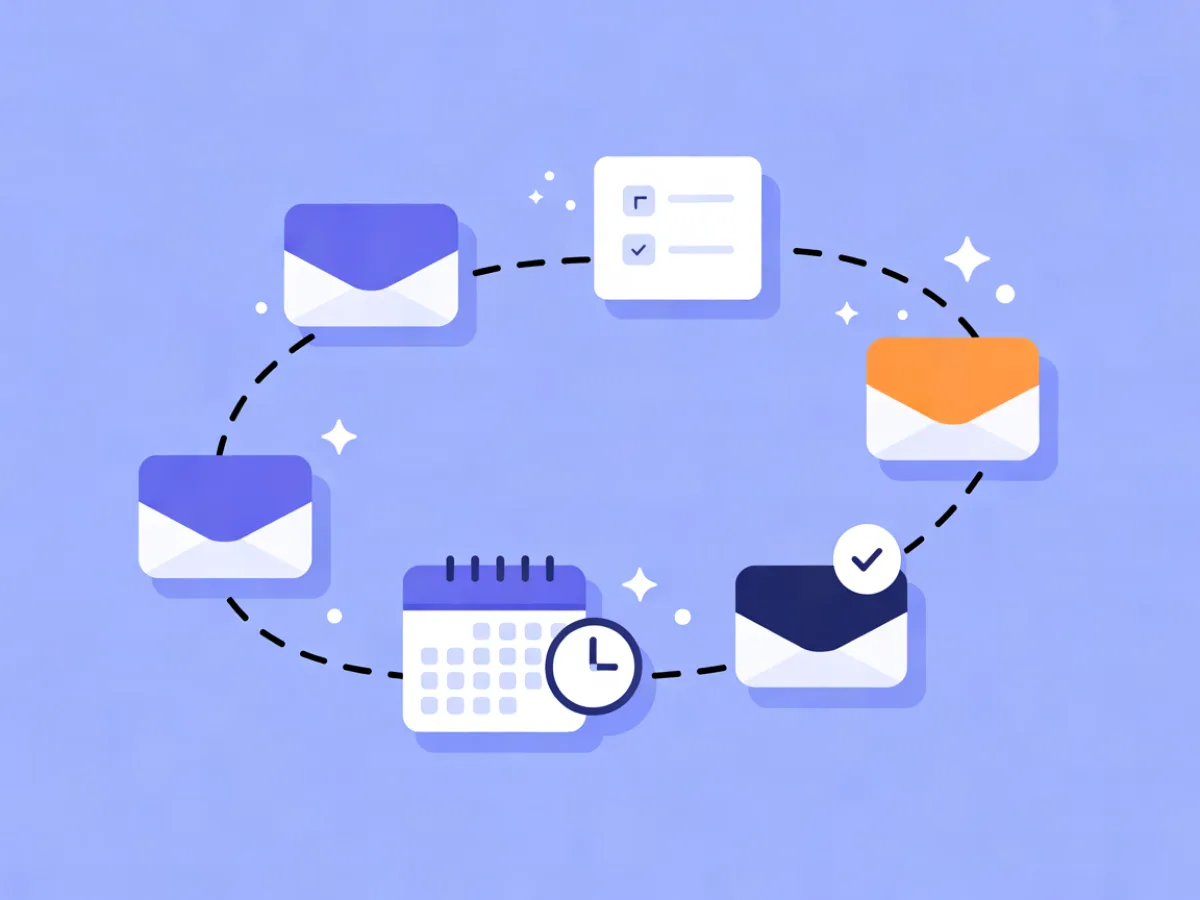
Event email marketing is the set of emails tied to a single event's lifecycle: the announcement, the registration confirmation, the reminders, the day-of logistics, and the follow-up. Unlike a regular newsletter, every message is time-bound and deadline-driven, and it goes to people in different states — registrants, waitlisters, no-shows, and people who never signed up at all. Get the sequence right and the event fills itself; get it wrong and you spend the week before chasing people who forgot they registered.
What event email marketing actually covers
Event email marketing is not a campaign. It is a short lifecycle with two distinct jobs:
- Getting the right people in the room. Announcement, registration, confirmation, reminders, logistics.
- Keeping the relationship alive afterwards. Attendance follow-up, no-show recovery, recordings, survey, next-event invitation.
The reason a single "blast" fails is that your list is not one audience. At any moment you are writing to four states:
| Audience state | What they need |
|---|---|
| Unaware | What is this, and is it for me? |
| Interested, not registered | A reason to commit, and a deadline |
| Registered | Logistics: when, where, how to join, what to bring |
| Attended / no-show | A next step, and proof the time was worth it |
The same event needs different copy for each. The spine of this guide is the three phases: before, during, after.
Not sure your current tool is the right fit? Compare the Best Email Marketing Platforms by price, features and free plans for your exact list size.
Why the sequence matters more than any single email
A single announcement email competes with everything else in the inbox at that moment. A sequence builds recognition: people see the event name three or four times before they decide, and the reminder lands when the decision is actually being made — the day before, not three weeks out.
Timing and segmentation do most of the work. Two practical consequences:
- Logistics emails should look like logistics. A plain, short reminder with the join link near the top usually beats a designed template with a hero image. People are scanning for one thing.
- The confirmation is not a marketing email. It is a receipt plus instructions. Treat it as transactional, and make sure it arrives reliably.
If you also run ongoing community or member communication outside events, the same segmentation discipline applies — see email marketing for membership organizations for the lifecycle side of that.
The before sequence: from announcement to final reminder
Announcement and save-the-date
Purpose: first touch, so people can plan. Content: what it is, who it is for, date and time in the reader's timezone, format (in person, online, hybrid), and one clear action.
If registration is not open yet, the action is a save-the-date or waitlist signup — not a dead end. Capture consent at signup (double opt-in and a consent record) so you can email that waitlist later without guessing. A short subject line that names the event and the date works well: Workshop: Pricing for SaaS, Nov 12.
Registration open and the confirmation email
Registration email: restate the value, list what is included, link to the registration page, and add a deadline if one exists.
Confirmation email: this is a logistics email. Include:
- Date, time, and timezone
- Location or join link
- A calendar file (.ics)
- What to bring or install
- Cancellation policy
- How to reach a human
If your platform separates transactional sends onto a high-priority lane, confirmations belong there — they must arrive.
Reminders, agenda and logistics
Three reminders, each with a distinct job:
| When | Job | Content |
|---|---|---|
| ~1 week out | Build anticipation | Agenda, speakers, how to prepare |
| Day before | Remove friction | Time, link or address, parking or dial-in, what to bring |
| Morning of | Get them in the room | One line, one link |
Do not repeat the same copy three times. The morning-of email is the most useful email you will send all week — keep it to a single link. In an automation, scheduling and "send when the contact is most active" are both reasonable ways to place reminders without manual sends.
The during phase: day-of and live emails
"During" does not mean emailing attendees while they sit in the room. Legitimate day-of emails are:
- The join link for online events (15 minutes before start is standard and expected)
- A room change or schedule update
- A live Q&A or poll link
- A session recording notice
Keep them short, plain, and sent only to the people affected. For multi-day or hybrid events, a daily digest beats per-session emails every time.
The after sequence: follow-up, no-shows and next steps
This is where most organizers underinvest, and where the next event's attendance is actually built.
Follow-up for attendees
Send within a day or two, while the event is still fresh. Content: thank you, recording or slides, the one action you want (survey, book a call, join the community, register for the next event), and a named contact. One primary CTA only.
Segment attendees from no-shows before you send, so the recording link does not go to people who never came.
No-shows and waitlist
No-shows are not a lost cause — they registered, so they had intent. Send a separate email with the recording and a lighter ask. Waitlisters who never got in should get first access to the next edition. Dynamic segments on tags or event attendance keep this clean without manual list surgery.
Turning one event into an ongoing relationship
Tag attendees by topic or session attended, add them to a segment, and let that feed future invitations. If you track website behavior, you can personalize further: someone who attended the pricing session gets the pricing follow-up, not the general one. That handoff from event emails to lifecycle emails is what makes the second event easier than the first.
A worked example: a 200-person online workshop
Illustrative sequence, not a real customer — adapt the offsets to your audience.
| Day | Send | Subject line | Single CTA |
|---|---|---|---|
| −21 | Announcement to full list | Live workshop: Pricing for SaaS, Nov 12 |
Save the date |
| −14 | Registration open to interested segment | Registration is open (40 seats) |
Register |
| −7 | Agenda to registrants | Your agenda + who's speaking |
Add to calendar |
| −1 | Logistics reminder | Tomorrow at 10:00 — your join link |
Join link |
| 0, 09:45 | Join link | Starting in 15 minutes |
Join now |
| 0, +2h | Recording to registrants | Recording + slides |
Watch |
| +1 | Follow-up to attendees | Thanks — one quick question |
Take the survey |
| +1 | No-show email | You missed it — here's the recording |
Watch |
| +7 | Nurture to everyone who engaged | Next session: churn and retention |
Register |
Note the two emails on day +1: same day, different segments, different asks.
Common mistakes in event marketing emails
- One email for registrants and non-registrants. Different states need different copy. Split the send.
- Burying the join link under a hero image. Put it in the first line, above everything else.
- Forgetting the timezone. Always state it, and consider showing it in the reader's local time.
- No plain-text version for logistics. Some clients render plain text more reliably, and some people prefer it.
- Sending the follow-up a week later. Interest fades fast. Within 24–48 hours.
- Not segmenting no-shows. They get the "thanks for coming" email and feel misled.
- One blast for a multi-day agenda. Use a daily digest instead.
- No consent record for the waitlist. Capture it at signup so you can legally email them later.
- Treating the confirmation as a marketing email. It is a receipt. Make it transactional and reliable.
A short checklist you can reuse for every event
Before
- [ ] Announcement sent (or save-the-date + waitlist)
- [ ] Registration email with deadline
- [ ] Confirmation with calendar file, timezone, contact, cancellation policy
- [ ] Reminder at −7, −1, and morning-of, each with a distinct job
- [ ] Consent records captured for waitlist
During
- [ ] Join link sent 15 minutes before start
- [ ] Schedule-change email ready if needed
- [ ] Daily digest for multi-day events
After
- [ ] Follow-up to attendees within 48 hours
- [ ] Separate no-show email with recording
- [ ] Survey or next-event invite
- [ ] Segment and tag updated for the next edition
Pre-send QA
- [ ] Test the join link
- [ ] Check the timezone
- [ ] Check the plain-text version
- [ ] Confirm the segment
Where Mailerflow fits
If you are choosing a platform for event email marketing, these are the parts that matter. Mailerflow's AI email builder lets you describe an email and get a complete responsive design, subject lines and preview text — useful when you are drafting an announcement and three reminders in the same afternoon. Visual automations with waits, conditions and date triggers handle the before/during/after sequence, and dynamic segments on tags and events separate attendees from no-shows without manual lists. Signed real-time webhooks with retries and delivery logs help if you sync registrations to another system, and the transactional email API on a high-priority lane is where confirmations and join links belong. Own-domain sending with guided DKIM, SPF and DMARC setup covers deliverability, and GDPR tools with data hosted in Europe matter if your audience is European. The Free plan covers 2,500 contacts and 10,000 emails a month; paid plans start at $14.90/month with unlimited emails. You can see the full breakdown on the features page and pricing page.
FAQ
How far in advance should I send the first announcement? Three to four weeks works for most events; add more lead time if travel is required. The right answer depends on how far ahead your audience plans, so test it across two editions.
Should I email registrants and non-registrants separately? Yes. They are in different states and need different copy. A registrant needs logistics; a non-registrant needs a reason to commit.
How many reminder emails is too many? Two or three, each with a distinct job. If two reminders say the same thing, you have one reminder too many.
What should the confirmation email contain? Date, time, timezone, location or join link, calendar file, what to bring, cancellation policy, and a way to reach a human.
Do I need consent to email waitlisters? Yes. Capture it at signup. Double opt-in and stored consent records make this straightforward.
How soon after the event should I send the follow-up? Within 24–48 hours, while the event is still fresh in people's minds.
Can I use one automation for the whole event? Yes, with date triggers and waits — but segment by registration status inside it, or you will send the wrong email to the wrong people.
Put this into practice in Mailerflow: create your first campaign or automation by telling the AI what you want. Start free.