Email Marketing for Accountants: A Practical Guide to Deadlines, Client Education and Seasonal Campaigns
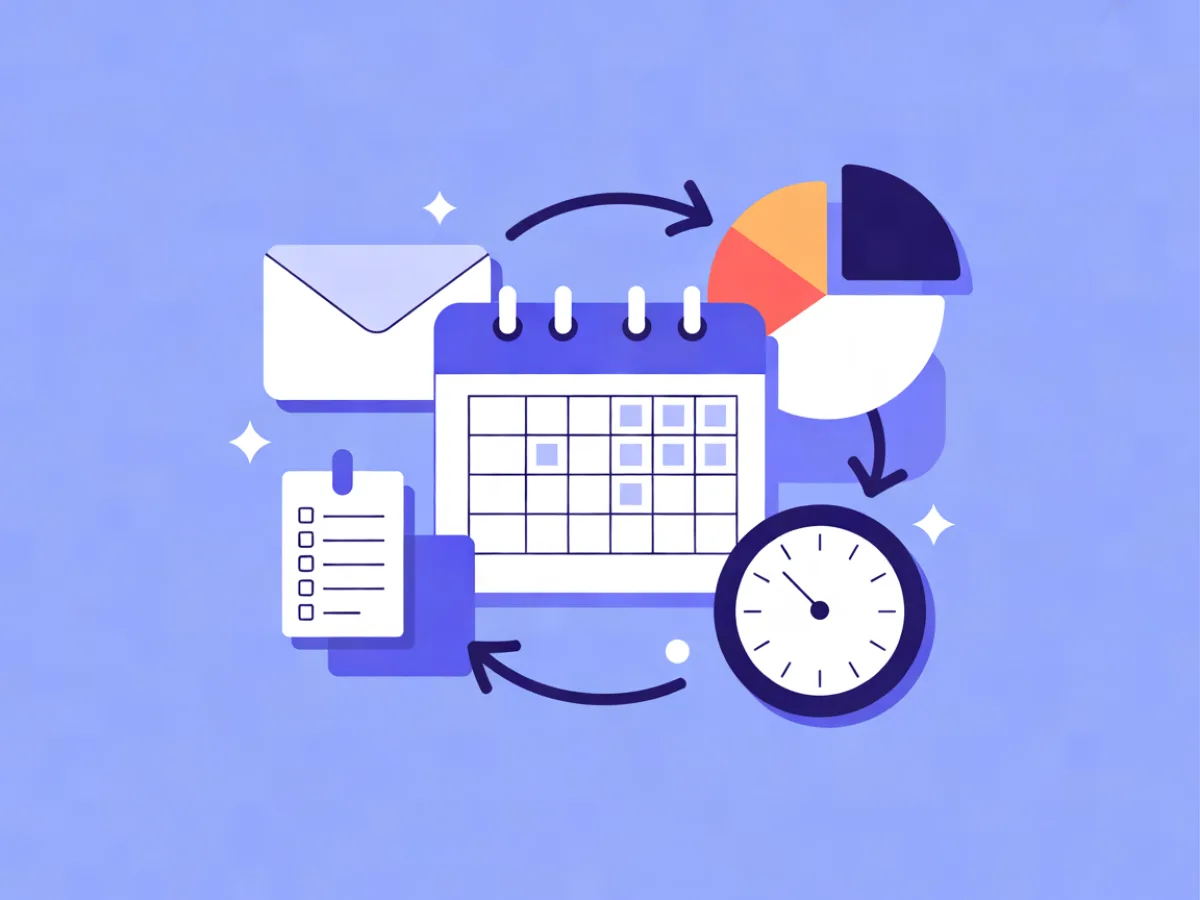
Email marketing for accountants is the practice of using email to move clients through recurring, calendar-driven obligations — document requests, filing deadlines, year-end — and to stay present between them. It is less about persuasion than about timing, segmentation and repetition: the right client gets the right ask at the right point in the tax calendar, and nothing else. This guide covers the three email jobs in a firm, the mechanics you need in place, a five-step build, copyable examples, common mistakes and a pre-send checklist.
What email marketing for accountants actually means
Most industries use email to create demand. Accounting firms use it to manage demand that already exists. A client who hired you in March knows they owe you documents in January; your job is to make sure they remember, know exactly what to send, and send it before the deadline compresses your week.
That makes accounting email unusually tractable. The calendar does the strategic work for you. You are not guessing when to send — the tax authority already told you.
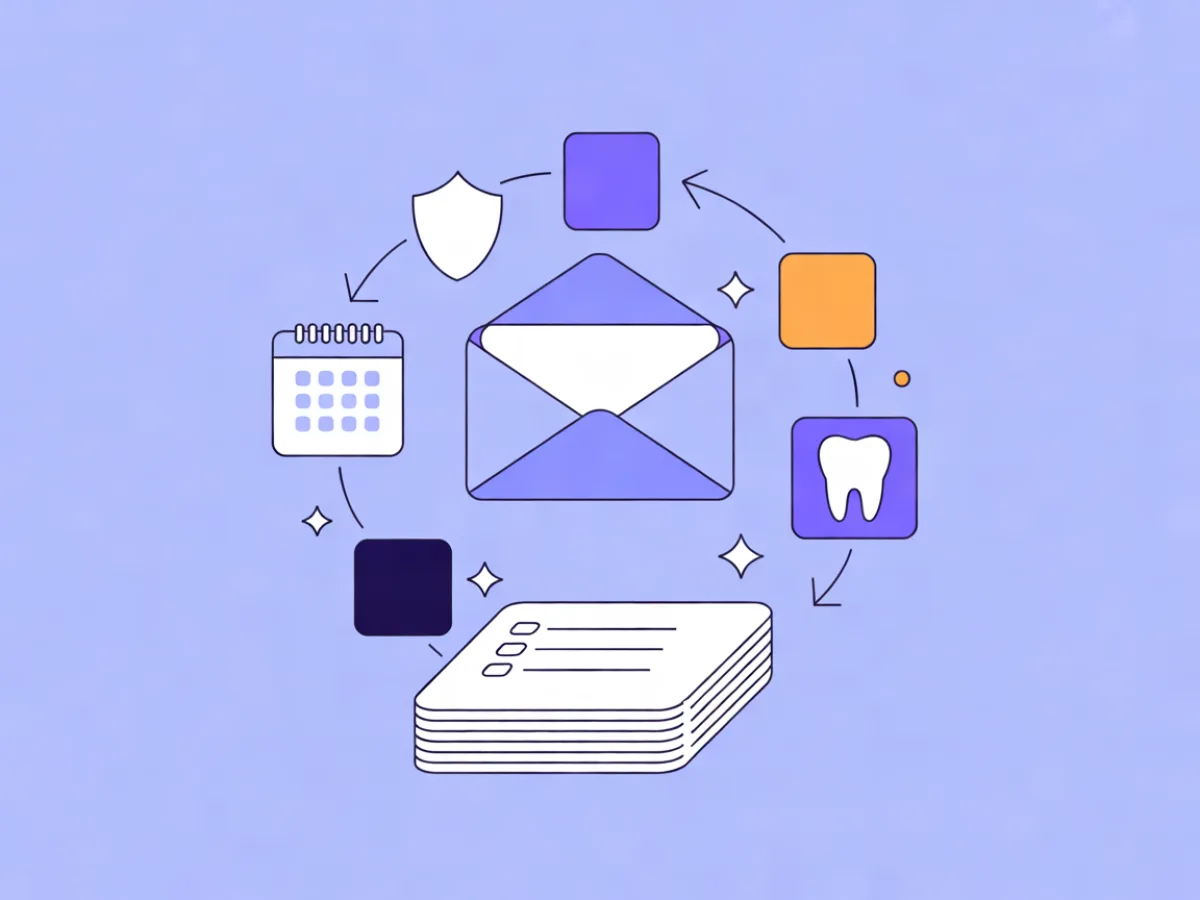
There are three distinct email types, and they should not be mixed:
- Operational. Document requests, e-signature nudges, filing confirmations, engagement letters. Triggered by client state, not by a campaign calendar.
- Deadline-driven. Statutory and internal deadlines, staged reminders, final notices.
- Educational. The accounting firm newsletter, tax-change explainers, planning prompts. Low frequency, high trust value.
The accounting firm newsletter is the layer most firms under-invest in. It is the only email that has no obligation attached, which is exactly why it keeps the list warm between deadlines and gives clients a reason to reply with questions before those questions become urgent.
Why it matters more than most firms treat it
Three mechanics, no statistics needed.
First, clients forget. Not because they are careless, but because a filing deadline that lives in your calendar does not live in theirs. Every reminder you send is a phone call you do not take in the last week of January.
Second, friction is where clients leave. A firm that asks for documents once, vaguely, and then goes quiet is a firm that gets replaced by one that asked three times, clearly. Email is the cheapest way to be the second firm.
Third, compliance is not optional here. You are handling financial data, so consent records, retention rules and list hygiene are part of the service, not marketing overhead. Sending a deadline reminder to someone who never consented is a different category of problem than sending a discount code to a stranger.
The three email jobs in an accounting firm
Operational
Frequency: as events occur. Sender: the person handling the file, or the firm name with a monitored reply-to. Success looks like: documents returned without a follow-up call, signatures completed, confirmations filed.
These emails should ride a transactional lane, not a marketing one. A filing confirmation buried inside a newsletter is a filing confirmation nobody finds.
Deadline
Frequency: staged — typically four to five touches per deadline per client. Sender: a named person. Success looks like: a rising share of documents arriving before the first nudge, and a falling volume of "when is it due?" calls.
Educational
Frequency: monthly at most, quarterly for most firms. Sender: a partner or the firm name. Success looks like: replies, forwards, and clients raising planning questions outside the deadline window.
How it works: the mechanics you need in place
Before campaigns, plumbing.
- A segmented contact list. Client type, entity type, fiscal year end, service line, jurisdiction. Without these fields, every deadline email is a broadcast.
- Consent records. Double opt-in for marketing sends, with a timestamp and source stored per contact.
- An authenticated sending domain. DKIM, SPF and DMARC configured on your own domain. Mailerflow handles own-domain sending with guided DKIM, SPF and DMARC setup and automatic verification, and automatically suppresses bounces and complaints — which matters here because a deliverability failure in deadline week is a missed filing, not a missed sale.
- Two lanes. Transactional (confirmations, document requests) and marketing (newsletter, planning prompts). Keep them separate.
- Suppression handling. Bounces and complaints removed automatically, plus a manual do-not-contact list for clients who have asked to be reached only by phone.
Step 1: Segment by obligation, not by demographics
This is the highest-leverage decision in the whole system. The segments that matter are the ones that determine what a client owes and when:
- Entity type: sole trader, partnership, limited company
- Fiscal year end
- VAT/GST registration status
- Payroll clients
- Service tier (compliance only vs. advisory)
A deadline reminder sent to the wrong segment does more damage than no reminder. It teaches the client that your emails are not about them, and they start ignoring the ones that are.
Build these as dynamic segments on fields and tags so they stay current as clients incorporate, change year end or add payroll. Mailerflow supports dynamic segments on fields, tags, engagement, events and website behavior, and can build a segment from a plain-language description — useful when you want "limited company clients with a December year end who opened nothing in six months" without hand-building filters.
Step 2: Build the deadline calendar before you write anything
List every recurring deadline your firm handles. Then work backwards from each one to the first document request. Confirm the actual dates with your local tax authority each year — they move, and a wrong date in an automated sequence is worse than a manual one.
A typical cadence per deadline:
| Timing | Purpose | |
|---|---|---|
| 6 weeks out | Heads-up | Name the deadline, list what will be needed |
| 3 weeks out | Document request | Numbered list, upload link or portal, one button |
| 1 week out | Nudge | Only to those who have not responded |
| 2 days out | Final reminder | Short, direct, names the consequence |
| Day after | Confirmation | What was filed, what happens next |
Five emails sounds like a lot. It is not — three of them go only to people who have not acted, which is usually a shrinking minority.
Step 3: Automate the reminders, keep the advice human
Automations should handle repetition. A person should write anything that constitutes advice.
A workable automation: trigger on a date or a tag, wait a set number of days, check a condition (document received yes/no), then branch to a different email per outcome. Add a second condition for engagement so clients who never open get a shorter, plainer email rather than the same one again.
Mailerflow's automation builder lets you describe a workflow in a sentence and it drafts the trigger, waits, conditions and emails for review before activation. For a firm without a marketing hire, that turns "we should really automate the January chase" into something you can review in an afternoon. Date-based triggers and "send when the contact is most active" are both available, which helps when your list spans time zones or shift workers.
Step 4: Write emails clients actually open
Subject lines for this audience should be specific and deadline-anchored, not clever:
- "Your 31 January filing: what we need from you"
- "Two documents still missing for your year-end accounts"
- "Payroll changes from April — what it means for you"
Preview text should carry the action, not repeat the subject. Body rules:
- One ask per email. If you need three things, number them — but the action is still one: send them.
- Deadline stated as a date, not "soon".
- One button. Not three.
- Paragraphs of two or three lines. Clients read these on phones between meetings.
For the newsletter, lead with one substantive item rather than five thin ones. A single well-explained tax change beats a digest nobody finishes.
If writing from scratch is the bottleneck, Mailerflow's AI email builder takes a description of the email and returns a complete responsive design plus subject lines and preview text. The visual block editor (headings, heroes, columns, social links) and reusable templates keep a firm's emails consistent when different staff send them.
Step 5: Measure the things that map to firm operations
Open rate is the wrong headline metric. Track instead:
- Document return rate by deadline, and how many arrive before the first nudge
- Time-to-response after each send
- Inbound call volume during deadline weeks
- Unsubscribes as a signal you are over-sending, not as a failure
Opens are approximate — Apple's Mail Privacy Protection and image blocking inflate and distort them — so treat clicks and replies as the firmer signals. Mailerflow's analytics cover delivery, bounces, complaints, clicks and approximate opens, per campaign and overall, which is enough to see whether a sequence is working without over-reading a single number.
Concrete examples you can adapt
These are illustrative templates, not customer stories.
1. Year-end document request (limited company clients) Subject: Your year-end accounts: 6 documents we need by 14 March Body: one line naming the deadline, a numbered list of six items, one upload button, one line naming who to contact with questions. Reply-to is a monitored person, not no-reply.
2. Quarterly newsletter Subject: One tax change worth knowing about this quarter Structure: one explainer (200 words, plain language), a short deadline table for the next 90 days, one planning prompt ("if you are considering incorporating this year, the timing matters — reply and we will talk it through").
3. Reactivation email to clients with no engagement in 12 months Subject: A review call before your next deadline? Body: acknowledge the gap without guilt, offer a 20-minute review, one booking button. Send once, then suppress.
Common mistakes
- Same deadline to every client. Fix: segment by fiscal year end before you send anything.
- Burying the document list under firm news. Fix: the ask goes in the first two lines.
- No-reply sender addresses. Fix: use a monitored reply-to on everything a client might answer.
- Filing confirmations inside marketing sends. Fix: separate transactional and marketing lanes.
- Buying or importing a list of local businesses. Fix: don't. Consent rules vary by jurisdiction, but purchased lists fail everywhere.
- Weekly newsletters. Fix: quarterly usually serves clients better than weekly.
- No consent records. Fix: double opt-in with stored timestamps.
- Ignoring bounces. Fix: automatic suppression, plus reputation monitoring so your domain does not degrade quietly.
- Advice written inside an automated email and never reviewed. Fix: automations send logistics; people send advice.
A short checklist before your next campaign
- [ ] Segments reflect current entity type and year end
- [ ] Deadline dates confirmed with the tax authority this year
- [ ] Document list attached or linked, numbered
- [ ] Exactly one action per email
- [ ] Sender name is a person; reply-to is monitored
- [ ] Sending domain authenticated (DKIM, SPF, DMARC)
- [ ] Suppression list and do-not-contact list applied
- [ ] Test send to a colleague on a phone
- [ ] Plain-text version readable
- [ ] Unsubscribe visible and working
- [ ] Follow-up scheduled for non-responders
- [ ] Consent recorded for every recipient
FAQ
How often should an accounting firm email clients? As often as the calendar requires and no more. Most compliance clients receive four to six deadline-related emails a year plus a quarterly or monthly newsletter. If unsubscribes spike, you are over-sending; if document return rates are falling, you are under-sending.
Can I email clients about services without consent? Consent rules vary by jurisdiction, and existing-client exemptions differ. Check your local guidance — for EU contacts, GDPR applies, and for US commercial email, CAN-SPAM does. The safe default is recorded opt-in for anything promotional, with transactional messages kept genuinely transactional.
Should deadline reminders be automated or personal? Automate the logistics, personalise the exceptions. The first three touches can be automated; the final chase to a client who has gone quiet is usually better as a short personal note from the person handling the file.
What should go in an accounting firm newsletter? One substantive item — a tax change explained in plain language — plus a short deadline table and one planning prompt. Resist the digest format; clients skim digests and read single-topic emails.
How do I stop clients marking reminders as spam? Send from an authenticated domain, keep the ask specific, make the sender recognisable, and stop sending to people who have not engaged in a year. Most "spam" complaints in this sector are really "I don't know who this is or why I'm getting it" complaints.
Is email or a client portal better for document collection? Both. Email is the notification layer — it is where clients actually look — and the portal is the storage layer. Link directly to the specific upload page in every request rather than to a portal homepage.
If you want to build the deadline sequence described above without starting from a blank page, Mailerflow's AI email builder and automation tools let you describe the sequence and review a draft before it goes live, and the plans include unlimited emails from $14.90/month with a free tier for smaller firms.
Put this into practice in Mailerflow: create your first campaign or automation by telling the AI what you want. Start free.