Email Marketing for YouTubers: Turn Viewers Into an Audience You Own
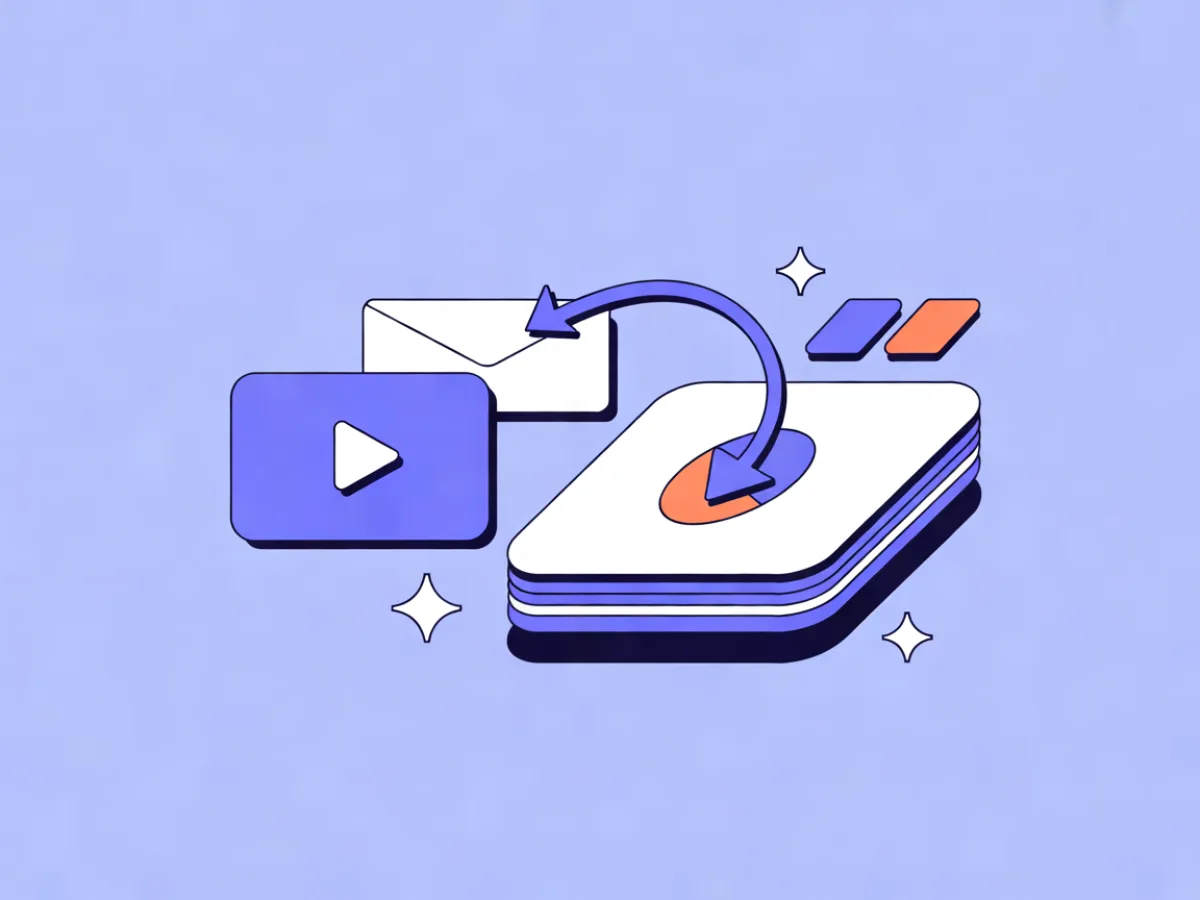
Email marketing for YouTubers means running an email list alongside your channel: you use it to notify people about new videos, give them context and resources the video couldn't hold, and eventually sell your own products or deliver sponsor value. The important part is ownership — a YouTube email list is not the same thing as YouTube subscribers. You hold the addresses, you can export them, and no recommendation system decides who sees your message.
YouTube is a discovery engine. It decides who gets shown your video, in what order, and to how many people. Email is a delivery channel. Once someone is on your list, you choose when to reach them, and the message arrives in a place they check daily.
That doesn't make email a replacement for your channel. It's a second channel that works with YouTube rather than against it. The two feed each other: videos bring people to your signup page, and email brings people back to videos.
Email does three jobs for a creator:
- Notify. A new video is live, here's what it covers, here's the link.
- Deepen. The extra context that didn't fit in the edit — the template you used, the mistake you cut out, the follow-up question from the comments.
- Convert. Your course, coaching, affiliate links, or the deliverable a sponsor is paying for.
Why it matters more than most creators think
The argument for email isn't fear-mongering about the algorithm. It's a simple structural point: reach on YouTube is rented, and reach on your list is owned.
Rented reach can change without your input. Recommendation systems shift, a video gets age-restricted, a channel picks up a strike, monetization rules change, or your niche simply goes quiet for a season. None of that is a catastrophe if you have somewhere else to talk to the same people.
Email also reaches a group YouTube quietly hides from you: the occasional viewer. Plenty of people watch two of your videos a year and never see an upload in their feed. If they're on your list, you can still reach them when it matters.
And it supports the business side. Course launches, coaching openings, affiliate recommendations and sponsor deliverables all work better with a list than with a hope that the upload performs. If you're building toward paid work, the list is often the asset that makes the launch possible.
Finally, email gives you a place to publish when a video underperforms or you take a break. A short written update keeps the relationship warm at a fraction of the production cost.
Choosing a provider at the same time? Our comparison of the Best Email Marketing Platforms ranks them by verified prices for your list size and sending volume.
How it works: the loop from video to inbox
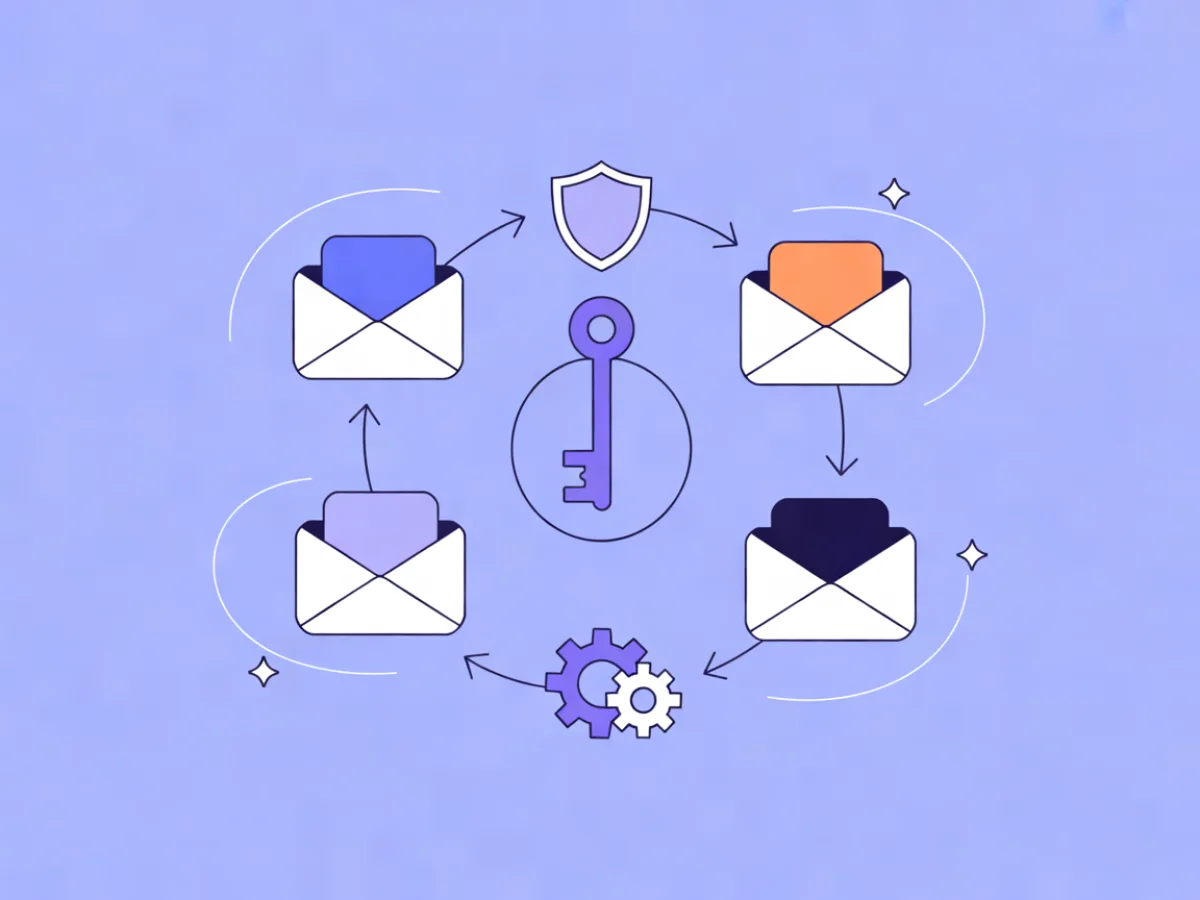
The whole system is a loop, not a funnel:
- A viewer watches a video.
- The video gives them a specific reason to join your list.
- They land on a signup form or landing page and confirm their address.
- They get a welcome email that delivers whatever you promised.
- They get notified when you publish.
- Occasionally they get a deeper email with context or an offer.
- They click back to YouTube or to your product page — and some of them share the video, which brings new viewers.
The welcome email is the highest-intent moment you will ever get with that person. They just asked to hear from you. Spending it on "thanks for subscribing" wastes the one moment when they're paying full attention.
Step 1: Give viewers a reason to join
"Subscribe to my newsletter" is not a reason. A lead magnet tied to the video they just watched is.
The rule is relevance over size. A 40-page ebook nobody reads is worse than a one-page checklist people actually use. Match the offer to the topic:
- A video about editing workflow → the project file and a keyboard shortcut sheet.
- A video about freelance rates → a pricing calculator with your own numbers pre-filled.
- A coaching channel → a five-day email mini-course that walks through your framework.
- A review channel → a buying checklist for the category you just covered.
Other options that work for creators: early access to a video before it goes public, a monthly Q&A thread for list members only, or a resource library that grows over time.
Pick one offer for your most-watched topic first. You can add more later.
Step 2: Put the signup where viewers already are
Most creators have one link in one place and wonder why the list grows slowly. Spread the ask across the surfaces people actually touch:
- Pinned comment on every video.
- First two lines of the description, before the affiliate links.
- End screen and cards.
- A verbal callout in the video itself — the single highest-performing placement, and the one most creators skip.
- Channel banner and About page.
- Community tab posts.
- A dedicated landing page linked from your channel.
A dedicated landing page usually outperforms sending people to a generic homepage, because there's only one thing to do there. Use embeddable signup forms with double opt-in and consent records so you can show when and how each person agreed to hear from you.
Step 3: Set up the welcome sequence
A three- to four-email sequence, triggered on signup with short waits between messages, covers the basics:
- Deliver the resource immediately. No pitch, no preamble. The link, plus one line on how to use it.
- Short story and expectations. Who you are, what you'll send, how often. End with a question and ask them to reply.
- Best-of content. Your single most useful video or post for someone at their stage.
- Soft mention of what you sell, if you sell anything. One sentence, one link, no pressure.
That reply question in email two matters more than it looks. Replies are a strong engagement signal, they help deliverability, and they tell you what people actually want — which becomes your next video.
If the blank page is the obstacle, Mailerflow's AI automation builder drafts a workflow from a one-sentence description — trigger, waits, conditions and emails — for you to review before it goes live.
Step 4: Send video updates people actually open
The notification email is the workhorse. Subject line patterns that hold up:
- The specific promise: "The 3-click fix for muddy voiceover audio"
- The question the video answers: "Should you niche down or stay broad?"
- The surprising detail: "I re-edited my most popular video — here's what changed"
- The plain style: "New video: my full lighting setup"
What doesn't hold up is a subject line the video can't cash. If the title promises a fix and the video rambles, you train people to stop opening.
Preview text should extend the subject, not repeat it. If the subject is the promise, the preview is the reason to believe it.
Body structure, kept short:
- One clear reason to click.
- A thumbnail or still frame.
- Two or three sentences on what's in the video.
- One primary CTA button.
- One secondary link at most.
On frequency: one email per upload is fine if you publish weekly. If you publish daily, batch into a weekly digest — daily notifications burn a list fast. Rather than guessing which subject line wins, run A/B testing on campaigns and use "send when the contact is most active" in automations so timing adapts per person.
Step 5: Segment so you stop emailing everyone the same thing
Someone who joined for editing tutorials does not want your vlog updates. Segmentation is how you avoid becoming noise.
Three useful cuts for creators:
- Topic interest — which lead magnet or landing page they came from.
- Engagement — clicked in the last 60 days versus never opened.
- Buyer status — customer versus subscriber.
A practical version: tag every signup with the video or topic that brought them in, then send topic-specific video recommendations. The editing group gets the editing upload; the business group gets the pricing video.
Mailerflow's dynamic segments build on fields, tags, engagement, events and website behavior, and you can describe a segment in plain language and have AI assemble it. That's useful when your list is small and you'd rather spend the time editing.
Step 6: Protect deliverability from day one
This is the section creators skip, and it's the reason "nobody opens my emails" happens.
- Send from your own domain, not a free mailbox address. Gmail and Outlook addresses get filtered.
- Set up DKIM, SPF and DMARC. These authenticate your sending. Guided setup with automatic verification exists, so there's no excuse to skip it.
- Use double opt-in. It costs you a few signups and saves your reputation.
- Keep the list clean. Automatic suppression of bounces and complaints should be on by default.
- Never buy a list. It will damage your domain, and the damage follows you.
- Warm up a new domain gradually. Sudden volume from a fresh domain looks like spam.
A realistic example: a weekly tutorial channel
Imagine a channel publishing one tutorial a week in a niche software category. Here's the flow, start to finish.
Lead magnet: a template file for the software, offered at the end of the most-watched tutorial.
Placement: signup link in the description's first two lines, pinned comment, end screen, and a 10-second verbal callout mid-video.
Welcome sequence: template delivered instantly, then a short note on what the list is for, then the three most useful tutorials for a beginner.
Weekly email: sent the morning the video goes live, with a consistent subject pattern — "New tutorial: [specific task] in [software]" — so readers recognize it instantly.
Monthly deeper email: the mistake they see most in comments, or a workflow that didn't fit the video.
Segmentation: signups tagged by which tutorial brought them in, so the advanced group gets advanced recommendations.
Soft pitch: twice a year, a short email about the paid course, sent only to people who've clicked on three or more related tutorials.
Nothing here is clever. It's just consistent.
Common mistakes to avoid
- Treating email as a copy of your YouTube feed with no added value.
- Only emailing when you have something to sell.
- No welcome email, or a generic "thanks for subscribing."
- Sending from a personal Gmail address.
- Buying or scraping addresses.
- Ignoring unsubscribes and spam complaints instead of acting on them.
- Sending the same email to everyone regardless of why they joined.
- Burying the video link under three paragraphs of preamble.
- Never asking readers to reply.
- Going silent during a break instead of setting expectations first.
Quick checklist
- [ ] Pick one lead magnet tied to your most-watched topic.
- [ ] Create a signup form and a dedicated landing page.
- [ ] Add the link to description, pinned comment, end screen and About page.
- [ ] Write a three-email welcome sequence.
- [ ] Set up your sending domain with DKIM, SPF and DMARC.
- [ ] Turn on double opt-in.
- [ ] Build a reusable video-update template.
- [ ] Decide your cadence and stick to it.
- [ ] Tag signups by topic.
- [ ] Test one subject line per send.
- [ ] Review bounces and complaints monthly.
- [ ] Export your list regularly as a backup.
FAQ
Should I email every time I upload?
If you publish weekly, yes — one notification per video is expected and welcome. If you publish daily or several times a week, batch into a weekly digest. The test is whether each email gives a reason to open; if it doesn't, combine it with others.
How do I get my first 100 email subscribers?
Start with the video that already gets the most traffic, add a specific lead magnet to it, and put the link in the description, pinned comment and a spoken callout. Then repeat the callout in every new video. The first hundred come from your existing audience, not from ads.
Is it against YouTube's rules to ask people to join my email list?
No. Asking viewers to join your list is normal and allowed. What isn't allowed is spamming comment sections or scraping addresses. Keep the ask inside your own videos, descriptions and community posts.
Can I email my YouTube subscribers directly?
No. YouTube doesn't give you subscriber email addresses. The only way onto your list is earning the signup — which is exactly why the list is valuable.
What should I send if I don't have a product to sell?
Send the things that build the relationship: the resource you promised, the context behind a video, a question you're genuinely trying to answer, a recommendation for someone else's work you found useful. Selling is optional; being worth opening is not.
How often is too often?
Too often is when opens and clicks fall and unsubscribes rise — usually a sign the emails aren't earning their place, not that the frequency is wrong. Weekly video notifications plus one deeper email a month is a sustainable baseline for most creators.
Do I need a separate domain for email?
Not necessarily, but you should send from a domain you control rather than a free mailbox. If your channel brand and your site share a domain, that's fine — just make sure DKIM, SPF and DMARC are configured and verified before you send volume.
If you want to see how the mechanics work in practice — forms, automations, segments and deliverability setup in one place — the Mailerflow features page covers what's included, and the pricing page lists the plan limits. Creators coming from a music or performance background may also find the patterns in our guide to email marketing for musicians and artists useful, since the release-and-announce rhythm is similar.
Put this into practice in Mailerflow: create your first campaign or automation by telling the AI what you want. Start free.