Dental Email Marketing: A Practical Guide for Practices and Clinics
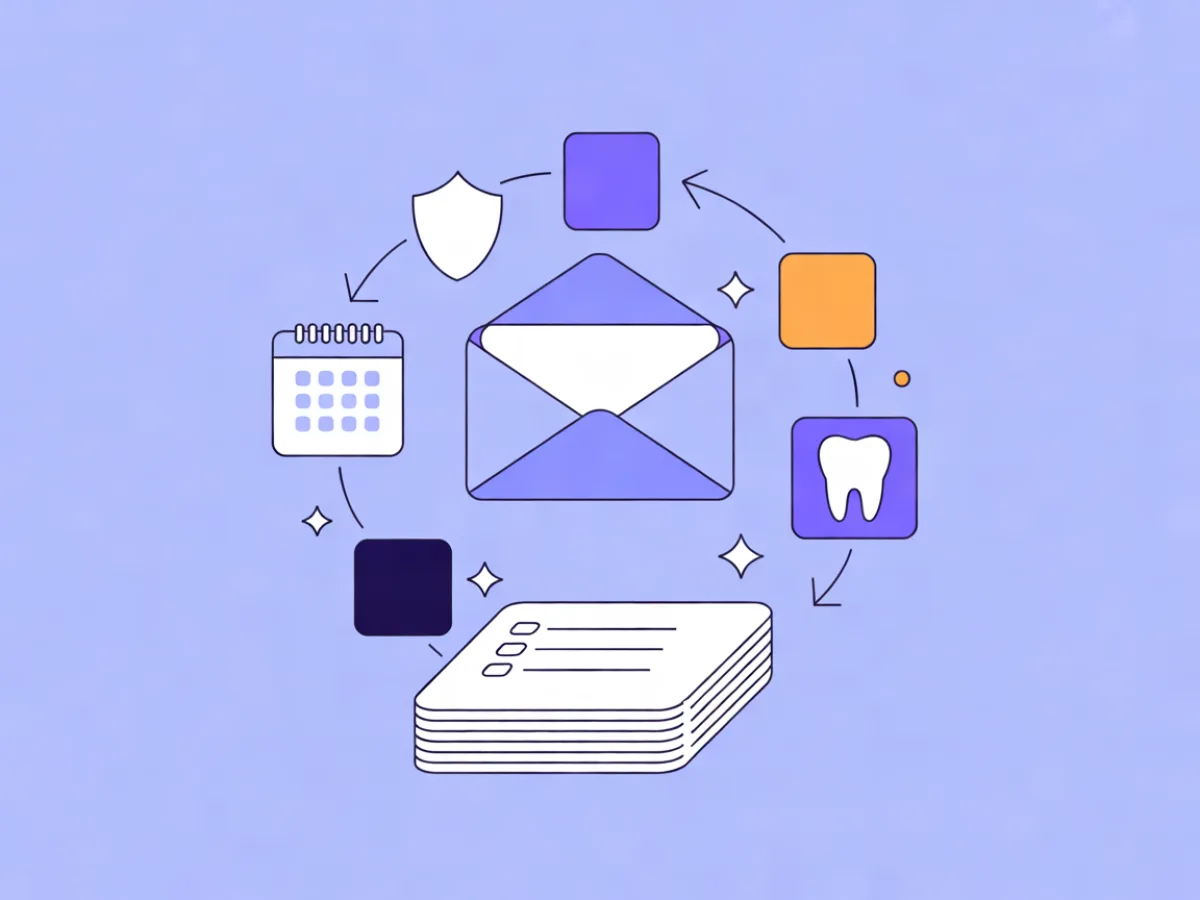
Dental email marketing is the practice of using email to remind patients about appointments and recall visits, educate them about treatments and aftercare, and communicate practical information about the practice — while keeping clinical detail out of the inbox. It is not a replacement for phone or text confirmations, and it is not a place to discuss a patient's diagnosis. Used within those limits, it is one of the cheapest and most controllable channels a practice has.
What dental email marketing actually covers
The term gets used loosely, so it helps to split it into three jobs:
- Reminders. Hygiene recall ("you're due for a six-month visit"), follow-up after a treatment, and gentle nudges for patients who haven't booked in a long time.
- Education. Aftercare instructions after an extraction or crown, what to expect from a whitening treatment, how to care for a child's first molars. This is the content patients actually keep.
- Practice communication. Holiday hours, a new dentist joining the team, changes to insurance accepted, payment plan options, parking or accessibility notes.
Medical practice email marketing follows the same structure, but the content shifts — appointment prep instructions, screening reminders, chronic care follow-ups — and the sensitivity bar is higher, because a subject line like "your diabetes review" on a lock screen reveals more than most patients want.
What it is not:
- Not a substitute for the confirmation call or text the day before an appointment.
- Not a channel for clinical advice or diagnosis.
- Not a place for detailed treatment records or attachments containing patient data.
Choosing a provider at the same time? Our comparison of the Best Email Marketing Platforms ranks them by verified prices for your list size and sending volume.
Why email still earns a place in the mix
No invented benchmarks needed here — the reasons are structural:
- Marginal cost per send is close to zero. Once the template exists, the hundredth email costs about the same as the first.
- You own the list. Unlike a social following, your contact list is portable and not subject to an algorithm.
- It reaches people who don't answer the phone. Many patients screen calls but read email.
- It segments cleanly. Hygiene recall, treatment follow-up and inactive patients are three different messages, and email makes that easy to keep separate.
Be honest about the limits: email is a poor fit for same-day scheduling changes. If a patient needs to know a 2pm slot opened up, use SMS or a call. Email is for the things that can wait a day.
The privacy and consent rules you cannot skip
This is the part that separates a practice's email from a retailer's. Treat the following as general principles and check your local rules — and where the stakes are high, a lawyer or data protection advisor. This is not legal advice.
1. Consent. Know how each patient opted in and keep a record of when and how. A checkbox at the front desk, a form on your website with a clear description of what they'll receive, and a double opt-in confirmation are all reasonable. "They're a patient, so we can email them" is a shaky assumption in many jurisdictions.
2. Minimum necessary content. Subject lines and preview text appear on lock screens, often in front of family members. "Your appointment tomorrow at 10:00" is fine. "Your root canal follow-up" is not. Keep clinical specifics inside the email body, behind a login where possible.
3. Secure links instead of attachments. Never attach a treatment plan or a scan. Link to a patient portal instead.
4. Unsubscribe and preferences. Every marketing email needs a working unsubscribe. Better still, let patients choose what they receive — recalls only, or recalls plus newsletters.
5. GDPR basics for EU practices. You need a lawful basis for processing, the ability to export a patient's data on request, the ability to erase it, and a defined retention period. Mailerflow provides data export, erasure, consent logs, configurable retention and EU hosting as concrete tools for this — they support your process, but they don't make anyone compliant on their own. The process is yours.
How it works: the moving parts
Strip away the jargon and there are four components:
Contacts and fields. Each patient record holds fields and tags — last visit date, treatment type, preferred location, whether they've opted into newsletters. Tags are how you'll build segments later.
Segments. A segment is a saved rule, not a static list. "Patients whose last visit was more than 12 months ago and who have not unsubscribed" is a segment that updates itself. Mailerflow builds dynamic segments from fields, tags, engagement, events and website behaviour, and can generate one from a plain-language description.
Templates. One well-built template that matches your practice's colours and logo covers most sends. Reusable blocks save time on the rest.
Automations. A one-off campaign is a single send — a holiday-hours notice, for example. An automation is a sequence triggered by a date, an event or inactivity: recall at six months, aftercare at 24 hours post-treatment, re-engagement at 18 months. Mailerflow's automation builder takes a sentence describing the workflow and drafts the trigger, waits, conditions and emails for you to review before it goes live.
One technical note worth taking seriously: send from your own domain with SPF, DKIM and DMARC configured. An unauthenticated or shared domain lands in spam far more often, and no amount of good copy fixes that.
Setting it up: a step-by-step sequence
- Decide the three or four emails you'll actually send. Not twelve. Recall, aftercare, welcome, re-engagement is a solid starting set.
- Collect consent properly. Add a clear opt-in at the front desk and on your website, and record the date and source.
- Import contacts with fields and tags. Deduplicate on the way in. A CSV import with validity checks handles this; Mailerflow also offers free migration help on eligible paid plans.
- Authenticate your sending domain. Follow the guided DKIM, SPF and DMARC setup and wait for verification before your first real send.
- Build one template. Match the practice's look. Don't over-design.
- Build the first automation. Start with the recall sequence — it's the highest-value and the easiest to define.
- Test with staff addresses. Check rendering on a phone, not just a desktop.
- Send, then review. Look at delivery, bounces and clicks. Ignore open rates as a precise metric; they're approximate at best.
Key decisions before you send anything
| Decision | Options | Practical recommendation |
|---|---|---|
| Frequency | Fixed monthly newsletter vs. event-driven only | Event-driven for reminders; add a quarterly newsletter if you have real news |
| Segmentation | One list vs. per-location or per-provider | Segment by location if you have more than one; per-provider only if patients request it |
| Subject lines | Mention the treatment vs. stay generic | Stay generic in the subject; put detail in the body |
| Minors | Email the patient vs. the guardian | Send to the guardian on record, and say so in the copy |
| List structure | One "practice news" list vs. separate lists per purpose | Separate lists — it makes preferences and unsubscribes cleaner |
Concrete examples you can adapt
These are illustrative examples, not real campaigns.
1. Six-month hygiene recall. Subject: "Time for your check-up?" Preview: "A few slots open this month — pick one that suits you." One action: book. Keep the copy short and put the booking button above the fold.
2. Post-treatment aftercare. Sent 24 hours after a crown or extraction. Subject: "How are you feeling today?" Preview: "A few things to expect over the next 48 hours." One action: read the aftercare guidance, with a phone number for concerns.
3. New-patient welcome series. Three emails over two weeks: what to bring and where to park; insurance and payment basics; a short introduction to the team. One action per email.
4. Re-engagement at 18 months. Subject: "We haven't seen you in a while." Preview: "If you'd like to come back, here's the easiest way." One action: book, or update preferences if they'd rather hear less.
If you need a template quickly, Mailerflow's AI email builder takes a plain description and returns a complete responsive design with subject lines and preview text. That's useful for the layout and the framing — but edit the clinical wording yourself. No tool should be writing aftercare instructions unsupervised.
Common mistakes and how to avoid them
- Treatment names in subject lines. Fix: describe the appointment, not the condition.
- The same message to everyone. Fix: segment on last visit date at minimum.
- No single call to action. Fix: one primary button per email.
- Sending from a no-reply address. Fix: use a monitored inbox; patients will reply.
- Bought or scraped lists. Fix: don't. It breaks consent rules and damages deliverability.
- Unsubscribes and bounces not suppressed. Fix: use a platform that suppresses automatically.
- Over-mailing after a lapse. Fix: one re-engagement email, then stop unless they respond.
- Using email for same-day changes. Fix: SMS or a call.
A pre-send checklist
- [ ] Consent recorded for every recipient, with date and source
- [ ] Subject line and preview text contain no clinical detail
- [ ] One clear call to action
- [ ] Links point to a secure page, not an attachment
- [ ] Sender name and reply-to address are monitored
- [ ] Sending domain authenticated (SPF, DKIM, DMARC)
- [ ] Test send reviewed on a phone
- [ ] Segment checked — right patients, right exclusions
- [ ] Unsubscribe link present and working
- [ ] Retention and erasure process documented
- [ ] Post-send review scheduled
FAQ
Can I email patients who never opted in? No. Use the appointment confirmation channel you already have to invite them to opt in, and keep a record of that consent.
Can I include treatment details in an email? Keep it minimal. General guidance in the body is usually fine; specifics belong behind a login. Never in the subject line.
How often should a practice email patients? For reminders, event-driven beats a fixed schedule. For newsletters, quarterly is usually enough — and only if there's something to say.
Do I need a separate tool from my practice management software? Sometimes the PMS covers basic reminders. A dedicated email tool adds design, segmentation, automation and reporting. If your PMS already does what you need, don't duplicate it.
Is email or text better for appointment reminders? Both, for different jobs. Text for near-term confirmations, email for recall, education and practice news.
Put this into practice in Mailerflow: create your first campaign or automation by telling the AI what you want. Start free.