Email Marketing for Membership Organizations: Onboarding, Renewal, Engagement and Member-Only Content
Membership email marketing is the set of emails a membership organization sends across the member lifecycle: welcome and onboarding, ongoing value and member-only content, engagement nudges, renewal, win-back, plus operational mail like event confirmations and dues receipts. It differs from general newsletter marketing in one important way: your audience is a known group with a start date and often an end date, so timing and member status matter as much as the content itself.
This guide covers the four loops that do most of the work, the decisions inside each one, and the mistakes that quietly cost organizations members every month.
What membership email marketing actually is
Membership email marketing is lifecycle email built around a status, not a campaign calendar. Every contact in your list is in one of a handful of states — new, active, quiet, expiring, lapsed — and the right email depends entirely on which state they are in.
That is the whole discipline in one sentence. A general newsletter list is a crowd you talk to. A membership list is a set of people you owe different things to at different times.
It does three jobs:
- Reduce early churn. Most members who leave in month one never got a reason to stay. Onboarding fixes that.
- Make renewal obvious. Members rarely decide to leave deliberately; they drift. A well-timed value recap turns renewal into a formality.
- Stop quiet members from disappearing. The gap between "hasn't opened in a while" and "cancelled" is where re-engagement lives.
Operational mail sits alongside these: event confirmations, dues receipts, access details. It is not marketing, but it is part of the same member experience and usually belongs on a separate, high-priority sending path so a receipt never queues behind a newsletter.
Why it matters more for memberships than for a typical list
A member has already made a decision about you. They paid, joined, or signed up for a purpose. That raises the stakes on every send.
- A missed welcome email is a missed first impression, and first impressions are hard to redo.
- A renewal reminder that arrives after the expiry date is revenue you have to chase instead of collect.
- A member-only email that goes to lapsed members removes the reason anyone pays for membership.
None of these failures show up as a dramatic event. They show up as support tickets asking how to log in, refund requests in month one, and silent non-renewals that only become visible in the annual numbers. The fix is structural: map member statuses to segments, then let automations handle the timing.
How membership email marketing works: the four loops
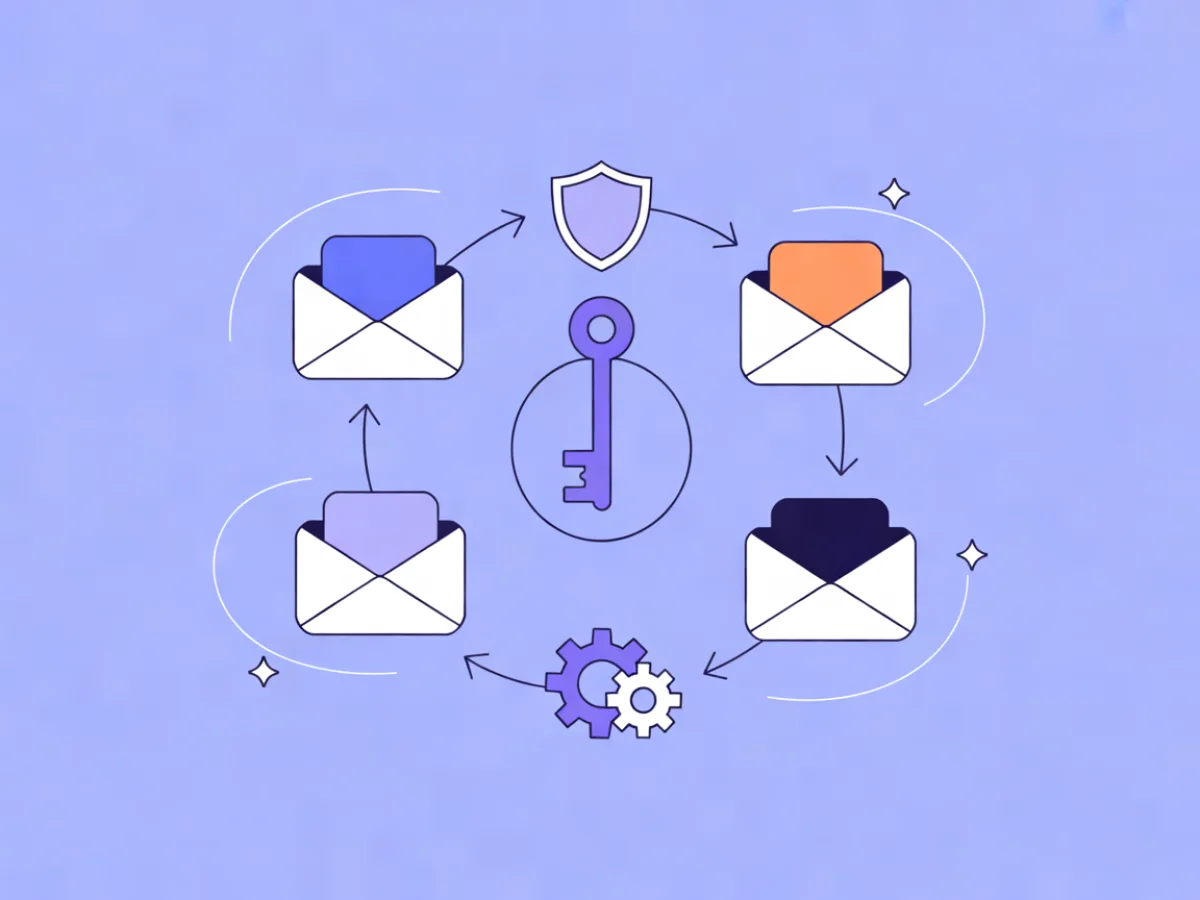
Four recurring loops cover almost everything a membership organization sends.
| Loop | Trigger | Typical length | Primary goal |
|---|---|---|---|
| Onboarding | Join date | 30 days | First value delivered fast |
| Engagement | Ongoing schedule | Continuous | Members use what they pay for |
| Renewal | Expiry date | 60 days out to grace period | Renewal without friction |
| Win-back | Lapse or inactivity | 30–90 days | Return or clean exit |
These are automations triggered by dates, status changes and behavior — not one-off blasts. That distinction matters because it is what makes the whole system survive a busy month. If your renewal sequence depends on someone remembering to export a list, it will eventually not happen.
If you want the renewal sequence live this week rather than next quarter, Mailerflow's automation builder lets you describe a workflow in a sentence and it drafts the trigger, waits, conditions and emails for review before you activate anything. You stay in control of what goes out; the drafting is what gets faster.
Loop 1: Onboarding new members in the first 30 days
Onboarding is the highest-leverage sequence you will ever write. The decisions are simple: what to send, in what order, and what to ask for.
A workable five-email sequence for an event-organizer membership:
- Day 0 — Welcome. Access details, login link, and one clear next step. Not three. One.
- Day 2 — How to get value fast. The three things most members do first: register for the next meetup, join the community channel, download the resource library.
- Day 7 — Invite. A specific upcoming event or community call with a direct registration link.
- Day 14 — Check-in. A single question: what do you want to get out of your membership? Replies are gold, and they tell you how to segment.
- Day 30 — Recap. What happened this month that they may have missed, plus the next thing to do.
One action per email. Every additional call to action halves the response to the others.
Two structural points. First, keep the entry point clean: embeddable signup forms with double opt-in and consent records mean you can prove how each member joined, which matters at renewal time and under GDPR. Second, branch the sequence by member type or join reason using dynamic segments on fields and tags. A first-time member and a returning corporate member should not get identical onboarding.
Loop 2: Engagement and member-only content
The member newsletter is the backbone of this loop. It is also where most organizations lose discipline, so treat it as a product with a fixed shape:
- A cadence you can sustain. A reliable monthly beats an erratic weekly. Members forgive a slow rhythm; they do not forgive silence followed by three emails in a week.
- A consistent structure. Same section order every issue so readers can scan to what they care about.
- One lead item. The single most useful thing goes first, above everything else.
What actually counts as member-only content: recordings and slides from past sessions, early access to tickets, a member directory, templates and toolkits, Q&A threads, and discount codes. The test is simple — if a non-member could get it from your public site in two clicks, it is not a member benefit.
Segment on engagement and website behavior so active members get deeper content while quiet ones get a re-entry prompt instead of another wall of announcements. Because the newsletter repeats, it is also the best place to A/B test subject lines: you get a clean comparison every issue rather than a one-off guess.
Loop 3: Renewal emails that don't feel like a shakedown
Renewal is where most organizations leave money on the table, usually because they send one reminder too late. A timeline that works:
| Timing | Content | |
|---|---|---|
| 60 days out | Value recap | What they used this year, in specifics |
| 30 days out | Renewal notice | Price, deadline, one-click renewal link |
| 14 days out | Short reminder | Two sentences and the link |
| 7 days out | Final notice | Deadline restated, plus what lapses |
| Day after expiry | Grace period | Still time, here is the link |
Decisions to make before you build it: how many reminders before it becomes noise (three to four across 60 days is a common landing spot), whether to offer a downgrade or pause option instead of a hard yes/no, and which members get a personal follow-up from a human. Date-based triggers and waits handle the schedule without a spreadsheet, and the sequence should stop the moment someone renews.
Keep the tone factual. Members renew because the value is clear, not because the email is urgent.
Loop 4: Win-back and re-engagement
There are two distinct groups here, and they need different emails.
Lapsed members. A short sequence: what has changed since you left, a limited return offer if you have one, and a clean goodbye that removes them from member-only sends. The goodbye matters — it protects the value of membership for everyone still paying.
Disengaged members who are still paying. A single email asking "are you still getting value?" with two buttons — yes, or not really — restarts a conversation more often than any clever campaign. The "not really" replies are your best product feedback.
On the technical side, make sure bounces and complaints are suppressed automatically. A decaying list drags down deliverability for your transactional mail too, which is the last thing you want failing. Inactivity triggers exist precisely for this loop, so you are not manually hunting for people who have gone quiet.
A worked example: a 400-member regional event association
This is an illustrative scenario, not a real customer.
A regional association runs monthly meetups and one annual conference, with 400 members on annual anniversaries. Their four loops in one calendar:
- New joiners enter the five-email onboarding sequence automatically on their join date.
- A monthly member newsletter goes out on the first Tuesday, leading with a gated recording from the last meetup.
- Each member's renewal sequence starts 60 days before their own anniversary, not on a single organization-wide date.
- Anyone who lapses gets one win-back email at day 30, then moves to a non-member segment.
One email in detail, so you can copy the shape:
Subject: Your meetup recording + what's coming in March
Preview: The full session, plus early tickets for the conference.

Hi {{first_name}},

If you missed last week's session on sponsorship pricing,
the full recording and slides are in your member library:
[Watch the recording]

Coming up:
- March meetup: panel on venue partnerships (RSVP)
- Conference early-bird tickets open to members first, March 4

One question: what topic should we cover in April?
Just reply to this email.

— The [Association] team
Note the structure: one lead item, one short list, one question. This is also the kind of email you can hand to an AI email builder — describe it, get a responsive design plus subject line and preview text options, then edit in the block editor and save it as a reusable template for next month. That last step is what keeps a monthly newsletter from eating a whole afternoon.
Common mistakes in membership email marketing
- One email for everyone. New, active and lapsed members get the same send. Fix: map statuses to segments first, then build.
- Renewal as a single reminder. One email, sent late. Fix: a 60-day sequence with date triggers.
- Gating nothing. If membership has no email benefit, it is a donation. Fix: decide what is member-only and hold the line.
- A newsletter that is all announcements. Fix: lead with the single most useful item and keep a fixed structure.
- No preference center. People unsubscribe when they would rather just get fewer emails. Fix: offer frequency and topic choices.
- Ignoring deliverability setup. Fix: configure DKIM, SPF and DMARC on your own domain before your next send, not after a spam-folder complaint.
- Importing a list without consent. Fix: consent records or nothing.
- Treating opens as exact. Fix: use clicks and replies as your real signal.
Checklist: membership email marketing you can run this month
- [ ] Define member statuses and map each to a segment
- [ ] Build the five-email onboarding sequence
- [ ] Set a newsletter cadence and save a reusable template
- [ ] Decide what is member-only, in writing
- [ ] Build the renewal sequence with date triggers
- [ ] Add one win-back email and a clean goodbye
- [ ] Set up your sending domain with DKIM, SPF and DMARC
- [ ] Add a preference center link to every send
- [ ] Review clicks and replies monthly, not just opens
- [ ] Confirm bounces and complaints suppress automatically
FAQ
How often should we email members?
Match the cadence to your content supply. A reliable monthly beats an erratic weekly, and a newsletter that arrives on schedule trains members to expect it. Add lifecycle emails (onboarding, renewal, win-back) on top of that rhythm — they are triggered, not scheduled, so they do not compete with it.
How many renewal reminders is too many?
Three to four across a 60-day window is common. The sequence should stop the moment someone renews, and the last email should be short. If you find yourself adding a fifth, the earlier emails probably are not making the value clear enough.
Can we email lapsed members?
Yes, if they consented and you give a clear way out. Stop member-only content immediately on lapse — continuing to send it removes the reason to rejoin. One or two win-back emails, then a clean goodbye.
What is the difference between a member newsletter and a marketing campaign?
The newsletter is a recurring relationship email with a predictable structure. Campaigns are one-off sends for a specific event, launch or deadline. Both belong in your calendar, but they should look different so members know what they are opening.
How do we handle GDPR for member data?
Consent records, export and erasure on request, and a defined retention period. Mailerflow provides these tools and hosts data in Europe, which simplifies the question for EU-based organizations — but the policy decisions are still yours to make and document.
Should member-only content be in the email or behind a login?
Teaser in the email, full content behind the login. That protects the benefit and drives the site visits that make your member engagement numbers meaningful.
If you want to see how the four loops look as actual automations, Mailerflow's feature overview shows the builder, segments and deliverability setup, and pricing covers the plan limits if you are sizing this for a growing member base.
Put this into practice in Mailerflow: create your first campaign or automation by telling the AI what you want. Start free.