Fashion Email Marketing: A Practical Guide for Apparel Brands
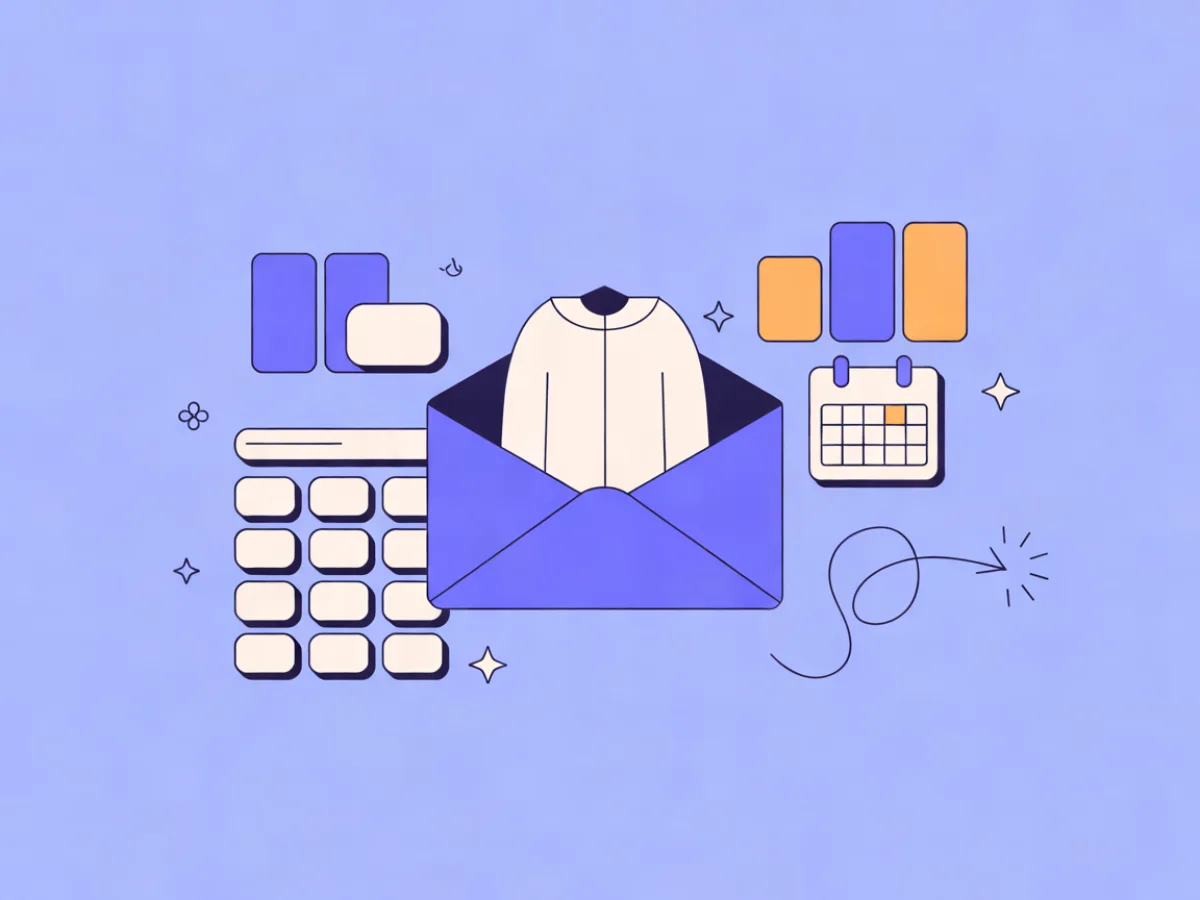
Fashion email marketing is the practice of using email to sell and support apparel: new arrivals, seasonal drops, lookbooks, size and fit guidance, restock alerts, cart and browse recovery, and post-purchase care. It differs from generic ecommerce email in two ways that matter: the calendar is driven by drops and season changes rather than a steady stream of promos, and the segmentation is driven by size, fit and style preference rather than only past purchase. Get those two things right and the rest of the program — templates, automations, send times — becomes much easier to run.
What fashion email marketing means (and why it matters)
Apparel has a purchase cycle that repeats on a schedule and a set of objections that repeat with it. Customers buy when the season turns, when a drop lands, when something they wanted comes back in stock, and when they need a replacement for something worn out. Between those moments, they browse.
Email fits that pattern because it can do three jobs at once:
- Announce — a new collection, a restock, a sale window.
- Guide — which size to pick, how to style a piece, what goes with what.
- Recover — the cart left behind, the product viewed twice, the size that sold out.
Where apparel email marketing diverges from general ecommerce email is the data you segment on. A general store might segment on category interest and recency. A fashion brand has to layer in size, fit preference (petite, tall, plus, regular), and style tags (minimal, streetwear, workwear). A customer who buys a size M knitwear piece is a very different recipient from a customer who buys a size 32 bottom, even if both clicked the same campaign last month.
How fashion email marketing works
The mechanics are the same as any email program, just with apparel-specific fields:
- A contact record — email address plus size, fit preferences, style tags, order history and engagement.
- A segment built from that record.
- A message built for that segment.
- A trigger or schedule that sends it.
Three message types carry most of the work:
- Campaign sends — new arrivals, drops, sale windows. Scheduled, one-off.
- Automated flows — welcome, browse and cart recovery, back-in-stock, post-purchase, win-back. Triggered by behavior or time.
- Transactional mail — order confirmation, shipping, returns. Sent from the same product data, ideally from the same system so branding stays consistent.
All three usually pull from the same catalog data. That means keeping sizes, colors and stock status accurate in your source system matters more than any single template. If the feed says a size is available and it isn't, the email breaks trust faster than a plain design ever would.
Mailerflow's dynamic segments can be built on fields, tags, engagement, events and website behavior, and AI segmentation can turn a plain-language description into a segment. That's useful when a merchandiser wants "customers who viewed dresses twice in the last 30 days but never bought" without writing the rules by hand.
The decisions that shape your program
Four decisions determine most of your results: what you send, who receives it, how it looks, and when it goes out. The sections below take each in turn.
New arrivals: cadence, structure and the "what's new" promise
Pick a cadence and keep it. A weekly drop day, a biweekly new-in, or a monthly capsule all work — what fails is an irregular calendar, because subscribers stop knowing when to expect you and open rates drift down.
Structure a new-arrival email like this:
- Hero image of the lead item
- Three to six supporting products
- One clear call to action
- A short reason to click now (new colorway, limited run, restock)
Separate two formats that often get merged. A "new in" email is broad and catalog-style: here's what landed this week. A drop email is a single story with urgency: one product, one moment, often a countdown.
Illustrative example: a small denim brand sends a Thursday 9am "New in: three washes" email to all subscribers, then a separate Saturday "Drop: the 1970 straight" email only to people who clicked denim in the last 90 days. The broad send builds habit; the narrow send converts the people already leaning in.
Subject lines and preview text carry most of the open decision, so write them as a pair rather than treating preview text as an afterthought. If you have a drop brief but no designer available, Mailerflow's AI email builder can draft a complete responsive design plus subject lines and preview text from a description of the email — then you edit rather than start from a blank canvas.
Size-based segmentation: the highest-leverage list cut in apparel
Size segmentation works because it removes the "will this fit me" friction. When the email opens with a product in the recipient's size, the click is easier.
Collect size data honestly. Four options, in rough order of reliability:
- A preference field at signup, with "not sure" as an option
- A post-purchase size confirmation ("did this fit?")
- A fit quiz in the welcome flow
- Inference from past orders
Don't guess from a single purchase. One order of a medium doesn't mean medium forever, and it certainly doesn't carry across categories — tops, bottoms and shoes rarely share a size. Treat inferred size as a hypothesis, not a fact.
Segments worth building: size M tops, size 32 bottoms, petite, tall, plus, shoes 42. Then combine them with behavior. Mailerflow dynamic segments can combine fields, tags, events and website behavior, so size M + viewed knitwear in the last 30 days is a segment you build once and reuse.
Illustrative example: a mid-size womenswear brand sends the same new-arrival email in three variants. The hero product differs by the segment's most-purchased category, and the size selector in the email pre-fills the known size.
The flip side matters just as much: never make size a required field at signup if it costs you the email address. An email address with no size is worth far more than a size with no email address.
Lookbooks: selling a point of view, not a product
A lookbook email is a styling story: one theme, four to eight looks, each one shoppable. The build is straightforward — a hero image, a short styling note explaining why these pieces work together, then a grid of looks with "shop the look" links.
One technical constraint worth knowing: a single email image with image-map hotspots is fragile across email clients. Use separate linked images or a block layout with product cards instead. It's less elegant in the design tool and far more reliable in the inbox.
Illustrative example: a workwear brand sends a "Five outfits, one jacket" lookbook where the jacket is the constant and the surrounding pieces rotate. This teaches the customer how to use a product they may already own, which drives repeat purchase rather than a one-off sale.
Lookbooks suit a visual block editor well — headings, heroes, products, columns — because the structure repeats month to month and only the content changes. Save it as a reusable template and you cut production time to the time it takes to swap images and copy.
Seasonal drops: planning the calendar and the sequence
Apparel runs on a calendar: spring/summer and autumn/winter transitions, holiday, end-of-season sale, and smaller drops in between. Map the year first, then slot sequences into it.
A drop sequence template that works:
| Step | Timing | Audience |
|---|---|---|
| Teaser | 7 days out | Engaged segment only |
| Reminder | 24 hours out | Clickers and cart abandoners |
| Launch | Drop day | All subscribers |
| Last call | 48 hours before sell-out or promo end | Non-openers and non-clickers |
| Post-drop | 2–3 days after | Buyers (thank you) + sold-out-size signups |
Send the teaser to a smaller, more engaged segment rather than the whole list. It protects deliverability and makes the launch send perform better, because the launch lands on a list that has already shown interest.
Illustrative example: a footwear brand runs a three-email drop sequence over five days, with the launch email suppressed for anyone who bought in the last 14 days. Suppressing recent buyers is one of the easiest wins in apparel email — they don't need the launch, and sending it anyway trains them to ignore you.
During drop week, scheduling and "send when the contact is most active" in automations remove the guesswork about the send hour.
Examples you can adapt
These are illustrative scenarios, not customer stories.
A 5,000-contact accessories brand runs a welcome flow with a style quiz, then a size-segmented new-arrival email every two weeks. Segment: size and style tag. Trigger: signup, then a recurring schedule. Metric to watch: click rate by segment.
A 40,000-contact womenswear brand runs a monthly lookbook plus a weekly new-in, with browse and cart recovery automations triggered by website behavior. Segment: category interest and recency. Trigger: website events. Metric to watch: revenue per send.
A 200,000-contact multi-category retailer runs a drop calendar with teaser/launch/last-call sequences and a back-in-stock automation for sold-out sizes. Segment: engagement tier plus size. Trigger: drop schedule and stock events. Metric to watch: repeat purchase rate.
Common mistakes in fashion email marketing
Sending the same email to the whole list. Size and category interest vary too much. Fix: build at least three variants of your main new-arrival send.
Making size a required signup field. You lose the email address. Fix: make it optional with a "not sure" option.
One giant image with no alt text. It breaks in image-blocked clients. Fix: use a block layout with real text and alt text on every image.
Letting the drop calendar slip. Subscribers stop expecting you. Fix: publish the cadence internally and hold it.
Over-mailing during sale periods. You burn the engaged segment. Fix: cap sends per week and suppress recent buyers.
Ignoring post-purchase. Returns, care instructions and restock alerts are retention channels. Fix: build a post-purchase flow that includes them.
Treating transactional mail as a separate system. Different branding in the order confirmation erodes trust. Fix: send transactional mail from the same templates and domain.
Not suppressing recent buyers from launch emails. Fix: add a purchase-based suppression to every launch.
Skipping deliverability basics before scaling volume. Fix: set up SPF, DKIM and DMARC on your own domain, and let bounce and complaint suppression run automatically. Mailerflow guides DKIM, SPF and DMARC setup with automatic verification, and suppresses bounces and complaints automatically.
A short checklist before your next send
- Segment chosen and named
- Size data present, or "not sure" allowed
- Hero image has alt text and a text fallback
- Subject line and preview text written as a pair
- One primary call to action
- Recent buyers suppressed
- Sold-out sizes routed to a back-in-stock flow
- Send time checked against the segment's activity
- Links tested on mobile
- Plain-text version reviewed
- Suppression and consent records current
- Result to review after send: click rate, revenue per send, unsubscribes
FAQ
How often should a fashion brand email?
Most apparel brands land between one and four campaign sends a week, plus automated flows that run independently. The right number is the highest frequency your engaged segment tolerates without rising unsubscribes. Watch unsubscribe rate and click rate together — if clicks hold and unsubscribes stay flat, you have room.
How do I collect size data without hurting signups?
Make it optional and offer "not sure." Ask again after the first purchase, when the customer actually knows whether the fit worked. A fit quiz in the welcome flow converts better than a signup form field because the customer is already engaged.
Should new arrivals and drops be separate emails?
Usually yes. New arrivals build a habit and suit a broad audience. Drops are a single story with urgency and suit a narrower, more engaged segment. Merging them dilutes both.
What's the difference between a lookbook and a new-arrival email?
A new-arrival email answers "what's new." A lookbook answers "how do I wear it." The lookbook sells a point of view and often drives repeat purchase from customers who already own the hero piece.
How do I handle sold-out sizes?
Route them to a back-in-stock automation rather than showing an unavailable size. When the size returns, the alert is one of the highest-converting emails you can send, because the intent is already there.
Do I need separate emails for men's and women's?
Only if the assortments and the audiences genuinely differ. If your list is mixed, segment on category interest and let behavior decide rather than splitting the whole program in two.
How do I keep deliverability healthy when I send more during sale season?
Warm up before the peak, suppress inactive contacts rather than mailing them harder, and keep bounce and complaint suppression automatic. Sending more to a smaller engaged list beats sending more to everyone. Mailerflow's own-domain sending includes reputation monitoring and warm-up limits to help here.
If you want to see how the segmentation, AI builder and automations described above fit together, the feature overview walks through each piece, and plan details show what's included at each tier. Put this into practice in Mailerflow: create your first campaign or automation by telling the AI what you want. Start free.