AI Email Marketing for Small Businesses: Where to Start
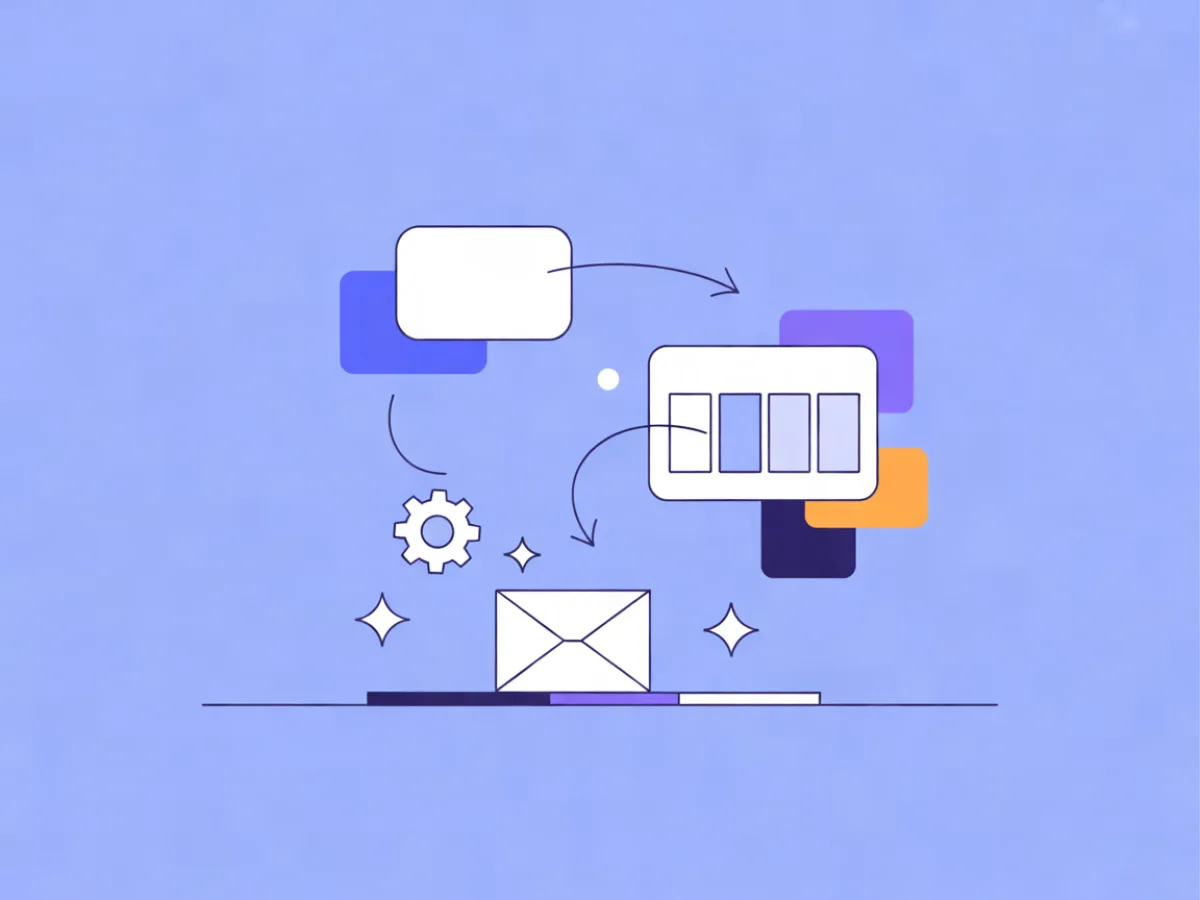
AI email marketing for a small business means using AI to draft content, decide who gets which message, and build the sequences that send it — so a two-person team can run a program that feels personal without hiring a copywriter or an ops person. The practical starting point is not a platform migration or a data project. It is picking the one or two places where AI removes the most manual work from your current process, then reviewing its output like you would a junior colleague's. This guide covers what the term actually includes, the three AI uses with the best return for a small team, and a first-month plan you can run alongside your normal sending.
What AI Email Marketing Actually Means for a Small Business
Strip away the marketing language and AI in email sits in three layers:
Content generation. Writing subject lines, preview text, body copy and layout. You describe the email; the tool produces a draft you edit.
Decisioning. Choosing who receives what and when — building segments from behaviour, predicting the best send time, tailoring blocks to what a contact has read or clicked.
Operations. Constructing the plumbing: automations with triggers, waits and conditions; list hygiene; deliverability checks; suppression handling.
Most small businesses get value from the first layer within an hour and from the third within a week. The second layer is where the returns compound, but it depends on data you may not have yet.
It is worth being clear about what AI does not do. It does not fix a weak offer, a cold list, or contacts who never consented. If your last three campaigns got no clicks because the offer was thin, an AI-written subject line will not rescue them. It also does not remove your responsibility for accuracy: prices, dates, legal lines and links all still need a human pass before send.
For beginners, the usual path is content first, operations second, decisioning third — because content needs no data beyond a brief, and decisioning needs clean fields, tags and event tracking before it produces anything useful.
If you are still deciding where to send from, see the Best Email Marketing Platforms compared side by side, with prices checked daily on each provider's own pricing page.
The Three AI Uses With the Best Return for a Small Team
Ranked by effort-to-payoff for a team of one to five people:
- Drafting emails and subject lines from a short description.
- Segmenting and personalising without a data team.
- Building automations from a sentence.
Mailerflow's AI email builder covers the first, and its AI automation builder covers the third. The middle one leans on dynamic segments and website-behaviour data rather than a single AI button.
1. Drafting emails and subject lines from a short description
The workflow is: write a brief, generate a draft, edit it. The brief is the part people skip, and it is the part that determines whether the output is usable. Include the goal, the audience, the offer, the tone, and one call to action.
A concrete example. A two-person coffee roastery wants to announce a single-origin restock to past buyers. The brief reads: "Goal: get past buyers to order the new Ethiopian lot. Audience: people who bought beans in the last six months. Offer: 250g bags, limited to 80. Tone: warm, not salesy. One CTA: shop the new lot." With Mailerflow's AI email builder, describing that email returns a complete responsive design plus subject lines and preview text. The roastery then edits: swaps in the real roast date, checks the price, confirms the link goes to the right product page, and rewrites the opening line in the owner's own voice.
The time saved is in the first draft, not the final send. Expect to spend as long editing as you would have spent staring at a blank editor — but you start from something concrete instead of nothing.
2. Segmenting and personalising without a data team
A dynamic segment is a saved rule that updates itself. Instead of exporting a list of people who clicked last month, you define the condition once and the segment stays current. Conditions can be built on fields, tags, engagement, events and website behaviour.
AI segmentation takes this a step further: you describe the group in plain language and the tool proposes the rule. "People who viewed the pricing page in the last 14 days but never started a trial" is a sentence a founder can write without knowing which fields exist.
Personalisation works on the same data. AI personalisation steps and website-behaviour data collected through a JS SDK let you tailor an email to what each contact actually read or did — a follow-up that references the guide they downloaded rather than a generic "check out our resources."
The caution here is data quality. Personalisation built on stale or missing fields produces emails that feel wrong rather than tailored. Start with two or three segments you can verify by hand, not twenty you cannot.
3. Building automations from a sentence
Every automation needs four things: a trigger, waits, conditions, and the emails themselves. Writing that out by hand is where small teams stall.
Take this sentence: "When someone signs up for the newsletter, wait two days, send a welcome tip, and if they have not opened it, send a shorter reminder." Mailerflow's AI automation builder drafts that workflow — trigger, waits, conditions and emails — for review before activation. You check the timing, confirm the exit conditions, and make sure every email has a reason to exist.
Triggers you can build on include signups, events, dates, inactivity and website behaviour, and automations support waits, conditions, webhooks and AI steps. The review step is not optional: an automation that fires the wrong email to the wrong group is harder to undo than a bad campaign, because it keeps running.
How to Choose Where to Start: Three Decisions
What is your bottleneck? If campaigns take three hours to write, start with drafting. If you send the same email to everyone and wonder why engagement is flat, start with segmentation. If leads go cold because nobody follows up, start with automation.
What data do you actually have? Consent records, custom fields, tags and event tracking determine what is possible. No event tracking means no behaviour-based segments yet.
What can you review weekly? AI output needs a human pass. Pick the use where you can realistically review everything before it reaches a contact.
| Bottleneck | First AI use | What you need first |
|---|---|---|
| Writing takes too long | AI-drafted campaigns and subject lines | A clear brief template |
| Everyone gets the same email | Dynamic segments, AI segmentation | Fields, tags, consent records |
| Leads go cold | Automation drafted from a sentence | A defined trigger and exit condition |
A First-Month Plan
Week 1 — foundations. Audit your list and consent status. Set up your sending domain with DKIM, SPF and DMARC. Import contacts with duplicate and validity checks, and bring your suppression list across. Nothing else in this plan works if this week is skipped.
Week 2 — content. Use AI to draft two campaigns from written briefs. Edit both fully. Send to a small segment and A/B test the subject lines.
Week 3 — automation. Build one welcome automation from a single sentence, review every step, then activate it.
Week 4 — segments and review. Create two dynamic segments. Review delivery, bounces, complaints, clicks and approximate opens, then decide what to keep and what to drop.
Each week has one deliverable and one review. Mailerflow's free plan — 2,500 contacts, 10,000 emails a month, 3 active automations and 100 AI actions a month — is enough to run this entire month at no cost. Paid plans start at $14.90/month with unlimited emails, so the constraint later is contacts and AI actions, not send volume.
Worked Examples
These are illustrative, not customer stories.
A local bike repair shop. Brief: "Goal: book seasonal tune-ups before spring. Audience: customers who bought a bike in the last two years. Offer: tune-up slot with a free safety check. Tone: practical. One CTA: book a slot." The AI draft produces a short email with a booking button. The human edit fixes the workshop address and confirms the booking link. A second segment — "viewed the service page in the last 30 days, no booking" — gets a shorter follow-up. What to watch: bookings per send, and whether the segment stays a sensible size as it refreshes.
An online course creator. One sentence: "When someone joins the waitlist, send the syllabus immediately, wait three days, and if they have not clicked the enrolment link, send a short email answering the price question." The drafted automation is reviewed for timing and exit conditions, then activated. What to watch: whether the second email's clicks justify its existence.
A B2B consultancy. Plain-language segment: "downloaded the guide, no reply in 10 days." That group receives a personal-sounding check-in referencing the guide. What to watch: replies, not opens — this is a conversation, not a campaign.
Common Mistakes
Sending AI drafts unedited. Tone drifts, claims get invented, links point nowhere. Fix: read every word aloud before scheduling.
Automating before consent and deliverability are sorted. Fix: finish week one of the plan first.
Over-segmenting. Twenty segments built on thin data produce twenty tiny, unreadable groups. Fix: two or three verified segments.
Treating a good subject line as a substitute for a clear offer. Fix: fix the offer first; the subject line describes it.
Ignoring suppression and complaints. Fix: import suppression lists and let automatic bounce and complaint suppression do its job.
Emailing a cold, unconsented list with AI copy. Fix: don't. It damages your sending reputation and, in many jurisdictions, breaks the rules.
Automating a funnel that does not work manually. Fix: run the sequence by hand once, then automate what worked.
Checklist Before You Send
- Consent recorded for every contact in the segment
- Sending domain verified with DKIM, SPF and DMARC
- Suppression list imported and active
- One clear call to action per email
- Prices, dates and claims checked against reality
- Every link tested
- Preview text written, not left to default
- Plain-text version reviewed
- Unsubscribe link working
- Segment size and definition sanity-checked
- Automation exit conditions set
- Analytics you will check after send decided in advance
FAQ
Do I need a big list for AI email marketing to help? No. Drafting and automation help most when your time is the constraint, which is usually true at small list sizes. Segmentation benefits from volume, but two or three behaviour-based segments work on a modest list.
Is AI-written email bad for deliverability? Deliverability depends on consent, sending reputation and engagement, not on who wrote the copy. A well-edited AI draft sent to an engaged list performs like any other well-edited email.
How much does it cost to start? Mailerflow's free plan covers 2,500 contacts, 10,000 emails a month, 3 active automations and 100 AI actions a month. Paid plans start at $14.90/month with unlimited emails. Check current pricing on the official page before you commit.
Can AI write compliant emails? AI can draft, but compliance is your responsibility. Keep consent records, honour unsubscribe requests, and use tools for data export, erasure, consent logs and configurable retention. Mailerflow hosts data in Europe, which matters if you operate under GDPR.
What should I automate first? The welcome sequence. It has a clear trigger, a defined audience and a predictable payoff, which makes it the easiest automation to review and improve.
Where does Mailerflow fit? Its AI email builder turns a description into a responsive design with subject lines and preview text, and its AI automation builder drafts a workflow from one sentence for review before activation. Both are aimed at teams without a dedicated email specialist.
Where This Fits in the AI Email Marketing Fundamentals Cluster
This article is the pillar of the AI Strategy cluster. The supporting pieces planned around it go deeper on single topics: deliverability basics, segmentation design, automation structure, editing AI copy so it sounds like you, and measuring email without vanity metrics. Links will be added here as each one publishes.
The through-line across all of them is the same: AI removes the blank page and the manual plumbing, and you keep the judgment. Start with one use, review everything, and add the next layer only when the first one is running cleanly.
Describe your next email or automation in one sentence and let Mailerflow's AI build it — free plan, no credit card.