
Using AI to Scale Email Production for Clients
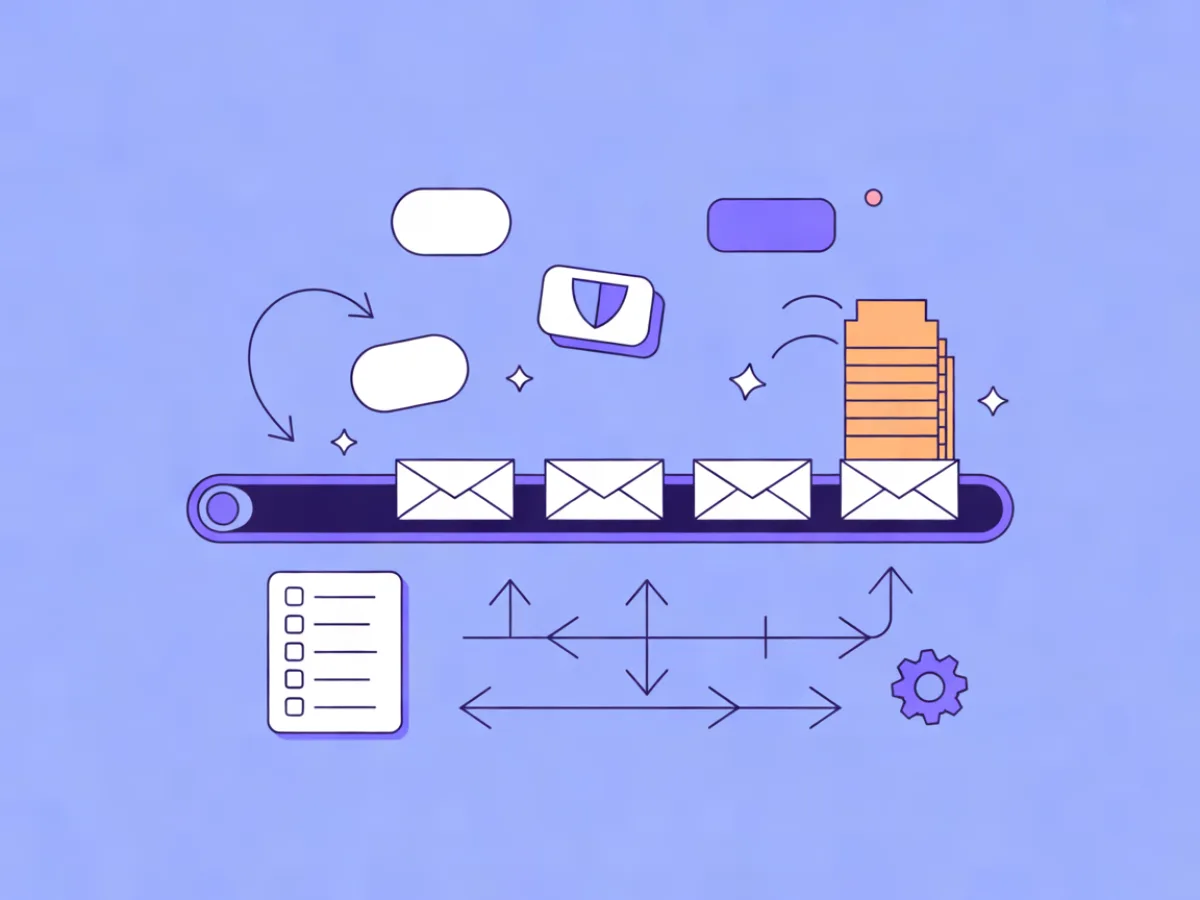
An AI email production agency workflow means using AI to draft and assemble email assets — copy, layout, subject lines, preview text — inside a structured pipeline where humans still own the brief, the brand rules and final approval. The agency stays accountable for what ships; AI just removes the blank-page problem and the repetitive assembly work. This guide walks through a repeatable process for producing on-brand campaigns across many clients without letting quality drift.
What an AI email production agency workflow actually means
The term describes a pipeline, not a tool. You are not buying a robot that runs client email; you are redesigning production so that AI handles the parts that are fast to draft and slow to get wrong only when a human checks them. Concretely: AI generates first drafts of copy and layout, humans edit for voice and accuracy, and review gates sit at fixed points before anything reaches a client.
The reason this matters for agencies is that strategy is rarely the bottleneck. Most agencies know what a client's campaign should say. The constraint is production time per client — the hours spent writing, laying out, chasing approvals and rebuilding the same newsletter template for the fifth brand this month. When production time drops, you can take on more clients without proportionally more headcount, or spend the reclaimed hours on the strategy clients actually pay a premium for.
It also changes the shape of your team. Instead of one generalist doing everything for three accounts, you can run a small production pod: one person owns briefs and client relationships, another owns editing and QA, and AI fills the gap between them. If you are already managing several accounts, the operational side of that is covered in our guide to running multiple client email accounts without the chaos.
If you are still deciding where to send from, see the Best Email Marketing Platforms compared side by side, with prices checked daily on each provider's own pricing page.
Where AI fits in the production pipeline (and where it doesn't)
Map your pipeline before you add AI to it. Here is a realistic split:
| Stage | AI role | Human role |
|---|---|---|
| Brief intake | Summarize and structure notes | Own the brief, confirm goals |
| Asset gathering | Tag and organize images, links | Approve assets and usage rights |
| Copy drafting | First drafts, variants | Rewrite for voice, verify claims |
| Design assembly | Generate responsive layout | Lock brand layout, check rendering |
| Subject lines / preview text | Generate options | Pick and refine |
| QA | Flag missing links, tokens | Final check before send |
| Client review | — | Own the relationship and approval |
| Scheduling | Suggest timing | Confirm send window |
| Reporting | Summarize results | Interpret and advise |
Three things should stay human without exception: brand voice, offer accuracy and legal claims. An AI draft that invents a discount percentage or a compliance statement is a liability, not a shortcut. Client relationship management is also human — nobody wants an agency that forwards an AI-written apology for a broken link.
One concrete example of AI in the drafting stage: Mailerflow's AI email builder lets you describe an email and get a complete responsive design, subject lines and preview text. That is genuinely useful for getting a first draft in front of an editor in minutes instead of an hour. It is a starting point, not a sign-off.
How the workflow works end to end
Picture one campaign moving through the pipeline. A client sends a rough brief by email: launch a feature, target existing users, send Thursday. You convert that into your standard brief template, attach the client's guardrails, and generate a first draft. An editor rewrites the copy and adjusts the layout. The draft passes an internal accuracy check, then a brand check, then goes to the client as a single consolidated review — not a thread of edits. Once approved, it goes through QA, gets scheduled, and the send is logged.
The key design decision is that review gates are fixed points, not ad hoc checks. Every campaign passes the same three gates in the same order, regardless of client or campaign size. That consistency is what makes the process scale; without it, you are improvising per client and the improvisation is where errors live.
Step 1: Build a reusable client brief template
A consistent brief is what makes AI output usable across many clients. Vague input produces generic output, every time. Your template should capture:
- Goal — one sentence, one measurable outcome
- Audience/segment — who receives this, and how they are segmented
- Offer — exactly what is being promoted, with approved wording
- Key message — the single thing the reader should remember
- Required links — with destination and UTM conventions
- Legal/compliance notes — disclaimers, consent requirements, restricted claims
- Tone — three to five descriptors, not "professional"
- Do-not-say list — phrases, competitors, claims to avoid
- Send date and success metric
A filled example might read: "Goal: drive trial signups for the new reporting feature. Audience: active users who logged in within 30 days. Offer: 14-day extended trial, approved wording in the shared doc. Key message: reporting now exports to CSV. Tone: direct, technical, no exclamation marks. Do not say: 'revolutionary', 'game-changing', or mention Competitor X. Send: Thursday 09:00 client time. Metric: trial starts."
Step 2: Turn brand rules into guardrails
Guardrails are what let a small team produce for many brands without cross-contamination. For each client, maintain a short document with tone descriptors, banned phrases, required disclaimers, approved product names, CTA conventions and formatting rules. Then encode as much of it as you can into reusable templates in a visual block editor, so layout and structure are locked per client and only the content changes.
Mailerflow's visual block editor — headings, heroes, products, columns, social links — supports reusable templates, which is a practical way to keep a client's structure consistent while swapping copy. The point is not the tool; it is that guardrails turn "write in our voice" from a judgment call into a constraint every draft starts inside.
Step 3: Generate first drafts with AI, then edit
Feed the brief plus the guardrails into your drafting step and generate options — two or three copy directions, a layout, and a set of subject lines and preview text. Treat subject lines and preview text as separate deliverables with their own review, because they are the highest-leverage words in the email and the easiest to get lazy about.
Mailerflow's AI email builder generates a complete responsive design from a description, plus subject lines and preview text. Used well, that shortens the blank-page problem dramatically. Used badly, it ships unedited output that reads like everyone else's. The rule is simple: no AI draft reaches a client without a human editor rewriting for voice and verifying every factual claim, price and date.
Step 4: Set review gates before anything reaches the client
Three gates, in order:
- Internal accuracy check — links resolve, claims are verifiable, personalization tokens match real fields, the segment is correct, disclaimers are present. Owned by the editor.
- Brand check — voice matches the guardrails, layout follows the client template, CTAs use approved wording. Owned by the account lead.
- Client approval — one consolidated review request with a clear deadline, not a running thread. Owned by the account lead.
Each gate catches a different class of error. Skipping the accuracy check is how broken links reach customers; skipping the brand check is how client voices blur; skipping structured client approval is how you end up with fourteen emails of conflicting feedback and no version control.
Step 5: QA, schedule and log the send
Before scheduling, run a fixed QA list: rendering on mobile and desktop, every link clicked, merge tags tested with real data, unsubscribe and preference links working, sender domain authenticated, subject line and preview text checked for truncation.
Then schedule. Mailerflow supports scheduling and, in automations, a "send when the contact is most active" option; it also supports A/B testing of campaigns if you want to test subject lines or content against each other. Finally, log what shipped per client — campaign name, segment, send date, subject line, key links — so reporting and the next campaign both start from a record instead of memory.
A worked example: one agency, three clients, one week
This is illustrative, not measured — your timings will differ.
A three-person agency runs three campaigns in a week. Client A is B2B software needing a weekly newsletter; Client B is ecommerce running a seasonal promo; Client C is a services firm needing a three-email re-engagement sequence.
The pipeline flexes by brief and guardrails, not by process. Client A's brief is short and recurring, so drafting takes minutes and most time goes to editing. Client B's promo needs product assets, pricing verification and a compliance check on discount claims, so the accuracy gate takes longer. Client C's sequence needs three connected drafts with consistent logic, so the brand gate matters most.
Rough allocation across the week: briefs and asset gathering, a few hours; AI drafting and human editing, the largest block; review gates and client approval, a day of elapsed time; QA and scheduling, an hour or two. The scaling point is that the process is identical for all three — only the inputs change. That is what makes the fourth and fifth client feasible.
Common mistakes when scaling AI email production
- Prompting from scratch every time. Without a brief template, output quality swings wildly and you cannot delegate.
- Shipping unedited AI copy. It reads generic and it invents details. Always edit.
- No per-client guardrails. Voices blur, and clients notice before you do.
- Unstructured client feedback. A thread of edits is not an approval process.
- Ignoring deliverability per client domain. Each client needs their own sending domain with authentication set up properly.
- Assuming AI output is compliant. Claims, prices and legal language need human verification.
- No version log. If nobody knows what shipped, nobody can explain the results.
Checklist: your AI email production setup
- [ ] Per-client brief template, filled before any drafting starts
- [ ] Brand guardrails document per client, stored where the team can find it
- [ ] Reusable layout templates locked per client
- [ ] Named owner for each of the three review gates
- [ ] Fixed QA checklist run before every send
- [ ] Sending domain and authentication configured per client
- [ ] Written client approval recorded per campaign
- [ ] Post-send log updated with what shipped and how it performed
FAQ
How many clients can one person handle with AI assistance? It depends on campaign volume and how deep your review gates go, not on the AI tool. A person running weekly newsletters with light review can cover more accounts than someone producing complex multi-email sequences with compliance requirements. Track your own hours per campaign for a month before you commit to a number.
Does AI replace copywriters on an agency team? No. It replaces the blank page. The editing, voice-matching and claim-verification work is still skilled human work, and it is where the value sits.
How do you keep each client's voice distinct? Guardrails. Tone descriptors, banned phrases and approved terminology per client, applied before drafting rather than corrected after. If two clients' emails could be swapped without anyone noticing, your guardrails are too thin.
What should stay manual? Brand voice, offer accuracy, legal and compliance claims, and client relationship management. Everything else can be AI-assisted with review.
How do you handle client approval without endless email threads? Send one consolidated review with a clear deadline and a single place to leave feedback. Treat silence past the deadline as a defined outcome in your contract, not an open question.
Where does Mailerflow fit if we already use another platform? It is worth a look if you want the AI drafting, reusable templates and per-client sending domains in one place. You can see the full feature set on the Mailerflow features page and compare plans on the pricing page — every paid plan includes unlimited emails, and the Free plan covers 2,500 contacts and 10,000 emails a month if you want to test the workflow on one client first.
Put this into practice in Mailerflow: create your first campaign or automation by telling the AI what you want. Start free.