CRM and Email Automation: How to Sync Contacts and Trigger Emails from Deal Stage Changes
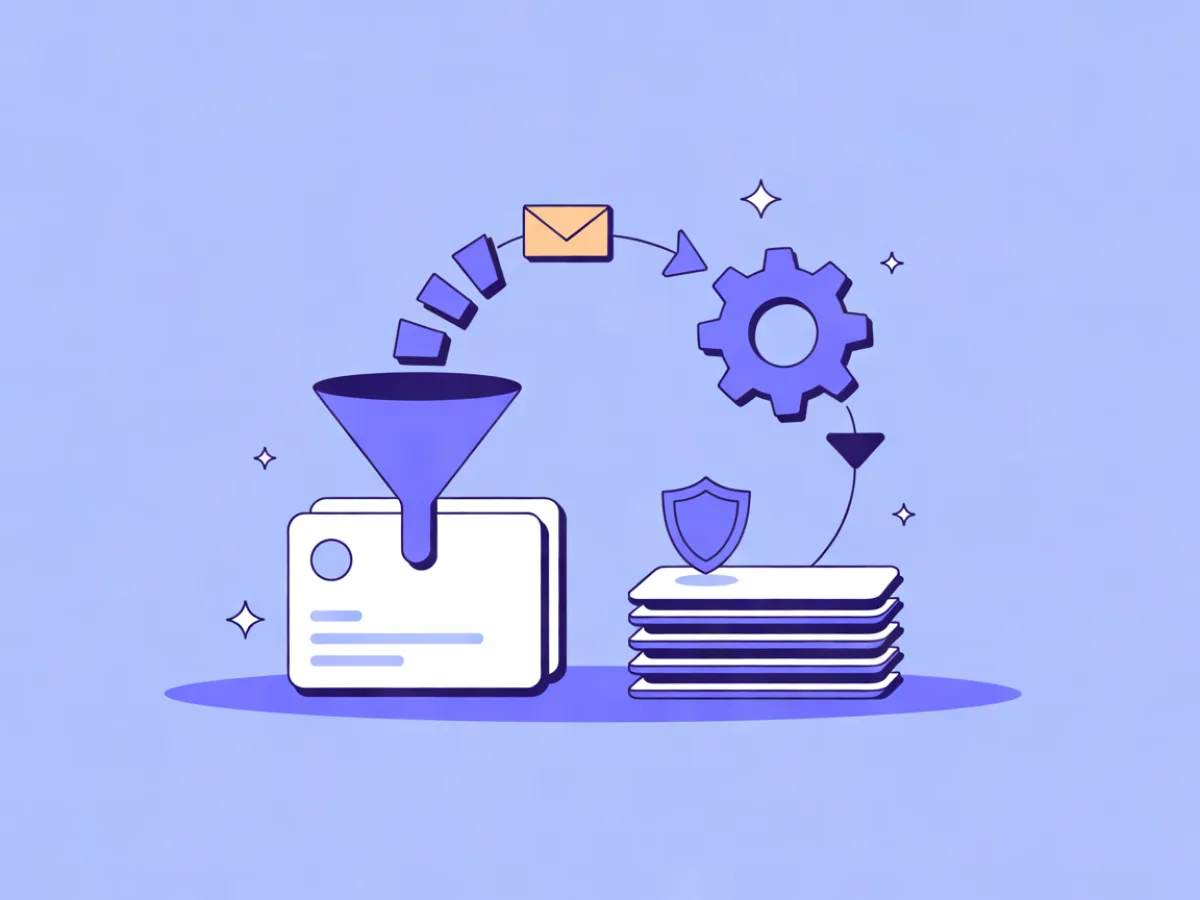
CRM email automation is the practice of keeping contact records and deal stages in sync between a CRM and an email platform, then using changes in the CRM — a new lead, a stage move, a closed-won deal, a period of inactivity — as triggers that start an email sequence. The sync is the hard part; the sending is the easy part. Get the data flow right and the emails almost write themselves.
What CRM email automation actually means
There are two halves to this, and they fail differently.
Data sync moves contacts, custom fields, tags, consent records and deal stage between the CRM and the email platform. When sync breaks, you get duplicate contacts, stale segments, and people receiving emails for a deal stage they left two weeks ago.
Event-driven sending turns a CRM change into a trigger. A stage change, a new lead, a closed-won deal, or no activity for 30 days starts an automation that sends the right sequence.
Most broken setups fail on the sync half. The automation builder is usually fine — it's the field mapping, the identity resolution and the unsubscribe direction that quietly go wrong.
It also helps to know why you'd use a dedicated email platform rather than the CRM's built-in bulk email. CRM email tools are generally built for one-to-one sales follow-up: a rep writes to a contact, the message lands in the CRM timeline. Email platforms handle deliverability infrastructure, templates, segmentation, multi-step journeys and suppression management. If you're sending a five-email nurture to 4,000 leads, that's the email platform's job. If you're sending a personal note after a demo, that's the CRM's job. Many teams use both.
How the sync and trigger loop works
Walk through the loop with a B2B SaaS trial signup:
- Contact created. A form submission creates a lead in the CRM, or a signup creates a contact in the email platform.
- Identity resolution. The two systems match records on email address or, better, a stable external ID that never changes even if someone updates their email.
- Field and stage mapping. Name, company, lifecycle stage and deal stage map to the corresponding fields in the email platform.
- Event emitted. The CRM fires a webhook, or the email platform polls the CRM on a schedule and detects the change.
- Automation fires and writes back. The sequence starts, and each send is logged to the CRM timeline so the rep can see it.
The loop runs in both directions. CRM → email platform drives triggers. Email platform → CRM carries engagement data: clicks, opens, form submissions, lead score updates, lifecycle stage changes.
Webhooks are the low-latency option. Polling is the fallback when your CRM has no outbound webhooks — it works, but a stage change might take 15 minutes to register, which matters if you're sending a "book your demo now" email the moment someone qualifies.
If your CRM pushes events in, look for signed webhooks with retries and delivery logs so you can see what arrived and what didn't. On the receiving side, an API with scoped keys and idempotency keys prevents the classic failure where a retried request creates a duplicate contact or sends a duplicate email. Mailerflow's REST API includes scoped keys, idempotency keys, an OpenAPI spec, code samples and a JS SDK, which shortens the build if you're wiring this up yourself.
Deciding what to sync, and in which direction
Sync the minimum set of fields your automations actually branch on. Every extra field is a maintenance and privacy liability.
| Field | Direction | Why |
|---|---|---|
| Email address | Both, one source of truth | Duplicate sends and bounced mail if they disagree |
| Name, company, job title | CRM → email | Personalization and segmentation |
| Lifecycle / deal stage | CRM → email | Drives the trigger |
| Clicks, opens, form fills | Email → CRM | Feeds lead scoring and rep alerts |
| Consent and opt-in source | Both, with timestamps | You need to prove when and how someone opted in |
| Unsubscribes and bounces | Email → CRM | Non-negotiable — see below |
| Custom fields and tags | Both, kept short | Only what a condition or segment reads |
Two rules matter more than the table.
Unsubscribe sync is one-way and mandatory. When someone unsubscribes in the email platform, that suppression must reach the CRM. If a rep later exports a CRM list and mails it, you've emailed someone who opted out. That's a deliverability problem and, in the EU, a compliance one.
Bidirectional sync creates loops. If both systems can write the same field, they'll overwrite each other. Pick a source of truth per field and make the other side read-only. The exception is engagement data, which only the email platform knows.
Choosing the integration method
Three options, each with real trade-offs.
Native integration. Fastest to set up. Limited to the fields and events the vendor exposes. If your CRM and email platform have a first-party connector, start there and check the official integration docs for the exact events supported — coverage changes, and a connector that supports contact sync may not support deal-stage triggers.
Middleware (Zapier, Make, n8n). Flexible mapping and multi-step logic without engineering time. The cost is a third system that can fail silently, plus per-task billing that scales with volume. If you go this route, set up failure alerts on every zap or scenario.
Direct API. Full control. Needs engineering time. Best when the CRM is custom, the event volume is high, or you need logic the middleware can't express. When evaluating an email platform's API, look for scoped keys (so an integration can't read your whole account), idempotency keys, an OpenAPI spec and code samples. A JS SDK helps if you also want to track website behavior and use it in automations.
Mapping deal stages to email triggers
This is where the setup earns its keep. A worked mapping for a B2B pipeline:
| CRM stage change | Email trigger | Sequence |
|---|---|---|
| New lead | Contact created | Welcome + one useful resource |
| Qualified / MQL | Stage → Qualified | Case study, then demo invite |
| Demo booked | Meeting created | Reminder + prep email |
| Proposal sent | Stage → Proposal | Follow-up on day 2 and day 6 |
| Closed won | Stage → Closed Won | Onboarding sequence, handoff to customer marketing |
| Closed lost | Stage → Closed Lost | Re-engagement in 60 days |
| No activity 21 days | Inactivity trigger | Re-engagement nudge |
The critical mechanic: trigger on the stage change event, not on a daily check of "stage equals X." If you trigger on state, every contact sitting in that stage gets re-emailed each time the automation runs. Trigger on the transition and each contact enters once.
Pair the trigger with waits and conditions. A typical proposal follow-up: wait 2 days, then check whether the deal is still in the Proposal stage before sending. If it moved to Closed Won, the condition exits the branch and the contact goes to onboarding instead. Without that condition, you'll send a "just checking in" email to someone who already signed.
Mailerflow's automations support waits, conditions, webhooks and AI steps, with triggers on events, dates, inactivity and website behavior — which covers both the "no activity for 21 days" case and the "visited the pricing page three times" case that a CRM stage alone won't capture.
Two worked examples
Example 1 — B2B SaaS trial to paid
The CRM is the source of truth for deal stage; the email platform handles sending.
- Trigger: stage moves to "Trial started"
- Immediate: welcome email with the setup link
- Wait 2 days, then condition on a product-usage event
- Branch A (activated): upgrade nudge with a comparison of plan limits
- Branch B (not activated): "need a hand?" email offering a 15-minute call
- Wait until day 12: trial-ending email
- On "Closed won": a separate automation sends the onboarding sequence
- Write-back: every send logged to the CRM timeline so the rep sees it before their next call
Example 2 — high-volume lead gen
- Trigger: form submission creates a CRM lead
- Immediate: double opt-in confirmation
- On confirmation: a four-email nurture over 10 days
- Branch on whether the contact clicked any email in the sequence
- If no click after 14 days: tag as cold, exit the sequence, stop sending
Both examples are illustrative, not customer stories — adapt the timings to your sales cycle.
Common mistakes
- Two sources of truth for the email address. Pick one system as authoritative and make the other read-only.
- Triggering on a state instead of a change. Causes duplicate sends to everyone parked in that stage.
- No idempotency on API writes. A retried request creates a duplicate contact or a double send.
- Syncing unsubscribes one way only. The email platform suppresses; the CRM keeps mailing. Fix: sync suppression to the CRM and block exports of unsubscribed contacts.
- Mapping 40 fields "just in case." Each one is a maintenance and privacy liability. Map what your conditions read.
- No dedupe rule. The same person exists under a personal and a work address. Define the match key and a merge rule.
- Silent middleware failures. Nobody notices for a week. Add alerting on every step.
- Ignoring consent records and retention. If you're in the EU, you need timestamps and a retention policy, not just a checkbox.
- Testing in production with real contacts. Use test records end to end before switching on.
- Forgetting that deal owners change. Reassigning a deal in the CRM shouldn't restart the sequence. Trigger on stage, not on owner.
Checklist before you switch it on
- Single source of truth named for every synced field
- Stable external ID chosen as the match key
- Field mapping documented somewhere a new hire can read
- Unsubscribe and bounce sync tested in both directions
- Idempotency keys used on all write endpoints
- Duplicate rule defined and tested
- Stage-to-trigger map written down
- Every automation has an exit condition
- Test contacts run through the full flow
- Delivery logs and webhook retries monitored
- Consent and retention settings reviewed
- Rollback plan if the sync misfires
Where Mailerflow fits
Mailerflow is an AI-first email platform. The pieces that matter for CRM-driven sending: visual automations with waits, conditions, webhooks and AI steps; triggers on signups, events, dates, inactivity and website behavior; signed real-time webhooks with retries and delivery logs; and a REST API with scoped keys, idempotency keys, an OpenAPI spec, code samples and a JS SDK. Dynamic segments work on fields, tags, engagement, events and website behavior, and sending runs on your own domain with guided DKIM, SPF and DMARC setup. GDPR tools cover export, erasure, consent logs and configurable retention, with data hosted in Europe.
The AI automation builder is useful at the start of this work: describe a stage-triggered sequence in a sentence and it drafts the trigger, waits, conditions and emails for you to review before activation. That gets you a first draft of, say, the proposal follow-up above in a minute rather than an afternoon. Pricing is on the automation page: a Free plan at $0/month with 2,500 contacts and 10,000 emails/month, paid plans from $14.90/month with unlimited emails, and yearly billing that costs the same as 10 months.
If you're still comparing platforms, our buyer's guide to email automation software covers how automation features are gated across plans, and email automation pricing explains why the same feature can sit on different tiers. For teams weighing build-it-yourself against a visual builder, AI workflow builders vs visual builders is a practical comparison.
FAQ
Should the CRM or the email platform be the source of truth for contacts?
Usually the CRM, because that's where sales works and where the deal stage lives. But make the email platform the source of truth for engagement data and suppression status, since only it knows who clicked and who unsubscribed. Name one owner per field and make the other side read-only.
Can I trigger an email from a deal stage change without writing code?
Yes, if your CRM has a native connector to your email platform or you use middleware. Both expose stage-change events as triggers. You'll still need to map fields and write the automation logic, but that's configuration, not code. Direct API work is only necessary for custom CRMs or high event volumes.
How do I stop a contact getting the same email twice when a webhook retries?
Use idempotency keys on every write request, and make your automation entry idempotent so a contact can only be enrolled once per deal stage. Most webhook systems retry on timeout, so assume every event may arrive twice and design for it.
What happens to automations when a contact unsubscribes in the CRM?
If suppression syncs from the email platform to the CRM, the contact is marked unsubscribed and any automation with a suppression check will skip them. If it doesn't sync, the automation keeps sending. Test this in both directions before launch — it's the single most common compliance gap in CRM-driven setups.
Do I need middleware if my CRM has no webhooks?
Not necessarily. Scheduled polling works: the email platform checks the CRM every few minutes and detects changes. The trade-off is latency — a stage change might take 15 minutes to trigger an email, which is fine for nurture sequences and too slow for time-sensitive alerts.
How often should the sync run?
Real-time for stage changes and unsubscribes, since those drive triggers and compliance. Hourly or daily is fine for descriptive fields like company size or job title that only feed segmentation. Running everything in real time costs more API calls and adds failure surface for no benefit.
Describe the sequence you want in a sentence and Mailerflow drafts the trigger, waits, conditions and emails for you to review — start free.