B2B Welcome Emails for New Leads: Templates That Qualify Interest and Move People Forward
A B2B welcome email exists to do three jobs in one send: confirm what the person signed up for, learn what they actually need, and offer one concrete next step. It is not a discount blast and it is not a brochure. The first email should arrive within minutes of the form submit, because intent is highest right then, and it should be followed by a short sequence — usually three to five emails over one to three weeks — that qualifies interest and earns a reply.
When a B2B Welcome Email Earns Its Place
The situation is almost always the same: someone filled in a form, downloaded a guide, or started a trial, and now sits in your list with no context attached. You know an email address. You do not know whether they are evaluating you, benchmarking you against two competitors, or researching a problem they will not buy for six months.
That is the difference between a B2C welcome and a B2B one. A consumer welcome builds excitement and pushes an offer. A B2B welcome confirms the signup, asks a question that reveals intent, and hands over something genuinely useful before asking for anything. A b2b lead welcome sequence is a routing mechanism as much as a greeting.
Three practical rules:
- Send the first email immediately. A confirmation that lands in two minutes reads as competence. One that lands in two days reads as neglect.
- Keep the sequence short. Three to five emails is enough to qualify and offer a next step. Longer sequences work only when you have distinct things to say.
- One ask per email. A confirmation, a question, a resource, a proof point, a soft ask — never all five at once.
If you want the broader mechanics of welcome flows before the B2B specifics, our welcome email templates you can copy cover the newsletter, store, SaaS and service variants.
For a wider view of the market, our ranking of the Best Email Marketing Platforms shows what each service really costs for your number of contacts.
The Templates
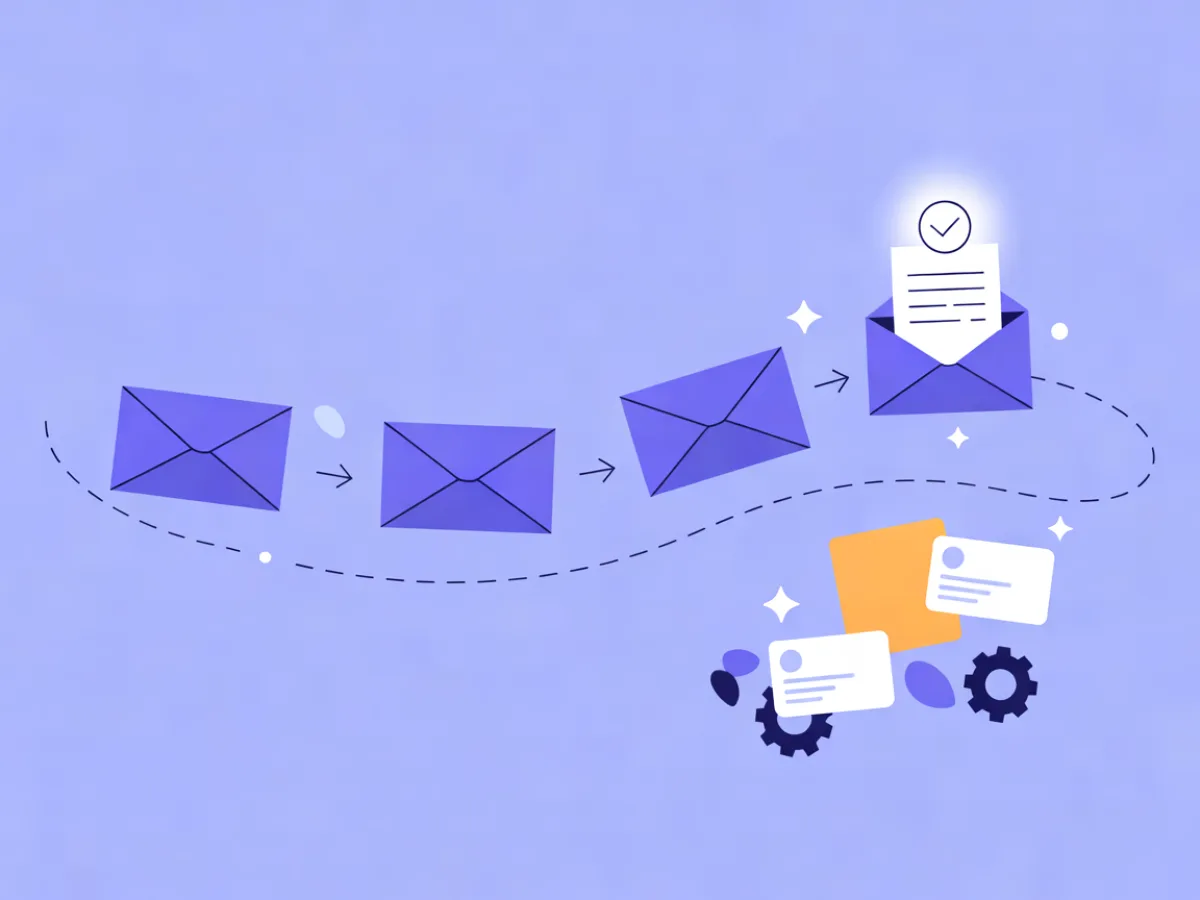
The five templates below are designed to run as a sequence. Each one has a job, and each one assumes the previous email already did its job. The examples use a fictional analytics tool (Northbeam-style product analytics) and a fictional payroll platform, so you can see the shape without mistaking them for real customers.
Template 1: The Confirmation That Sets Expectations
Subject: Your [resource] is ready Preview text: Plus what to expect from us, and how often.
Hi {{first_name}},

Thanks for requesting the {{asset_name}} — here it is:
[Download link]

What happens next: over the next two weeks I'll send you two or three
short emails on {{topic}} — practical stuff, no daily blasts. If you'd
rather not, the unsubscribe link is at the bottom of every one.

One question while I have you: what are you hoping to solve first?
Just hit reply — I read these.

— {{sender_name}}
Adapt when: the signup came from a gated asset (link the asset directly), a newsletter (skip the download link and describe cadence), or a trial (replace the download with the first-run step).
The reply prompt is doing double duty. It qualifies the lead, and replies are a positive engagement signal that helps future sends land in the inbox.
Template 2: The Qualifying Question Email
Subject: Quick question about your setup Preview text: One question, one click.
Hi {{first_name}},

So I send you the right thing instead of the generic stuff — which
of these is closest to your situation?

→ We're evaluating tools right now
→ We have something in place but it's not working
→ We're building the case internally
→ Just researching for now

One click is all it takes. Based on your answer I'll send the
version of this that's actually useful to you.

— {{sender_name}}
Adapt when: you already captured firmographic data at signup (company size, industry, role). In that case, ask about intent or timeline instead of repeating what you know.
The answers should feed a dynamic segment so the rest of the sequence branches. Someone evaluating now and someone researching for later need different emails, and the click is your signal.
Template 3: The Useful Next Step
Subject: The 10-minute version of [problem] Preview text: A shortcut you can use this week.
Hi {{first_name}},

You mentioned {{stated_goal}}. The fastest way to get moving on that
is usually this: [checklist / template / 6-minute video].

It walks through the three decisions that matter and skips the rest.
No signup, no gate.

[Get the checklist]

If it raises a question, reply and I'll answer it directly.

— {{sender_name}}
Adapt when: the lead arrived from a comparison or pricing page. They are not looking for education — they are looking for a short walkthrough or a straight answer about fit. Swap the educational asset for a two-minute product tour.
Keep it to one link. Stacking three resources signals that none of them matter much.
Template 4: The Proof Email
Subject: How teams handle [specific task] Preview text: What changes in week one.
Hi {{first_name}},

A quick picture of what this looks like in practice.

Before: [specific manual process, e.g. pulling weekly numbers from
three dashboards into a spreadsheet].
After: [specific outcome, e.g. one scheduled view that updates itself
and gets shared automatically].

The change is usually visible in the first week — not because the
setup is complex, but because the manual step disappears.

[See how it works]

— {{sender_name}}
Adapt when: you have an approved customer story that matches their situation. Use it. If you do not, describe the workflow rather than a result — never invent a quote or a number to fill the gap.
Template 5: The Soft Ask
Subject: Worth a 15-minute look? Preview text: No pitch — just your questions.
Hi {{first_name}},

You've had a look around, so I'll make this easy.

If you want to see whether this fits your setup, grab 15 minutes here:
[Booking link] — bring your questions, I'll answer them straight,
including if the answer is "we're not right for you."

If the timing isn't right, that's genuinely fine. Reply "not now"
and I'll check back in a quarter instead of filling your inbox.

— {{sender_name}}
Adapt when: the lead has clicked but not converted, or has gone quiet. The "not now" option reduces unsubscribes and keeps the relationship intact for later.
How to Personalize Without Sounding Automated
Personalization in B2B works in three layers, and most teams only use the first.
Layer 1 — data you already have. Name, company, the asset they downloaded, the page they came from. {{first_name}} and {{company}} are table stakes; referencing the specific asset ("the pricing comparison you grabbed") is where it starts to feel human.
Layer 2 — behavior after signup. Which links they clicked, which pages they visited. A lead who read your pricing page twice should not receive the same email three as someone who read a blog post. This is where Mailerflow's automation helps: dynamic segments can be built on fields, tags, engagement, events and website behavior, and AI personalization steps can use website-behavior data from the JS SDK to tailor what each contact sees.
Layer 3 — stated intent. The answer to your qualifying question. This is the strongest signal you will get, and it should decide which version of email three and four someone receives.
A concrete example: a lead who answered "we're evaluating tools right now" gets Template 3 with the comparison walkthrough and Template 5 within a week. A lead who answered "just researching" gets the educational asset and a longer wait before any ask.
Subject Lines and Preview Text That Work Together
The subject earns the open. The preview text earns the first line of attention. Read together, they should sound like one sentence — if the preview just repeats the subject, you have wasted it.
| Subject line | Preview text | What the pair is doing |
|---|---|---|
| Your [resource] is ready | Plus what to expect from us, and how often | Clarity — confirms the promise |
| Quick question about your setup | One question, one click | Low friction — sets the effort level |
| The 10-minute version of [problem] | A shortcut you can use this week | Specificity — names the outcome |
| How teams handle [specific task] | What changes in week one | Curiosity grounded in a real timeframe |
| Worth a 15-minute look? | No pitch — just your questions | Honesty — removes the sales fear |
A few practical notes:
- Keep subject lines short enough to survive mobile truncation — roughly 40 characters is a safe target.
- Avoid spam-trigger phrasing: all caps, multiple exclamation marks, "act now", "limited time".
- Test one variable at a time. Changing subject and preview together tells you nothing about which one moved the result.
If you want a starting point rather than a blank page, Mailerflow's AI email builder takes a description of the email and returns a complete responsive design along with subject lines and preview text you can edit. A/B testing of campaigns is also built in, so you can compare two subject lines on the same list.
Mistakes That Undo a Good Welcome Sequence
- Sending the same welcome to every source. A gated-asset download and a trial signup are different people. Fix: branch on the signup source.
- Asking for a meeting in email one. You have not earned it. Fix: confirm, then ask a question, then offer value.
- Burying the deliverable under brand copy. The download link should be visible without scrolling. Fix: lead with the thing they asked for.
- No exit path. Forcing a binary choice between "book a call" and "unsubscribe" loses people who would have stayed. Fix: offer "not now".
- Sending from a no-reply address. It kills replies, and replies are your best qualification signal. Fix: send from a real person and monitor the inbox.
- Ignoring what happens after the sequence. A lead who finishes the welcome and hears nothing for three months goes cold. Fix: hand them into a nurture track.
- Treating the welcome as a one-off campaign. It should be an automated flow that runs for every new signup. Fix: build it once as an automation.
Building the Sequence in Mailerflow
The flow shape is straightforward: a signup trigger fires the confirmation immediately, then a one-day wait, then the qualifying question, then a branch on the answer, then the relevant next-step email, then a wait and the soft ask.
Mailerflow's visual automations support waits, conditions, webhooks and AI steps, with triggers on signups, events, dates, inactivity and website behavior — enough to build the branch on the qualifying answer without custom code. If you would rather not build it by hand, the AI automation builder takes a one-sentence description of the workflow and drafts the trigger, waits, conditions and emails for you to review before anything goes live.
On cost: the Free plan covers 2,500 contacts, 10,000 emails a month and 3 active automations, which is enough for a single welcome sequence. Paid plans start at $14.90/month with unlimited emails, so a growing sequence does not get more expensive per send.
Once the sequence is live, the next question is whether it is working. Our guide to welcome email metrics covers which numbers to watch per email rather than per campaign.
FAQ
How many emails should a B2B welcome sequence have? Three to five is the practical range. Fewer than three rarely qualifies anyone; more than five usually means you are repeating yourself. The deciding factor is how many distinct things you genuinely need to say.
How soon should the first welcome email send? Immediately — within minutes of the signup. Intent is highest right after the form submit, and a fast confirmation also reassures the person that the download or trial actually worked.
Should the welcome email come from a person or the brand? From a person, with a real reply-to address. B2B buying is a conversation, and a named sender with a monitored inbox gets more replies than a brand alias. Keep the brand in the footer and the design.
What if the lead doesn't open any of them? Do not keep sending the same thing. Either change the subject-line approach on the next send, or move them to a lower-frequency nurture track. Continued non-engagement is a signal, not a failure to fix with volume.
Do I need double opt-in for B2B? It depends on where you operate and how you collected the address. Double opt-in produces a cleaner list and stronger consent records; Mailerflow's embeddable forms support it along with consent records if you want that trail. Check your local requirements before deciding.
Can I send a welcome email to leads imported from a list? Only if those contacts gave you permission to email them. Importing a purchased or scraped list will damage your sending reputation, and Mailerflow automatically suppresses bounces and complaints. If you are migrating an existing, consented list, CSV import includes duplicate and validity checks, and free migration help is available on eligible paid plans.
Describe this automation in a sentence and Mailerflow drafts the workflow for you to review — start free.