Controlling the Cost of AI Personalization at Scale
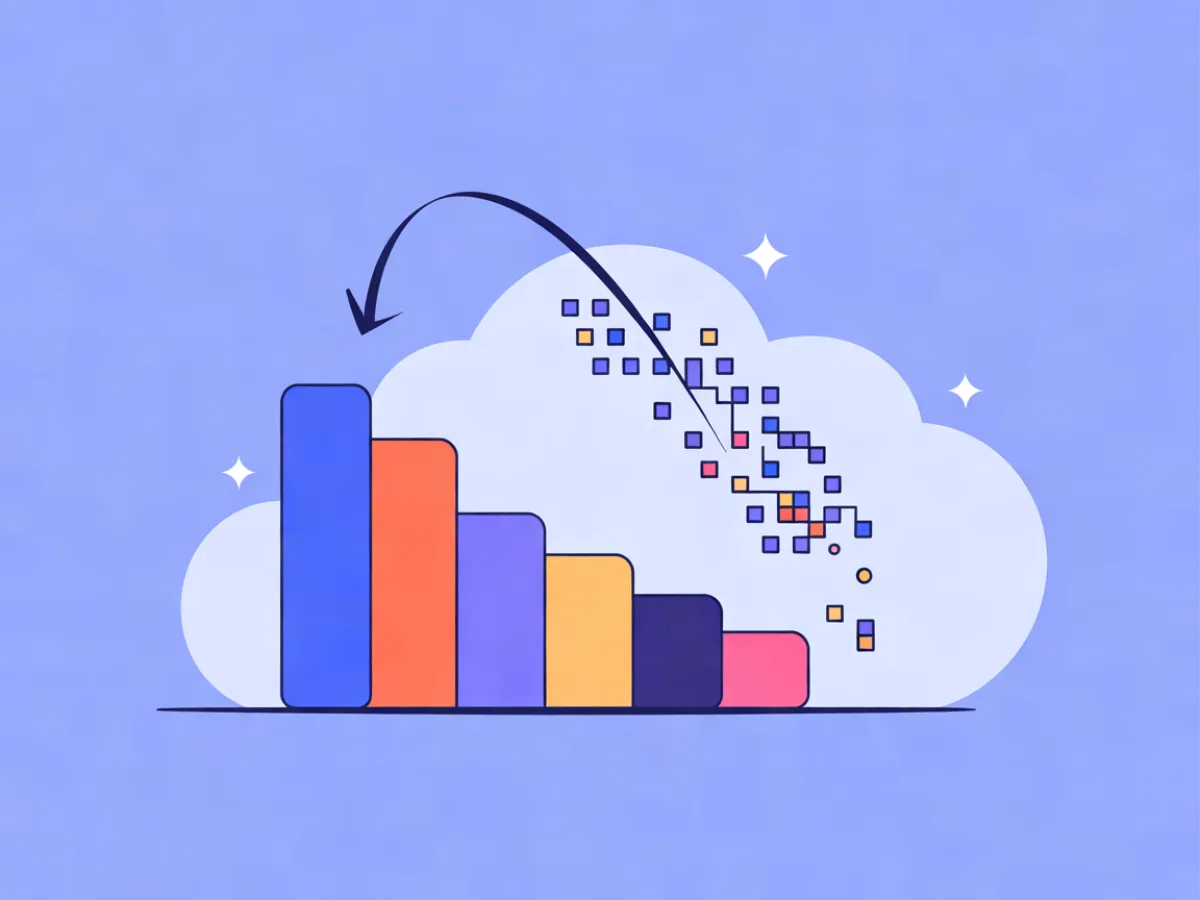
AI personalization cost is the total you pay to generate and deliver personalized content — not just the model call. It has four parts: metered AI generations (often counted as AI actions), your contact/plan tier, rendering and send infrastructure, and the human time spent reviewing and fixing output. The core insight: cost scales with the number of unique AI generations per send, not with the number of emails you send. A 200,000-contact list where every recipient gets a freshly generated paragraph costs roughly ten times more than the same list where only 10% qualify for a personalized block.
That distinction is the whole game. Once you see personalization cost as a generation problem rather than a sending problem, most of the savings come from three levers: cache shared content, personalize only where it changes behavior, and stop paying for generations you never send.
What AI Personalization Cost Actually Consists Of
Break the bill into four lines and you can reason about each one separately.
1. AI actions or generations. This is the metered unit on most platforms that offer AI personalization. One generation might be a rewritten paragraph, a subject line, a recommended product block, or a full email draft. Vendors define the unit differently, so always check the official pricing page for what counts.
2. Contact or plan tier. Most platforms price by list size, so personalizing 200,000 contacts sits on a bigger plan than personalizing 20,000 — even if the per-send behavior is identical.
3. Rendering and send infrastructure. Usually bundled into the plan. Worth naming so you don't double-count it, but rarely the variable that surprises you.
4. Human time. Reviewing AI output, QA-ing merges, fixing a broken conditional block at 11pm. This is real cost and it scales with how many variants you create, not how many contacts you have.
Mailerflow is a useful concrete example of a generation-metered model: unlimited emails on every paid plan, with AI actions metered per plan — 100/month on the Free plan, 500 on Starter, 2,500 on Growth, 5,000 on Pro, 10,000 on Business and 30,000 on Scale. Because sends are unlimited, the lever there is unmistakably generation count, not send volume.
Why the Per-Send Math Matters More Than the Plan Price
A plan that looks cheap per contact can get expensive fast if every send triggers a unique AI call for every recipient. Here's the arithmetic, using round numbers purely as an illustration:
- 50,000 contacts, weekly sends, 4 sends per month.
- Scenario A: every email gets a unique AI-written paragraph → 200,000 generations per month.
- Scenario B: only 10% of the list qualifies for a personalized block → 20,000 generations per month.
Same list. Same send volume. Ten times the AI usage. The plan tier barely moved; the generation count moved by an order of magnitude.
Since plan tiers usually bundle a fixed number of AI actions, the practical question is never "how many emails do I send?" It's "how many unique generations does my segmentation actually require?" Check your own platform's official pricing page for how AI usage is metered, because definitions vary — some count a generation, some count a drafted email, some count a segmentation query.
How AI Personalization Consumes Usage
The mechanics are simpler than they look. Four steps, and only one of them is expensive.
- Data inputs. Profile fields, tags, events, and website behavior collected via a JS SDK.
- Generation. An AI action produces copy, a block, a subject line, or a whole email. This is the metered part.
- Render. The generated content merges into the template per contact. Usually cheap.
- Send. Delivery. Usually bundled or unlimited.
Mailerflow's AI personalization steps and website-behavior data are a good illustration of where generation gets triggered: a contact reads three pages about running shoes, and that behavior becomes an input to a personalized block. The generation happens once per relevant contact or segment — not once per email in the abstract.
What counts as one AI action
Definitions differ by vendor, so treat these as general categories and verify on the official page:
- One piece of generated copy (a paragraph, a subject line, a product blurb)
- One drafted email or automation step
- One segmentation query written from a plain-language description
The safe assumption when estimating: assume the broadest definition, then confirm. Underestimating usage is the more expensive mistake.
Estimating Your AI Usage Per Send
A repeatable method beats a formula you trust blindly:
- Count sends per month.
- Count contacts per send.
- Estimate the share of contacts who receive a unique AI-generated element. This is the number that actually matters.
- Multiply to get monthly generations.
- Compare against your plan's included AI actions.
If you average 1.5 AI actions per email across the list, a 20,000-contact weekly send is roughly 120,000 actions a month. That single number tells you whether your plan fits or whether you need to change the design.
| Personalization depth | Contacts per send | Sends/month | Share getting unique AI content | Monthly generations (illustrative) |
|---|---|---|---|---|
| Low (subject lines + cached intros) | 20,000 | 4 | 5% | ~4,000 |
| Medium (personalized hero for engaged segment) | 20,000 | 4 | 25% | ~20,000 |
| High (unique paragraph per recipient) | 20,000 | 4 | 100% | ~80,000 |
All figures are illustrative, not benchmarks. The point is the shape: the share column drives everything.
The three levers that reduce cost
Reduce generation count, reduce generation scope, and reduce wasted generations. The next three sections take each in turn.
Lever 1: Cache shared content instead of regenerating it
Generate once per segment or per content variant, store it, reuse it. Instead of writing a unique intro for each of 30,000 contacts, generate six intros for six behavioral segments and merge the right one. That's six generations instead of 30,000.
Implementation is unglamorous: reusable templates and blocks, saved segment-level copy, and versioning so you know which cached variant performed. Mailerflow's visual block editor and reusable templates support exactly this pattern — build the block once, swap the copy per segment.
The honest trade-off: cached content is less individually tailored. Reserve it for blocks where segment-level relevance is genuinely enough. For a deeper look at what subscribers actually notice, see our guide to location-based personalization.
Lever 2: Personalize only where it changes behavior
Not every block deserves a unique generation. Rank blocks by likely impact:
- Personalize: subject line and preview text, hero or product recommendation, first paragraph.
- Cache: secondary recommendations, segment-level intros, re-engagement copy.
- Leave static: footers, legal text, generic navigation, unsubscribe language.
A concrete rule: if two contacts in the same segment would receive the same message anyway, don't generate twice.
This is where a campaign-level generation beats a recipient-level one. Mailerflow's AI email builder takes a description and returns a complete responsive design plus subject lines and preview text — one generation covering a whole campaign's creative rather than one per recipient. For recommendation blocks specifically, our breakdown of product recommendation email approaches covers which layouts justify per-contact generation and which don't.
Lever 3: Stop paying for generations you don't send
Waste shows up in predictable places:
- Generating for suppressed or unengaged contacts
- Regenerating after a trivial edit instead of editing the cached version
- Generating for contacts who will never open
- Duplicate generations from overlapping automations
Fixes: filter by engagement or consent before the AI step, use dynamic segments so only eligible contacts enter the personalized branch, and audit automations for overlapping triggers. Mailerflow's automations support waits, conditions and AI steps, so you can place a condition before the AI step rather than after it. Automatic suppression of bounces and complaints also keeps dead addresses out of future sends, which quietly reduces generation count over time.
A Worked Example: 40,000 Contacts, Weekly Sends
Everything below is an illustration, not a benchmark.
Naive setup: unique AI paragraph per contact, 4 sends/month → 160,000 generations.
After applying the levers:
- 5 behavioral segments with cached intros → 20 generations/month
- One AI-generated subject line set per campaign → 4 generations/month
- Personalized hero for the 20% with recent website activity → 32,000 generations
- Condition excluding unengaged contacts cuts that 20% down to roughly 7.5% → ~12,000 generations
Total: roughly 12,000–13,000 generations instead of 160,000.
What you give up: some per-contact uniqueness in the intro and subject line. What you keep: relevance where it matters — the hero block and the send-time decision. For most lists, that's the trade that makes personalization sustainable at scale. If you want to go further on the data side without overstepping, personalization without creepiness covers the privacy boundary.
Common Mistakes That Inflate AI Personalization Cost
- Generating per recipient when segment-level content would do. Fix: cache by segment first, personalize per contact only where it earns its keep.
- Personalizing blocks nobody reads. Fix: audit which blocks get clicks before adding AI to them.
- No engagement filter before the AI step. Fix: add a condition so unengaged contacts never reach generation.
- Regenerating after trivial edits. Fix: edit the cached variant directly.
- Overlapping automations. Fix: map triggers and merge duplicates.
- Ignoring the plan's AI action allowance until you hit a cap. Fix: track monthly generations against your allowance.
- Measuring cost per email instead of cost per generation. Fix: change the metric — it's the one that responds to your decisions.
- Personalizing on data you don't have. Fix: if the field is empty for most contacts, the output is generic and you paid for it anyway.
Checklist: Before You Turn On Personalization at Scale
- [ ] Know your monthly send count and contacts per send
- [ ] Estimate unique generations per send, not emails per send
- [ ] Confirm your plan's included AI actions and what counts as one action
- [ ] Decide which blocks are personalized, cached, or static
- [ ] Add an engagement or consent condition before every AI step
- [ ] Build reusable templates for cached variants
- [ ] Set up dynamic segments so only eligible contacts enter personalized branches
- [ ] Review automations for overlapping triggers
- [ ] Track cost per generation monthly, not per email
- [ ] Re-check your platform's official pricing page when usage changes
FAQ
Does personalizing every email with AI cost more than sending more emails? On generation-metered platforms, usually yes — generation count is the variable that moves. Mailerflow charges unlimited emails on every paid plan, so send volume isn't the cost driver there; AI actions are.
How many AI actions does one personalized email use? It depends entirely on how many unique generations the email requires. A campaign-level generation — one subject line set, one hero design — can serve the whole list. A unique paragraph per recipient uses one action per recipient.
Is cached personalization still personalization? Yes. Segment-level relevance is often exactly what subscribers notice. A running-shoe reader getting running-shoe content is the personalization; whether the sentence was written once or 30,000 times is invisible to them.
Do I need website-behavior tracking to personalize? No, but behavioral data usually makes personalization more accurate and more timely. Mailerflow collects it via a JS SDK, and dynamic segments can combine it with fields, tags and engagement.
What happens if I exceed my plan's AI actions? Policies differ by platform, so check your vendor's official page rather than assuming. The better move is to design your personalization so your monthly generation count stays inside the allowance — the levers above are how you do that.
Describe your next email or automation in one sentence and let Mailerflow's AI build it — free plan, no credit card.