Drip Campaigns vs Triggered Emails: What's the Difference?
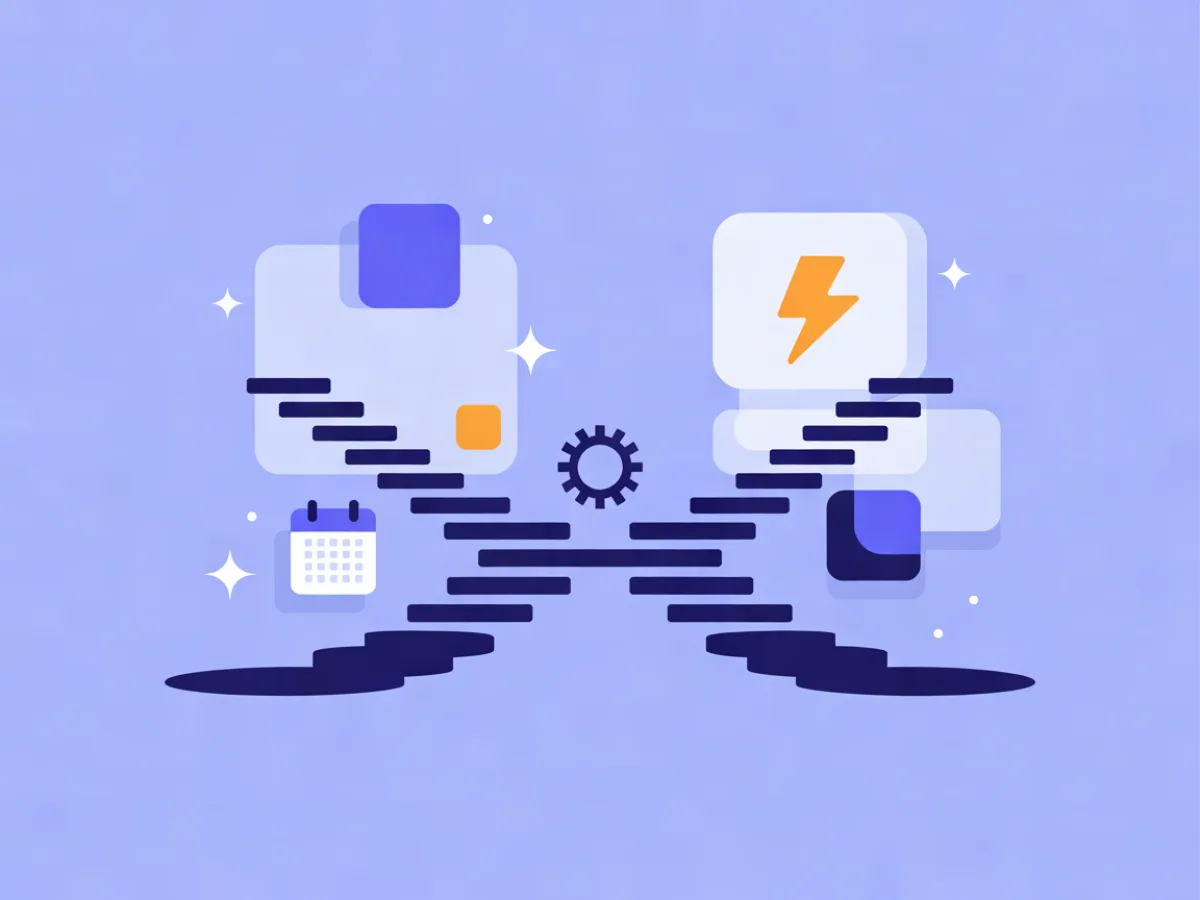
A drip campaign vs triggered email is not a choice between two products — it is a choice between two trigger types inside the same automation builder. A drip campaign sends a sequence of emails on a schedule after a starting point: sign up, buy something, get tagged. A triggered email sends one message because a specific contact did something, or stopped doing something. Most workflows that actually convert use both: a trigger starts the sequence, waits pace it, and conditions decide what each person sees next.
Two examples make the split concrete. A five-email onboarding drip over twelve days is time-based: everyone who joins on Monday gets email two on Wednesday. A "you left something in your cart" email sent an hour after abandonment is behavior-based: it only exists because that person acted.
Drip campaign vs triggered email: side-by-side
Competitor details below were checked on 19 October 2026 on each vendor's official pricing page.
| What it is | What starts it | Timing | Typical length | Best for | Risk if misused | |
|---|---|---|---|---|---|---|
| Drip campaign (time-based) | A pre-written sequence sent on a fixed schedule | A starting point: signup, purchase, tag applied, list joined | Fixed waits between sends | 3–7 emails is common | Onboarding, education, launch countdowns, re-engagement | Keeps sending after the goal is met; feels robotic if the content never adapts |
| Triggered email (behavior-based) | A single message fired by an action or event | A specific behavior: signup, click, abandonment, milestone, inactivity, a date | Immediately or after a short delay | One email (sometimes a short burst) | Abandonment, post-purchase, trial-ending, win-back | Fires too often or too late; no frequency cap across triggers |
| Hybrid (trigger starts a drip) | A sequence whose entry is behavioral and whose pace is time-based | A behavior or event | Trigger fires, then waits | 3–10 steps | Trials, onboarding with a conversion goal, ecommerce flows | Complexity creeps in; needs exit rules from day one |
For a wider view of the market, our ranking of the Best Email Marketing Platforms shows what each service really costs for your number of contacts.
The differences that actually matter
The clock vs the contact
A drip assumes relevance comes from elapsed time. A trigger assumes relevance comes from an action. If your message is "here is what to do next, in order," time works. If your message is "you just did X, so here is Y," only a trigger makes sense — a scheduled email about an abandoned cart is nonsense.
Volume and predictability
Drips are easy to forecast: 1,000 signups this week means roughly 1,000 sends per step. Triggers scale with behavior and can spike hard. A product launch or a broken checkout can fire thousands of sends in an hour, which is why warm-up limits and suppression rules matter before you switch a high-volume trigger on.
Exit conditions
The most common mistake is a drip that keeps sending after the goal is met. A trial onboarding sequence that still says "get started" three days after the user upgraded is worse than no email at all. Fix it with a condition step: check whether the contact converted, and if so, exit the automation or move them to a different branch. This one rule removes most of the annoyance people associate with automated email.
Worth knowing: the phrase drip campaign meaning has drifted in most vendor documentation to mean "any automated sequence," which is exactly why the distinction is worth making explicitly in your own workflow names.
When a drip campaign is the right tool
Use a drip when there is no behavioral signal yet, when the message is educational and order matters, or when you need predictable send volume.
A four-email onboarding drip for a B2B newsletter might look like this:
- Day 0 — Welcome. Confirm the signup, say what arrives and how often, set one expectation ("one issue every Tuesday").
- Day 2 — Best-of archive. Three past issues that show the range of topics.
- Day 5 — A practical template. A checklist or worksheet the reader can use today.
- Day 9 — Soft ask. Reply with a question, or book a call if that is your model.
Guardrails: cap the sequence, add an exit condition on conversion, and check engagement before the final email. If someone has not opened anything by day 7, sending a fourth email rarely helps — branch them into a re-engagement path instead.
When a triggered email is the right tool
Use a trigger when the message only makes sense right after an action, or when timing is the value.
- Welcome email on signup — the highest-intent moment you will ever get.
- Cart or form abandonment — one email an hour after abandonment, one more a day later if still unconverted.
- Post-purchase follow-up — usage tips, then a review request.
- Milestone or usage-based emails — "you have used 80% of your plan."
- Inactivity win-back — no opens in 60 days.
- Date-based triggers — renewal, birthday, trial ending.
A SaaS trial is the classic case: trigger on signup, wait 24 hours, then branch on whether the user invited a teammate. Invited? Send a collaboration-focused email. Did not? Send one that shows how to invite someone in two clicks.
One terminology note: triggered email is sometimes used narrowly for transactional sends like password resets and receipts. Transactional and marketing triggers differ in consent and unsubscribe rules — marketing triggers need a clear opt-out path, transactional ones generally do not carry unsubscribe links. Check your own jurisdiction's rules before assuming either way.
How to combine them
The pattern most teams settle on: a trigger starts the sequence, time-based waits carry it, and conditions and exit rules steer it.
- Trigger: contact signs up.
- Wait: 1 day.
- Condition: did they open the previous email? Branch accordingly.
- Wait: 3 days.
- Condition: did they visit the pricing page? If yes, send a case-study email; if no, send a comparison email.
- Exit: if the contact becomes a customer, leave the automation.
This is the shape visual automations are built for — waits, conditions, webhooks and AI steps, with triggers on signups, events, dates, inactivity and website behavior. If you would rather not draw it by hand, Mailerflow's AI automation builder drafts the whole flow from a one-sentence description — trigger, waits, conditions and emails — for you to review before activation. Ready-made starting points are also worth borrowing; our email automation templates walk through several you can adapt.
Pricing and plan limits: what to check before you commit
Plan details below were checked on 19 October 2026 on each vendor's official pricing page. Always confirm current limits on the vendor's site before you commit.
| Platform | What the official pricing pages state (checked 19 Oct 2026) |
|---|---|
| Mailerflow | Free plan: 2,500 contacts, 10,000 emails a month, 3 active automations. Paid plans from $14.90/month with unlimited emails; automation counts rise by tier (10, 50, unlimited). |
| MailerLite | Every paid plan gets the full feature set, with higher prices only for a bigger list or more sending. Comfort includes 50 automations; Power includes unlimited automations and multiple automation triggers. |
| Brevo | Free forever plan. Starter includes forms that automatically trigger follow-up emails on signup. Standard adds marketing automation with unlimited multi-step workflows. |
| ActiveCampaign | Pro and Enterprise include marketing automation and unlimited automation actions. |
| Mailchimp | Standard includes enhanced automations. |
For Drip and Kit, check the official pricing pages directly — plan structures change and we could not verify current details at the time of writing.
Where each platform is strong
MailerLite puts the full feature set on every paid plan, with unlimited automations and multiple triggers on Power — a good fit for teams that want predictable pricing as the list grows.
Brevo offers a free forever plan and multi-channel scope, with marketing automation arriving on the Standard plan.
ActiveCampaign brings automation and CRM depth on Pro and Enterprise, including unlimited automation actions, predictive and conditional content, and attribution and conversion tracking.
Mailchimp combines enhanced automations with generative AI features and custom-coded templates on Standard.
Mailerflow offers visual automations with waits, conditions, webhooks and AI steps, an AI automation builder that drafts a workflow from a sentence, an AI email builder, CSV import with duplicate and validity checks, and free migration help on eligible paid plans.
Choose X if…
- Choose a drip campaign if your audience has no behavioral signal yet, your message is educational and order matters, or you need predictable send volume.
- Choose a triggered email if the message only makes sense right after an action, if timing is the value (abandonment, renewal, trial ending), or if you want volume to follow demand.
- Choose a hybrid if you have both a sequence and a conversion goal — which covers most onboarding, most trials and most ecommerce flows.
One rule covers nearly every case: trigger on behavior, pace with time, exit on the goal.
FAQ
Is a drip campaign the same as a triggered email?
No. A drip is time-based — it sends on a schedule after a starting point. A triggered email is behavior-based — it sends because a contact did something. Most automation builders let you combine the two, which is where the real value is.
Can a drip campaign be triggered?
Yes, and that is usually the best design. The trigger decides who enters the sequence and when; the waits decide the pace. A signup trigger with a one-day wait before email two is both triggered and time-based.
How many emails should a drip campaign have?
Three to seven is a practical range for onboarding. The exit condition matters more than the count: if the goal is met, stop sending. A short sequence that ends when someone converts beats a long one that keeps going.
Do triggered emails need an unsubscribe link?
It depends on whether the message is transactional or marketing. Marketing triggers need consent and a clear unsubscribe path; transactional messages like receipts generally do not carry unsubscribe links. When in doubt, treat it as marketing and include the opt-out.
If you want to build your first hybrid flow without hand-drawing every branch, try Mailerflow's automation builder on the Free plan — 2,500 contacts, 10,000 emails a month and the AI automation builder included. Import your contacts by CSV, and ask about free migration help on eligible paid plans.