Email Automation Templates: Ready-Made Workflows You Can Copy
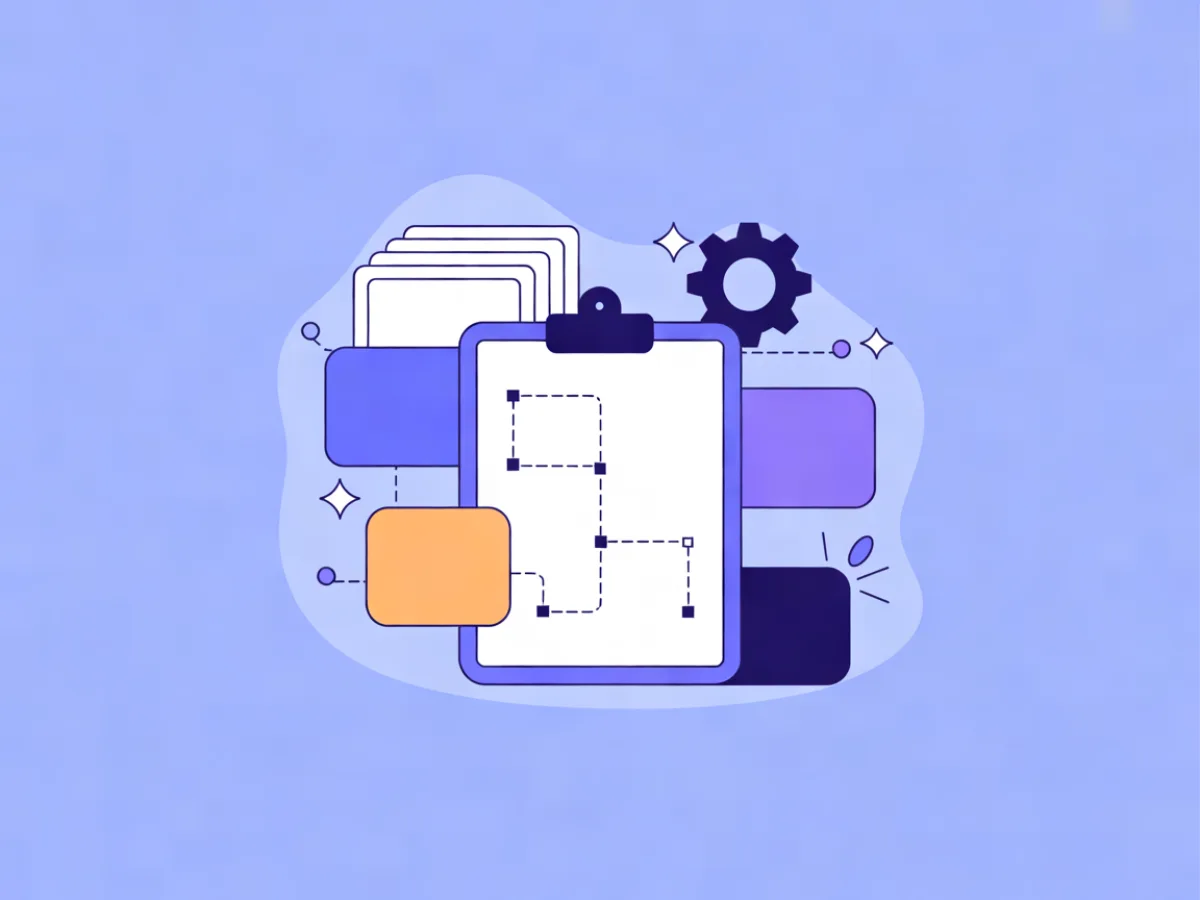
Email automation templates are prebuilt workflows — a trigger, a sequence of steps with waits and conditions, and copy-ready emails — that you adapt to your own list instead of building from a blank canvas. Below are six you can copy today: welcome, trial activation, abandoned signup, post-purchase, re-engagement, and date-based. Each includes the trigger, the step logic, and an email you can paste into your editor and edit in ten minutes.
What makes an automation template worth copying
Every usable template has three parts, and if one is missing the workflow will not run well.
- A trigger — the event that starts it: a signup, an account created, an order placed, a date field reached, or a period of inactivity.
- Steps with waits and conditions — the order of emails, how long to wait between them, and the rules that decide who continues and who exits.
- Email copy with one job per message — each email moves the reader one step closer to a single action. Two jobs in one email usually means neither happens.
A template is a starting point, not a finished workflow. The trigger and the timing almost always need adjusting to your list size and buying cycle: a two-day wait that suits a consumer product feels rushed for a considered B2B purchase.
If none of the templates below fits your situation exactly, you can describe the workflow you want in a sentence and have Mailerflow's AI automation builder draft it — trigger, waits, conditions and emails — for you to review before activation. That is useful when your sequence has an unusual shape, such as a condition on a webhook from your own product.
When to use these email automation templates
Do not build all six. Pick the one that matches the situation your list is actually in, get the copy right, then add the next.
| Situation | Template to use | Metric to watch |
|---|---|---|
| New subscriber who has not bought | Welcome and first-value sequence | First purchase, reply rate |
| Trial or free-plan user | Trial or free-plan activation | Activation rate |
| Started a form, did not finish | Abandoned signup | Form completion rate |
| Just bought for the first time | Post-purchase onboarding | Repeat purchase rate |
| No opens or clicks for months | Re-engagement and win-back | Suppression rate, reactivations |
| Renewal, birthday, anniversary | Date-based and milestone | Renewal rate, churn |
Start with one or two. A welcome sequence and one behavioral sequence cover most of the value in the first month. Adding five automations at once usually means five half-finished automations, and the copy is where the results come from — not the number of workflows in your account.
The templates
Each template below follows the same format: trigger, steps, then a copy-ready email with subject line, preview text and body. Treat the copy as a first draft in your voice, not final text.
Template 1: Welcome and first-value sequence
Trigger: signup via form or import.
Steps: wait 2 minutes → send email 1; wait 2 days → send email 2; wait 3 days → condition on whether the contact clicked or visited a key page → send email 3 or skip.
Email 1
- Subject:
Welcome — here's where to start - Preview:
One link, two minutes, and you're set up. - Body: Confirm the signup in one line. Deliver the promised resource with a single link. Give one clear next action. No upsell yet.
Email 2 — the single most useful thing you know about your topic, framed as a quick win the reader can apply today.
Email 3 — a soft introduction to what you sell, tied to the problem the reader signed up with.
Adaptation notes: if your signup incentive is a download, put the link in email 1 and keep it above the fold. If you sell to businesses, stretch the waits to 3–4 days.
Template 2: Trial or free-plan activation
Trigger: account created or free plan started.
Steps: wait 1 hour → setup email; wait 1 day → condition on whether the activation event happened; if not, send a nudge that removes one specific obstacle; wait 3 days → check-in from a named person; wait 4 days → summary of what they have and have not done.
Setup email
- Subject:
Your first [action] takes about four minutes - Preview:
Here's the exact path most people take. - Body: Numbered steps. One screenshot or short video. A link straight to the screen where the action happens.
Adaptation notes: define your activation event before writing anything — first project created, first email sent, integration connected — and make every email in the sequence point at that one event. If you track website behavior, use it to skip emails for people who already activated.
Template 3: Abandoned signup or incomplete form
Trigger: form started but not submitted, or a signup step abandoned.
Steps: wait 30 minutes → short reminder; wait 1 day → version that addresses the most common hesitation; wait 3 days → final short email with no pressure.
Reminder email
- Subject:
You left something halfway - Preview:
Took 30 seconds to finish — here's the link. - Body: Three sentences maximum. Restate the value in one line. One link back to the form.
Adaptation notes: only run this if you capture partial submissions. If you do not, use a simpler trigger such as a pricing-page visit with no signup. Keep the tone light — this sequence works because it is short, not because it is clever.
Template 4: Post-purchase onboarding and repeat purchase
Trigger: first order or subscription started.
Steps: send receipt or confirmation immediately (transactional, separate from marketing); wait 1 day → getting-started email; wait 7 days → how is it going, plus an offer of help; wait 21 days → complementary product or replenishment reminder.
Day-7 email
- Subject:
How's it going with [product]? - Preview:
Two quick things that make it easier. - Body: One tip, one offer of help, one link to support or a guide.
Adaptation notes: for consumables, replace the day-21 email with a replenishment reminder timed to your average usage window. Do not put a discount in the first post-purchase email — it trains buyers to wait for one.
Template 5: Re-engagement and win-back
Trigger: no opens or clicks for 60–90 days, or no purchase in 6 months.
Steps: send a "still interested?" email; wait 5 days → something genuinely useful with no ask; wait 7 days → clear opt-down or unsubscribe option; if no engagement, suppress from regular sends.
Re-engagement email
- Subject:
Should we keep sending you this? - Preview:
One click either way — no hard feelings. - Body: Acknowledge the silence. Offer two buttons: keep me on the list, or pause for 90 days. Include one piece of value.
Adaptation notes: this sequence protects deliverability more than it recovers revenue, so treat the suppression step as the goal, not the failure. Build the trigger on an engagement-based segment so it fires automatically.
Template 6: Date-based and milestone automations
Trigger: a date field (renewal date, birthday, anniversary of first purchase) or an inactivity threshold.
Steps: wait until 30 days before the date → heads-up; wait until 7 days before → reminder with the action link; on the date → confirmation or congratulations.
Renewal reminder
- Subject:
Your [plan] renews on [date] - Preview:
Here's what happens next, and how to change it. - Body: State the date, the amount or action, and the two options: continue or change.
Adaptation notes: date triggers need a clean date field on every contact. If yours is patchy, run a one-time cleanup before switching the automation on. Milestone emails work well for purchase anniversaries with a simple thank-you and no discount.
How to personalize these templates without rewriting them
Start with fields you already have: first name, product purchased, plan, signup source. Then add behavioral signals — which page a contact visited, whether they clicked a specific link, whether they opened the last three emails.
A concrete example: in the welcome sequence, if the contact came from a pricing-page form, swap the second email for a comparison-focused one. Same structure, different content, decided by a condition rather than a new workflow.
Mailerflow supports dynamic segments on fields, tags, engagement, events and website behavior, plus AI personalization steps that tailor content to what a contact read or did. That means you can build the conditional branch without exporting lists or maintaining separate automations for each audience.
One warning: do not over-personalize. Two or three variables per email is usually enough, and a wrong merge field costs more trust than a generic greeting. If you cannot fill a variable reliably for every contact, leave it out.
Subject lines and preview text to pair with each template
| Template | Subject line | Preview text |
|---|---|---|
| Welcome | Welcome — start here | The one link you actually need. |
| Activation | Your first [action] in four minutes | No setup, no call, no waiting. |
| Abandoned signup | You left something halfway | Thirty seconds to finish. |
| Post-purchase | How's it going with [product]? | Two things that make it easier. |
| Re-engagement | Should we keep sending you this? | One click either way. |
| Date-based | Your [plan] renews on [date] | What happens next, and how to change it. |
Keep subject lines under roughly 45 characters where you can — long ones get cut on mobile. Write preview text as a continuation of the subject line, not a repeat of it. Test one variable at a time, or you will not know what caused the change.
Mailerflow supports A/B testing of campaigns, and the AI email builder can generate subject lines and preview text alongside a complete responsive design when you describe the email you want. That is handy when you need five variations of the same message and do not want to write each from scratch.
Mistakes to avoid when adapting these templates
Sending the whole sequence to everyone. Add conditions and segments so contacts exit when they convert. Someone who buys on day one should not receive the day-three sales email.
Too many emails too fast. Space them out and let the reader act. If your sequence has four emails in four days, most readers will only see the first two.
Copying tone from a brand that is not yours. Keep the structure, rewrite the voice. A playful sequence from a formal brand reads as a mistake.
No exit condition. Every automation needs a goal event that removes the contact. Without one, people stay in the workflow forever and receive irrelevant messages.
Ignoring deliverability basics. Send from your own domain with DKIM, SPF and DMARC configured, and ramp volume rather than blasting a new domain. Mailerflow guides the DNS setup and verifies it automatically, and suppresses bounces and complaints for you.
Forgetting consent and suppression. Keep double opt-in records, honor unsubscribes automatically, and keep a suppression list for people who complained.
Never reviewing performance. Check delivery, bounces, complaints and clicks per email, and cut the weakest step after a few weeks. A four-email sequence that performs better as three is a win.
FAQ
How many automations should I start with? One or two: a welcome sequence and one behavioral sequence. Add more once the first two are producing results you can measure.
Can I use these templates if I sell services rather than products? Yes. Swap product references for a call or a proposal step, and lengthen the waits — service buyers usually take longer to decide than product buyers.
Do I need a designer? No. A block editor with headings, heroes, products, columns and social links covers most needs, and an AI email builder can produce a responsive design from a description.
How long should I wait between emails? Long enough for the reader to act. One to three days suits onboarding; considered purchases often need a week or more between messages.
What if a contact is in two automations at once? Set exit rules and priority so the more specific automation wins — for example, a post-purchase sequence should pause a general nurture sequence.
Describe this automation in a sentence and Mailerflow drafts the workflow for you to review — start free.