What Is an Email API? How It Works and When to Use One
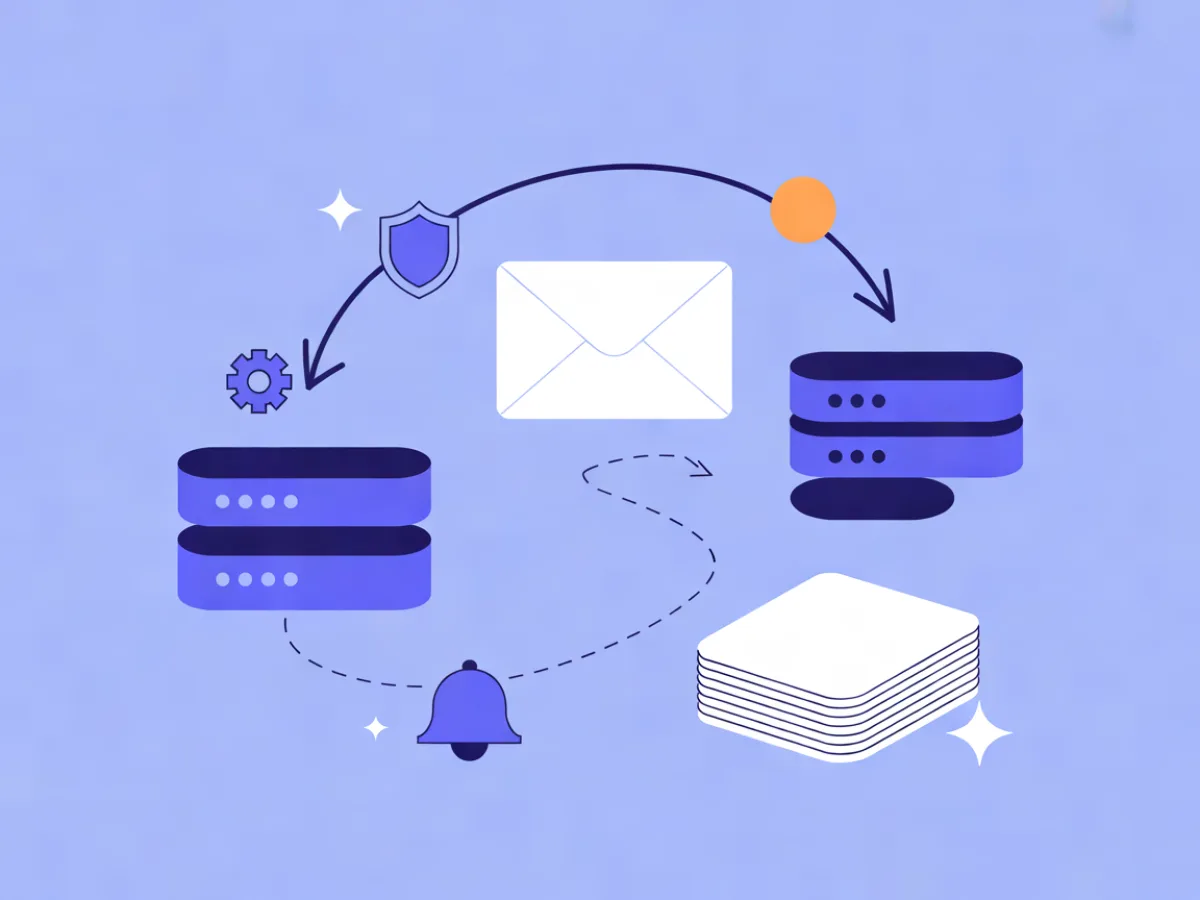
An email API is a programmatic interface — almost always REST over HTTPS — that lets your application hand a message to a sending provider, which then handles delivery, retries, signing and reporting. Instead of configuring a mail server or clicking through a dashboard, you make an HTTP request and get back a message ID you can track. That is the short answer; the rest of this guide covers how the request actually flows, what to decide before you integrate, and when an API is a better fit than SMTP.
What an email API actually is
An email API is a contract: you send a structured payload (sender, recipient, subject, body or template ID), the provider accepts it, and delivery becomes the provider's problem. You get an identifier back immediately, and events — delivered, bounced, complained — arrive later.
It helps to separate it from three things people confuse it with:
- SMTP is a protocol you speak directly. Your app opens a connection to a mail server and transmits the message. It works, but error handling is a stream of text codes rather than structured JSON.
- An ESP dashboard is a UI for humans. Useful for campaigns and one-off sends, but not something your application calls at 3 a.m. when a user resets a password.
- A marketing automation tool is a workflow engine. It decides when and to whom a message goes; an API decides how the message gets sent.
The terms "email sending API" and "transactional email API" are often used loosely for the same thing. The distinction worth keeping is intent: transactional implies a message triggered by a user action, with higher expectations around latency and deliverability than a newsletter.
For a wider view of the market, our ranking of the Best Email Marketing Platforms shows what each service really costs for your number of contacts.
How an email API works: the request flow
Follow one message end to end:
- Your app builds a payload. From address, recipient, subject, HTML and plain-text bodies — or a template ID plus variables.
- The request authenticates. Usually a bearer token in the
Authorizationheader. - The provider validates and accepts it, returning a message ID and typically a
202 Acceptedstatus. - The provider queues and signs the message with DKIM for your domain, then hands it to the recipient's mail server.
- Delivery events come back asynchronously, normally via webhook to an endpoint you control.
The key mental model: a 202 means "accepted for delivery", not "delivered". Delivery happens after your request has already returned. Here is the shape of a typical request payload — illustrative, not a real API response:
{
  "from": "orders@mail.example.com",
  "to": "customer@example.net",
  "template_id": "order-confirmation",
  "variables": {
    "first_name": "Sam",
    "order_id": "A-10482",
    "total": "42.00 EUR"
  },
  "idempotency_key": "order-A-10482-confirmation"
}
Authentication and API keys
Most providers accept a bearer token or basic auth. The practical difference between a good and a risky integration is scope. A key that can only send transactional mail limits the blast radius if it leaks; a key that can also read your contact list or delete templates does not.
Treat sending keys like database credentials: store them in environment variables or a secrets manager, rotate them on a schedule, and never ship one in client-side JavaScript where anyone can read it from the browser. Mailerflow's REST API uses scoped keys, and its idempotency keys prevent duplicate sends when a request is retried after a timeout — which is exactly the situation where a naive retry sends a customer two password-reset emails.
Templates and variables
There are two ways to get content into a message. You can inline the HTML in the request, which keeps everything in your codebase but means every copy change is a deploy. Or you can reference a stored template with variables like {{first_name}} and {{order_id}}, which keeps the payload small and lets non-developers edit copy without touching the repository.
Stored templates are usually the better default for anything a marketer might want to reword. Two cautions: escape any user-supplied value before it lands in HTML, and keep a plain-text fallback so the message is readable in clients that strip HTML.
Mailerflow's transactional API supports templates and variables, and its AI email builder can generate a complete responsive design, subject lines and preview text from a description — useful when you need a template but have no designer on hand.
Events, webhooks and delivery logs
The events that matter are: accepted, delivered, bounced (hard and soft), complained, opened (approximate), clicked and unsubscribed. Webhooks push these to your endpoint in real time; polling the API is the fallback when you cannot expose an endpoint.
Three rules make webhook handling reliable. Verify the signature so nobody can POST fake bounces into your system. Make your handler idempotent, because providers retry. And log the provider's message ID against your own record — that ID is the only reliable way to reconcile "the customer says they never got it" with what actually happened. Mailerflow provides signed real-time webhooks with retries and delivery logs.
Email API vs SMTP: when each one fits
This is a fit question, not a winner question. Both deliver mail; they differ in how you integrate and what you get back.
| Consideration | Email API | SMTP |
|---|---|---|
| Integration effort | HTTP client you already have | Mail library or raw socket |
| Error handling | Structured JSON with codes | Text status codes |
| Template support | Provider-side templates with variables | Usually assembled in your app |
| Analytics | Events via webhook and logs | Limited unless the provider adds it |
| Throughput | Managed by the provider's queue | Depends on your connection handling |
| Portability | Provider-specific payloads | Widely supported standard |
SMTP is the right call when you are plugging into an existing mail library, a legacy system, or a device that only speaks SMTP. An API is usually the better fit for new application code, because errors are structured, the response is immediate, and the event stream is richer. If you are weighing providers, comparisons such as Resend alternatives and Postmark alternatives walk through how the options differ for transactional and marketing use.
Key decisions before you integrate
- Which lane? Keep transactional and marketing streams separate so a campaign blast cannot delay password resets.
- Which domain and subdomain? Sending transactional mail from a subdomain protects the reputation of your primary domain.
- Dedicated IP? Usually unnecessary at low volume; shared infrastructure is often better until you have consistent volume.
- Bounce and complaint handling: decide now who gets notified and what happens to the address.
- Where do templates live? In code, in the provider, or split by audience.
- Retry policy: how many attempts, with what backoff, and with which idempotency key.
- Provider outage: do you queue locally and retry, or fail the user action immediately?
A concrete example: password reset and order confirmation
Both flows below are illustrative.
Password reset. A user submits the reset form. Your backend generates a single-use token, calls the API with a template ID and variables, and logs the returned message ID against the user record. If a bounce webhook arrives for that address, you flag it so support knows the reset email never landed.
Order confirmation. A payment event triggers the send. The payload includes line items and the order number, and it goes out on a high-priority lane so it is not queued behind a newsletter. Mailerflow's transactional API runs on a high-priority lane for exactly this reason. A minimal call looks like this:
await fetch('https://api.mailerflow.ai/v1/emails', {
  method: 'POST',
  headers: {
    Authorization: `Bearer ${process.env.MAILERFLOW_KEY}`,
    'Content-Type': 'application/json'
  },
  body: JSON.stringify({
    from: 'orders@mail.example.com',
    to: order.email,
    template_id: 'order-confirmation',
    variables: { order_id: order.id, total: order.total },
    idempotency_key: `order-${order.id}-confirmation`
  })
});
Common mistakes
- Mixing transactional and marketing mail in one stream. Fix: separate subdomains and separate sending lanes.
- Treating a
202as delivered. Fix: track delivery through webhooks, not the initial response. - Hardcoding API keys in the repo. Fix: environment variables or a secrets manager, rotated regularly.
- Skipping idempotency keys. Fix: derive one from the business event, such as the order ID.
- Ignoring bounce webhooks. Fix: wire them up before launch, not after your domain reputation drops.
- Sending without SPF, DKIM and DMARC. Fix: complete domain authentication first.
- Putting raw user input into HTML. Fix: escape every variable that came from a user.
- Testing only with your own inbox. Fix: send to a seed address and a known-bad address to see a real bounce.
A short pre-launch checklist
- Domain verified with SPF, DKIM and DMARC.
- Separate subdomain for transactional mail.
- Scoped API key stored in a secrets manager.
- Idempotency key on every send.
- Webhook endpoint verifies signatures and is idempotent.
- Bounce and complaint handling wired up.
- Suppression list imported.
- Template variables escaped.
- Retry and timeout policy defined.
- Test send to a seed address plus a known-bad address.
Mailerflow offers guided DKIM, SPF and DMARC setup with automatic verification, and automatic suppression of bounces and complaints, which covers several of these items without custom code.
Choosing a provider: what to check
Judge providers on published, checkable criteria: is there an OpenAPI spec and runnable code samples, is there an SDK for your language, how are events delivered, what are the rate limits, where is data hosted, and what does the free tier include. Verify current limits and pricing on each provider's official page, since these change.
For reference, Mailerflow's own facts: a REST API with scoped keys, idempotency keys, an OpenAPI spec, code samples and a JS SDK; data hosted in Europe; a Free plan at $0/month with 2,500 contacts and 10,000 emails/month; paid plans from $14.90/month with unlimited emails. If you are still comparing options, SendGrid alternatives for developers covers how to evaluate the field.
FAQ
Is an email API the same as SMTP? No. SMTP is a protocol your app speaks directly; an email API is an HTTP interface to a provider that handles delivery for you. Many providers offer both.
Do I need a separate API for transactional and marketing email? Not necessarily, but you should keep the streams separate — different subdomains and sending lanes — so a campaign cannot delay a password reset.
What happens if the API call fails? A 4xx usually means a bad payload or key and should not be retried blindly; a 5xx or timeout is worth retrying with the same idempotency key so you do not double-send.
Can I use an email API without a backend? Only for low-risk cases. Sending keys in client-side code are visible to anyone, so production sends belong on a server you control.
How do I stop duplicate sends? Use an idempotency key derived from the business event, and make your webhook handler idempotent so retries do not create duplicate records.
Ready to try the flow described here? Send your first transactional email with the Mailerflow REST API — scoped keys, idempotency and an OpenAPI spec. Start free.