Lead Nurturing Emails: How to Build a Sequence That Converts
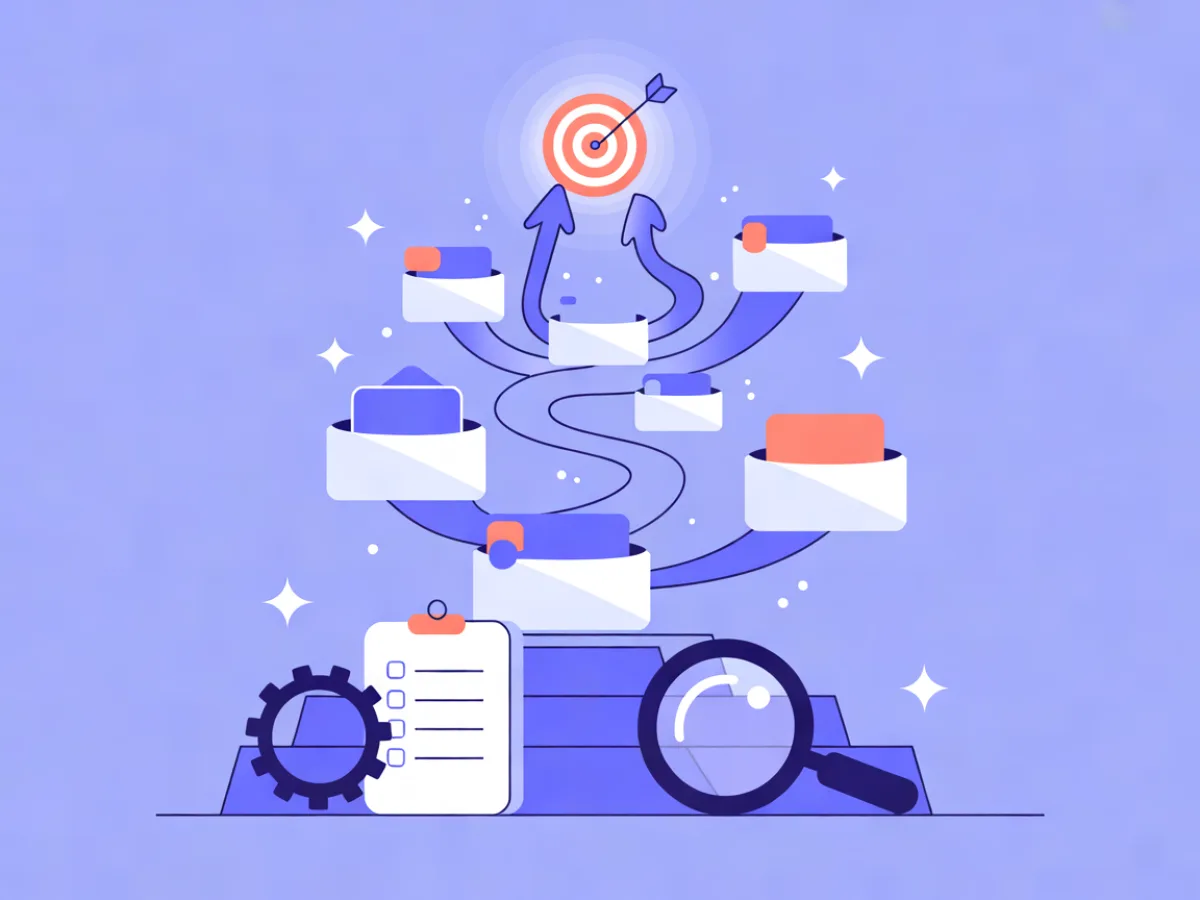
Lead nurturing emails are the sequence of messages you send to a lead who isn't ready to buy yet, designed to move them from problem-aware to ready-to-talk. The most effective version isn't a fixed drip — it's a two-track nurture campaign that branches: leads who engage get a faster, more specific path, and leads who go quiet get a slower re-engagement path before you stop emailing them.
What you'll set up and what you need
You're building one automation with two branches inside it:
- Main track: three emails mapped to buying stages (problem-aware, solution-aware, vendor-aware).
- Engaged branch: shorter waits, more specific offers, sent when the contact is most active.
- Unengaged branch: longer waits, a re-engagement email, a different angle, then a sunset email.
Before you start, have these in place:
- A verified sending domain. DKIM, SPF and DMARC configured and passing. Mailerflow's guided setup verifies these automatically, and it's worth doing first because nothing else matters if mail lands in spam.
- A source feeding contacts in. A signup form with double opt-in, or an event from your product (a trial start, a content download).
- Three to five content assets you can honestly map to a stage: a checklist or template (problem-aware), a comparison or buyer's guide (solution-aware), a demo or pricing walkthrough (vendor-aware).
- A way to tag or segment. You need a tag like
nurture-activeand a way to markconvertedso the sequence can exit cleanly.
In Mailerflow, the whole build happens on one canvas: visual automations support waits, conditions, webhooks and AI steps, with triggers on signups, events, dates, inactivity and website behavior. If you'd rather start from a draft than a blank canvas, the AI automation builder takes a sentence like "nurture new checklist downloads, branch on whether they click the comparison guide, and sunset after three weeks" and drafts the trigger, waits, conditions and emails for you to review before you activate anything.
For a wider view of the market, our ranking of the Best Email Marketing Platforms shows what each service really costs for your number of contacts.
Step-by-step: build the nurture sequence
1. Choose the trigger and set entry conditions
Pick the event that means "this person is a lead worth nurturing." For most B2B teams that's a form submission or a product event. Set the trigger, then add an entry condition so people who are already customers or already in sales don't get pulled in — for example, tag is not customer and tag is not opportunity.
Verify it: submit your own form with a test address and confirm the contact appears in the automation's run log within a minute.
2. Add a wait, then the first email
Set the first wait to a few minutes (not zero) so the email doesn't arrive while the form is still on screen. The first email should deliver the thing they asked for and set expectations: what you'll send, how often, and that they can reply.
Use the AI email builder here if you want a starting point — describe the email and it returns a complete responsive design with subject lines and preview text you can edit.
3. Map one email per buying stage
This is the part most nurture campaigns skip. Don't write three variations of "here's our product." Write one email for each stage:
| Stage | What the lead is asking | Email job |
|---|---|---|
| Problem-aware | "Is this actually a problem for us?" | Name the symptom, give a diagnostic or checklist |
| Solution-aware | "What approaches exist?" | Compare approaches honestly, including doing nothing |
| Vendor-aware | "Why you, and what does it cost?" | Concrete proof, pricing path, next step |
Set waits of two to three days between them.
4. Add the engagement condition
After email two, drop in a condition node that splits on engagement: did the contact click a link (or open, if your data is reliable) in the last email? Clicks are the stronger signal — see the FAQ below on why.
Verify it: the condition node should show two labelled outputs. Check that your test contact's timeline shows which path they took.
5. Build the engaged branch
Engaged leads have raised their hand. Tighten the cadence and get specific:
- Wait one to two days, not three.
- Send the vendor-aware email earlier.
- Turn on "send when the contact is most active" so it lands in their normal working window.
- Add a personalization step that references what they actually read — Mailerflow supports AI personalization steps and website-behavior data so the email can reflect the page or asset they engaged with.
6. Build the unengaged branch
Quiet leads aren't dead, but they need a different approach:
- Day 9: a short, plain-text-style email — "did this land?" — with one link.
- Day 14: a different angle entirely. If the first three emails were about attribution, this one is about reporting speed.
- Day 21: a sunset email. Tell them you'll stop, and give them one click to stay.
Longer waits here are deliberate. You're protecting your sender reputation and your list quality, not chasing opens.
7. Add exit conditions
Every branch needs a way out. Add conditions that remove the contact when they:
- get tagged
convertedoropportunity, - reply to any email,
- unsubscribe or hit a suppression list.
Without this, converted leads keep receiving "still thinking about it?" emails, which is the fastest way to look like you don't know your own pipeline.
8. Add a webhook or AI step where it earns its place
If your CRM or product needs to know a lead reached the engaged branch, add a webhook there. Mailerflow's webhooks are signed, with retries and delivery logs, so you can confirm the downstream event actually fired rather than guessing.
A worked example: a 6-email nurture for a B2B analytics tool
The following is an illustrative example, not a real customer.
Persona: a marketing ops manager who downloaded a "marketing attribution checklist." Trigger: checklist form submission.
Trigger: form = attribution-checklist
  |
  +-- Wait 5 min -> Email 1: welcome + checklist link
  |
  +-- Wait 2 days -> Email 2: problem-aware
  |     "Three signs your attribution is lying to you"
  |
  +-- Wait 3 days -> Email 3: solution-aware
  |     "Four ways to do attribution, and what each costs you"
  |
  +-- Condition: clicked link in Email 3?
        |
        +-- YES (engaged) ---------------------------+
        |   Wait 2 days -> Email 4: demo invite       |
        |   Wait 3 days -> Email 5: implementation    |
        |                 walkthrough                 |
        |   Exit on: converted, replied, unsubscribed |
        |                                             |
        +-- NO (unengaged) ---------------------------+
            Wait 4 days -> Email 4: "did this land?"  |
            Wait 5 days -> Email 5: different angle   |
                          (reporting speed)           |
            Wait 7 days -> Email 6: sunset             |
            Exit on: converted, replied, unsubscribed |
The branch point is the whole design. Everyone gets the same first three emails because you don't yet know enough to personalize. After that, the engaged path compresses to roughly a week and pushes toward a conversation, while the unengaged path stretches to three weeks and gives the lead two more chances to re-engage before you stop.
If you want to tailor further, this is where website-behavior data helps: a lead who visits your pricing page after email three is a different person from one who only opened. A condition on that behavior can route them straight to the demo invite regardless of which branch they were on.
How to check it works
Run this checklist before you call the sequence live:
- Trigger test. Submit the real form with a real address you control. Confirm the contact enters the automation.
- Run log / contact timeline. Open the contact and step through the timeline. You should see each email, each wait, and the condition node's decision recorded.
- Condition routing. Use two test contacts — one who clicks, one who doesn't — and confirm they land on different branches.
- Deliverability. Check bounces and complaints per email, and confirm your suppression list is catching hard bounces automatically. Mailerflow suppresses bounces and complaints automatically and monitors reputation, but you should still read the numbers.
- Per-email analytics. Look at delivery, bounces, complaints, clicks and approximate opens for each email in the sequence, not just the campaign total. A drop between email two and three usually means the content jumped a stage.
- Webhook delivery. If you added a webhook, open its delivery log and confirm the event fired and was accepted.
- A/B test the weak link. Once it's running, A/B test subject lines or send times on the email with the lowest click rate rather than testing everything at once.
Common mistakes and fixes
Fixed cadence with no branching. Every lead gets the same seven emails on the same days. Fix: add one condition node after your second email and split on clicks.
Treating every lead as the same stage. A lead who downloaded a checklist and one who requested pricing are not the same person. Fix: map each email to a stage and check that the sequence actually moves forward.
No exit condition. Converted leads keep getting nurture emails. Fix: add converted, replied and unsubscribed as exit conditions on every branch.
Too many emails too fast. Three emails in three days reads as pressure, not nurture. Fix: two to three days minimum between stage emails, longer on the unengaged branch.
Ignoring deliverability. Sending from an unverified domain, skipping warm-up, or mailing people who never opted in. Fix: verify DKIM, SPF and DMARC first, use double opt-in on forms, and let suppression do its job.
Generic copy. "Just checking in" teaches the lead nothing. Fix: every email should either teach something, offer something specific, or ask a real question.
Next steps
Don't rebuild everything at once. Pick the branch with the weakest performance and improve that first — usually the unengaged path, because it's the one most teams write last and revise least.
Once the core sequence is stable, add a second trigger to the same campaign: inactivity (no click in 30 days) or a website-behavior event like a pricing-page visit. Both are available as triggers in Mailerflow, and either one turns a linear sequence into something that responds to what leads actually do.
This article is the pillar of the Nurture Sequences cluster. Supporting pieces to link here once published: how often to send nurture emails and quote follow-up emails.
If you want to build and test a first sequence without committing budget, the Free plan covers 2,500 contacts, 10,000 emails a month and 3 active automations; paid plans start at $14.90/month with unlimited emails.
FAQ
How long should a lead nurture sequence be?
Long enough to cover the three buying stages and no longer. For most B2B products that's five to seven emails over two to four weeks on the engaged path, and slightly longer on the unengaged path. If you can't say what stage an email serves, cut it.
How many emails before a lead goes cold?
There's no universal number, and anyone quoting one is guessing. The practical signal is engagement: if a lead hasn't clicked anything across three consecutive emails, move them to the unengaged branch rather than adding more emails to the main track.
Should I use opens or clicks to branch?
Clicks. Open tracking relies on a pixel that many clients block or prefetch, so it's an approximate signal at best. Clicks require a deliberate action, which makes them a far better basis for routing.
How do I stop nurturing a lead who converted?
Add an exit condition on every branch that removes the contact when they're tagged as converted or opportunity, when they reply, or when they unsubscribe. If your CRM writes that tag back automatically, the sequence cleans itself up.
Can I run nurture and onboarding in the same automation?
You can, but separate them. Nurture is for leads who haven't bought; onboarding is for customers. Keeping them in one canvas makes exit conditions harder to reason about and increases the chance a customer receives a nurture email. Use two automations and let the converted tag move people between them.
Describe this automation in a sentence and Mailerflow drafts the workflow for you to review — start free.