Flash Sale Emails: Templates and Timing That Actually Work
A flash sale email works when the deadline is the offer, not the decoration: a short window (usually 6–48 hours) where the urgency is real, the copy is short, and the reminder sequence does most of the selling. This guide gives you five copy-and-paste templates, the timing rules for short windows and multiple time zones, and the mistakes that quietly kill results.
When a flash sale email is the right tool
A flash sale email compresses a promotion into a narrow window. The deadline is the mechanism, not a stylistic choice — if the offer would work just as well next week, you're sending a standard promotion with extra pressure, and readers will notice.
It fits three situations well:
- Clearing specific inventory. You have a defined quantity to move and a reason to move it now — end of season, overstock, a discontinued line.
- Rewarding an engaged segment. Repeat buyers, loyalty tags, or people who opened your last five campaigns. These readers already trust you, so a short window reads as a perk rather than a gimmick.
- Creating a spike around a launch or restock. A new product drop or a popular item coming back benefits from a concentrated burst of attention rather than a slow drip.
It backfires in three predictable ways. Sending to a cold or long-inactive list burns sender reputation for a small number of clicks. Running flash sales weekly teaches readers that the deadline is theatre, and they'll wait for the next one. Discounting a product people bought at full price last week creates refund requests and resentment. If any of those apply, fix the segment or the offer before you fix the copy.
Choosing a provider at the same time? Our comparison of the Best Email Marketing Platforms ranks them by verified prices for your list size and sending volume.
Timing: the window, the time zones and the reminders
Choose the window length by goal
- 6–12 hours for urgency-driven spikes to a warm, single-region list. Short enough that the deadline is genuinely tight.
- 24–48 hours when your audience spans many time zones or the product needs consideration. A 6-hour window across eight time zones means most of your list is asleep for a third of it.
Handle time zones honestly
Pick a send time anchored to your largest segment, or split the send by region if your list is meaningfully split. Then state the deadline in a way that survives translation:
- A countdown ("ends in 12 hours") travels well.
- "Ends tonight" works only if it's actually tonight where the reader is.
- A fixed clock time ("ends 9pm GMT") is precise but requires the reader to do maths.
Whatever you choose, the deadline in the email must match the deadline on the landing page and in the checkout. A countdown that resets, or an "ends tonight" that ends tomorrow, costs trust you won't easily get back.
Build the reminder sequence
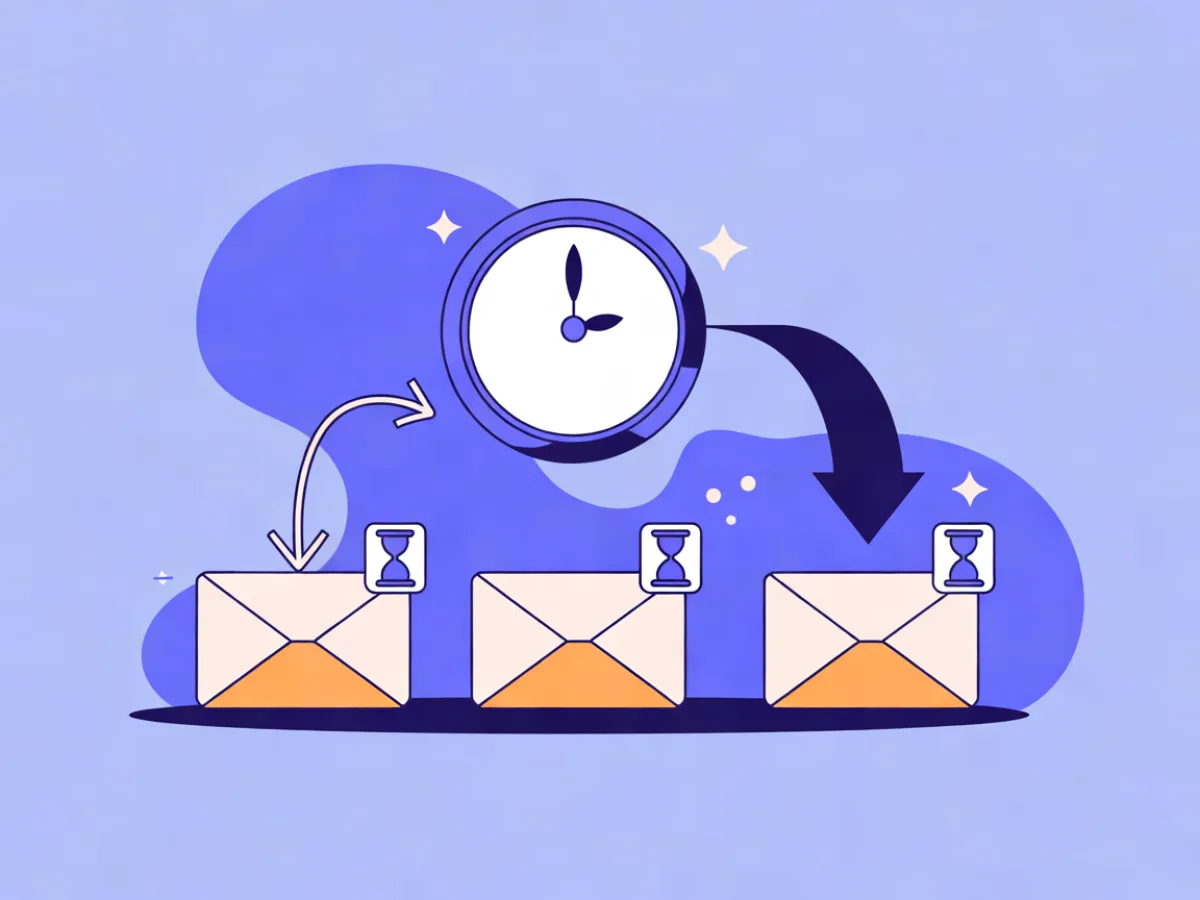
Three sends is the standard shape:
- Announcement — window opens, offer stated, deadline stated.
- Mid-window nudge — sent only to non-openers or non-clickers from the first send. Sending it to everyone trains readers to wait for the reminder instead of acting on the announcement.
- Final hours — the highest-urgency email in the sequence and the one people most often skip. Don't skip it.
For the reminder steps, a fixed send hour matters less than reaching each person at a plausible moment. Mailerflow supports scheduling, and in automations, "send when the contact is most active" — useful when your list spans time zones and you'd rather not pick one hour for everyone. If you're building the sequence as an automation, the features overview covers the trigger and wait options.
The templates
The five templates below use a fictional brand (Northwind Outfitters) and a fictional product line so nothing reads as a real customer story. Swap in your own details; keep the structure.
Template 1: The announcement (window opens)
Subject: 24 hours: 30% off everything in the autumn range Preview text: Ends tomorrow at 9pm your time.
Body:
The autumn range is 30% off for the next 24 hours.
That includes the waxed field jacket, the merino crew, and everything else in the collection. No code needed — prices are already reduced.
[Shop the autumn range]
Free returns within 30 days. The window closes tomorrow at 9pm your time.
Adaptation note: Use this when the list is warm and the discount is genuinely time-bound. If your window runs longer than 48 hours, drop the word "flash" and treat it as a standard promotion — the framing won't hold.
Template 2: The mid-window nudge (non-openers and non-clickers)
Subject: Still time — but not much Preview text: Your 30% is live until tomorrow night.
Body:
Quick reminder: the autumn range is 30% off until tomorrow at 9pm.
If the waxed field jacket was the one you had your eye on, it's here:
[See the field jacket]
If you already grabbed yours, ignore this — and thank you.
Adaptation note: Send only to people who haven't opened or clicked the first email. One product link outperforms a full grid here because the reader has already seen the grid.
Template 3: The final-hours email
Subject: Ends tonight: last chance at 30% off Preview text: The window closes at midnight — no extension.
Body:
The autumn range sale ends tonight at midnight.
After that, prices go back to full.
[Shop before midnight]
Adaptation note: Three lines is the right length. Keep it honest — if you routinely extend deadlines, readers learn the deadline is fake and the final email stops working. If you're comparing this against a shipping-led offer instead, the free shipping promotion templates cover when that angle converts better.
Template 4: VIP early access
Subject: You get 12 hours before everyone else Preview text: Early access opens now — public sale starts tomorrow.
Body:
Because you've shopped with us before, you get the autumn range at 30% off starting now.
The public sale opens tomorrow at 9am. Until then, this link is yours:
[Shop early access]
No code needed. Prices adjust automatically.
Adaptation note: Pair this with a dynamic segment so the early-access list is defined by behaviour — repeat purchases, high engagement, a loyalty tag — rather than a manual export that goes stale. Mailerflow's dynamic segments can be built on fields, tags, engagement, events and website behaviour, and you can describe the segment in plain language and let AI segmentation draft it.
Template 5: The restock or back-in-stock flash
Subject: Back in stock — 48 hours only Preview text: Limited quantities, first come first served.
Body:
The waxed field jacket is back in stock in all sizes.
We have a limited run, and it's 20% off for the next 48 hours.
[Get yours]
Adaptation note: Only use scarcity language you can stand behind. "Limited quantities" when you have thousands in the warehouse is the fastest way to lose credibility — and the fastest way to generate angry replies when the item is still available next month.
How to personalize these without rewriting them
The templates are deliberately plain so you can swap two or three elements without touching the rest.
- Swap the hero product. If you have website-behaviour data, show the category the contact browsed rather than a fixed hero. Mailerflow's JS SDK feeds website behaviour into segments and AI personalization steps, so the hero can change per contact.
- Adjust the discount line for VIP segments. A VIP early-access email might carry a slightly better offer, or the same offer with a different framing ("before it's public").
- Use first-name and past-category fields sparingly. They help when they're accurate and add nothing when they're generic.
One rule: never personalize the deadline or the offer itself. Changing the end time per contact creates confusion, support tickets, and screenshots that undermine the next campaign.
If you want a starting draft rather than a blank page, Mailerflow's AI email builder takes a plain description — "flash sale email for our autumn range, 30% off, ends tomorrow night" — and returns a complete responsive design with subject lines and preview text. Treat it as a first draft to edit for voice, not a finished send.
Subject lines and preview text to pair with them
Group your subject lines by angle so you're testing a hypothesis, not a word.
| Angle | Subject line | Pairs with |
|---|---|---|
| Deadline-led | 24 hours: 30% off everything in the autumn range | Announcement |
| Deadline-led | Ends tonight: last chance at 30% off | Final hours |
| Discount-led | 30% off the autumn range — today only | Announcement |
| Curiosity-led | The jacket you asked about is back | Restock |
| VIP-led | You get 12 hours before everyone else | VIP early access |
| Nudge-led | Still time — but not much | Mid-window nudge |
Preview text should extend the subject, not repeat it:
- Subject: Ends tonight: last chance at 30% off → Preview: The window closes at midnight — no extension.
- Subject: You get 12 hours before everyone else → Preview: Early access opens now — public sale starts tomorrow.
Two rules that matter more than the wording. First, keep the deadline in either the subject or the preview, never both in the same words. Second, skip all-caps and stacked exclamation marks — they read as spam and hurt deliverability. If you want to compare angles rather than guess, subject lines and preview text can be A/B tested in Mailerflow campaigns.
Mistakes to avoid
- Sending to inactive contacts. A flash sale won't revive a dead list; it'll just generate complaints. Fix: suppress anyone who hasn't engaged in the last 90–180 days.
- A deadline that isn't real. Extending "final hours" every time teaches readers to wait. Fix: pick a window you'll actually honour.
- No reminder sequence. One send leaves most of the revenue on the table. Fix: announcement, nudge to non-openers, final hours.
- One send time for a global list. Half your list gets the email at 3am. Fix: split by region or use send-when-most-active for reminders.
- Discounting people who'd have bought anyway. Fix: exclude recent full-price buyers of the discounted items from the announcement.
- Burying the deadline below the fold. Fix: deadline in the preview text and the first line of body copy.
- The same template every week. Fix: rotate the angle — bundle offers, shipping-led, VIP early access. The bundle offer templates are a good next angle if you've run discounts twice in a row.
- Forgetting to suppress mid-window buyers. Fix: add a segment condition that removes anyone who purchased after the announcement, so they don't get "last chance" on something they already own.
FAQ
How long should a flash sale run?
6–12 hours if your list is warm and concentrated in one or two time zones; 24–48 hours if it spans many time zones or the product needs consideration. The window should be short enough that the deadline is credible and long enough that most of your list sees it while awake.
Should I send a reminder to everyone or only non-openers?
Only to non-openers and non-clickers from the announcement. Sending the nudge to everyone trains your list to wait for the reminder, which lowers response to the first email over time. The final-hours email is the exception — send that to the whole segment, since the deadline applies to everyone.
How do I handle time zones when the deadline is a fixed hour?
Either split the send by region so each group gets a deadline in their local evening, or express the deadline as a countdown rather than a clock time. If you must use a fixed hour, state the time zone explicitly and make sure the landing page and checkout show the same thing.
Can I run a flash sale to a cold list?
No. Cold or long-inactive contacts are the worst audience for urgency — they don't know you, so a deadline reads as pressure rather than a perk, and the complaints and bounces damage your sender reputation. Run a re-engagement sequence first, then include whoever responds in the next flash sale.
If you'd rather start from a draft than a blank canvas, describe your flash sale in a sentence and let Mailerflow's AI email builder produce the design, subject lines and preview text — there's a free plan if you want to try it before your next window opens.