Combining Email and SMS in One Automation: When, Why, and How
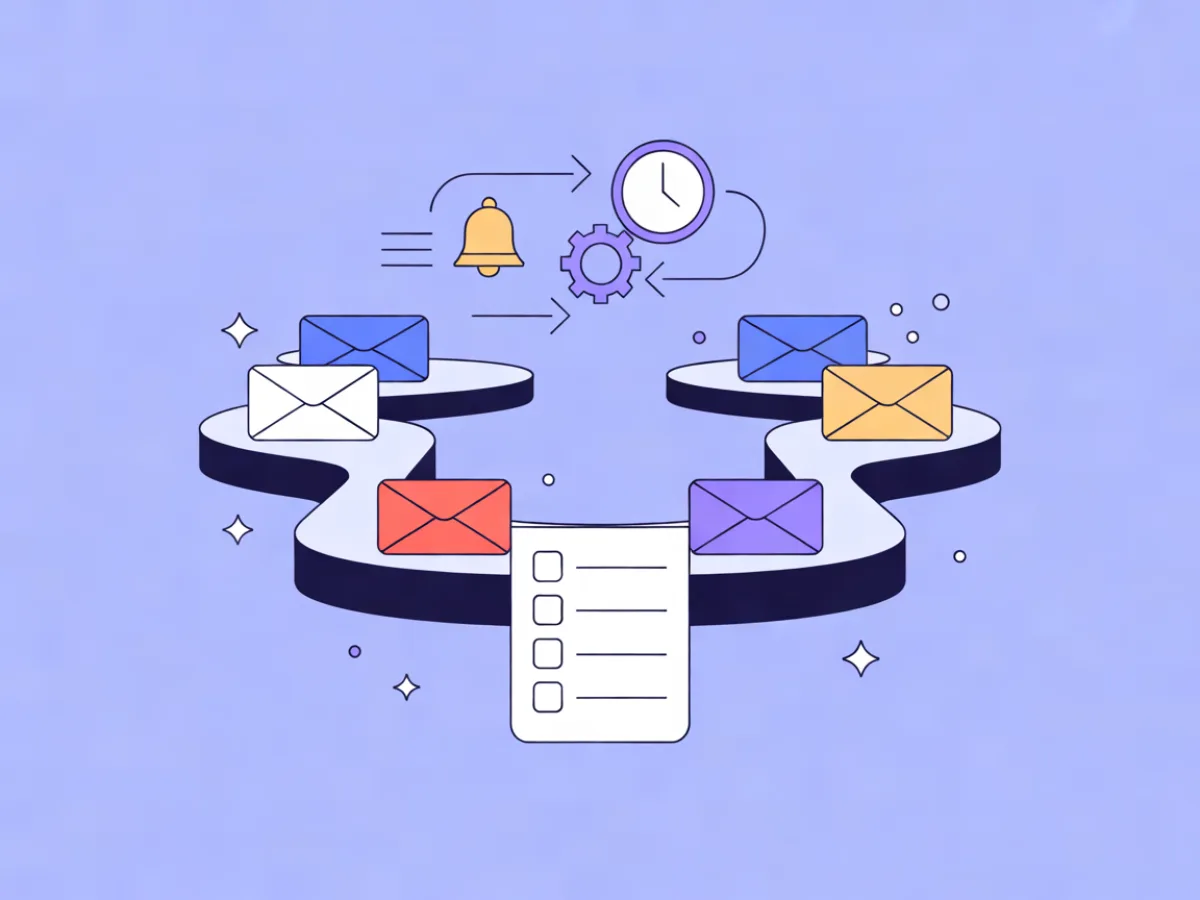
Email and SMS automation means running both channels as steps inside one workflow that shares triggers, conditions, suppression rules and a single view of the contact — not an email tool plus a separate SMS blaster sending overlapping messages. That distinction decides whether your messages feel coordinated or repetitive, and it is the difference between a contact receiving one well-timed nudge and three messages in an afternoon.
What email and SMS automation means in practice
In a combined setup, email and SMS are not two campaigns running in parallel. They are two step types inside the same journey. A single trigger fires — a signup, a purchase event, a date, a period of inactivity, a page visit — and the workflow decides which channel to use at that moment, based on consent, preference, timing and how many messages the contact has already received.
The alternative pattern is common and worth naming: an email automation tool running a welcome series, plus a separate SMS platform running a promotional blast, with no shared suppression list and no shared frequency logic. The contact sits in both systems, and neither system knows what the other sent. The result is a contact who gets a "we miss you" email at 9am and a "we miss you" text at 11am.
The practical difference shows up in four places: one suppression list, one frequency counter, one channel-preference field, and one place to debug when something goes wrong.
Why combine the two channels at all
Email carries detail. It holds links, images, long explanations, comparison tables, receipts and anything a contact may want to read later. SMS carries immediacy. It is short, it lands on a device people check constantly, and it works for moments where the value of the message decays within hours.
That split suggests a simple division of labour:
- Email for onboarding sequences, educational content, product updates, newsletters, receipts and anything with more than one link.
- SMS for appointment reminders, delivery windows, expiring carts, time-boxed confirmations and short nudges to contacts who have stopped engaging with email.
- Both when a moment is time-critical and the detail matters — for example, a reminder that something expires tonight, where the email explains and the SMS reminds.
Be honest about the cost side. SMS is normally billed per message by whichever provider you use, so every SMS step has a real marginal cost that email does not. That does not make SMS wrong; it makes it a step that should earn its place. If a message would still be useful tomorrow, it belongs in email.
How a combined workflow actually runs
The mechanics are the same regardless of platform, and it helps to think in layers:
- Trigger layer. One entry point: a signup, a custom event, a date, an inactivity threshold, or a website behaviour such as visiting a pricing page.
- Condition layer. Branches that check consent per channel, the contact's channel preference, engagement history, and the current value of a frequency counter.
- Channel steps. Email steps, SMS steps, wait steps, and webhook steps that push state to other systems.
- Exit and suppression layer. Opt-outs, hard bounces, complaints and completed goals that remove the contact from the rest of the journey.
Two pieces of contact state make this manageable. The first is a channel preference field — a custom field holding values like email_only, sms_only, both or prefers_sms. The second is a frequency counter — a numeric field incremented by every send step and checked before the next one.
Mailerflow's visual automations support waits, conditions, webhooks and AI steps, with triggers on signups, events, dates, inactivity and website behaviour, which is enough surface to build the pattern described here without leaving the tool.
Deciding when to add an SMS step
Apply three tests before adding any SMS step. If a step fails any of them, use email instead.
- Would this still matter tomorrow? If yes, it is email content wearing an SMS costume.
- Can it be said in roughly 160 characters with one link? If it needs three paragraphs, the SMS should point to the email rather than replace it.
- Did the contact opt in for this kind of message? Consent for marketing SMS is not the same as consent for transactional SMS, and neither is implied by an email opt-in.
| Situation | Email only | Email + SMS | SMS first |
|---|---|---|---|
| Welcome / onboarding | Yes | No | No |
| Cart expires in 4 hours | No | Yes | Sometimes |
| Appointment in 2 hours | No | Yes | Yes |
| Monthly newsletter | Yes | No | No |
| Delivery window today | No | Yes | Yes |
| Re-engagement after 60 days silent | Yes | Yes (one SMS max) | No |
| Password or security code | No | No | Yes |
Consent: what you need before the first SMS
Consent is channel-specific. An email opt-in does not imply SMS consent, and a phone number collected at checkout for delivery updates does not authorise marketing texts. Treat SMS consent as a separate permission with its own record.
What a workable setup looks like:
- Collect explicitly. A checkbox that is unchecked by default, with wording that names SMS and describes what will be sent.
- Confirm where appropriate. Double opt-in for SMS is common practice in many markets and gives you a defensible record.
- Record the evidence. What the contact agreed to, when, and through which form. Mailerflow's embeddable signup forms support double opt-in and consent records, and its GDPR tools include consent logs, which covers the record-keeping side.
- Honour opt-out instantly and globally. A STOP reply must exit the entire workflow, not just the SMS branch. If the contact is still subscribed to email, the email leg continues; if they asked to stop everything, everything stops.
Rules differ by jurisdiction — TCPA in the United States, GDPR and ePrivacy in the EU, and equivalents elsewhere. Check the current requirements with a qualified source for your markets; this article is not legal advice.
Frequency rules across channels
This is where most combined workflows fail. A contact experiences your brand as one stream of messages, not two. If your email automation allows three emails a week and your SMS flow allows two texts, the contact can receive five messages in seven days without either system noticing.
A practical structure has three layers:
- Global cap. Maximum messages per contact per week across both channels. Four is a common starting point; pick a number you can defend.
- Per-channel cap. For example, one SMS per week and three emails per week, with the global cap still enforced on top.
- Quiet hours. SMS should not send outside a defined window in the contact's timezone. Email can send whenever, though it rarely helps to send at 3am.
Implementation is mechanical once the counter exists:
[Trigger: event]
   |
   +-- Condition: frequency_counter < global_cap?
   |      |
   |      +-- No  -> Wait 3 days -> re-check
   |      |
   |      +-- Yes -> Condition: channel_preference
   |                 |
   |                 +-- prefers_sms + sms_consent -> SMS step -> counter +1
   |                 +-- email_only or no sms_consent -> Email step -> counter +1
The counter needs a decay rule, or contacts who receive nothing for a month will still be capped. Two options: a scheduled step that resets the counter weekly, or a rolling window where each send step records a timestamp and the condition counts sends in the last seven days. The rolling window is more accurate and slightly more work to build.
For the email leg, "send when the contact is most active" is a reasonable option because it improves the odds of the email being seen without changing the message. Do not apply the same logic to SMS — a text at an unpredictable hour reads as intrusive, not considerate.
Worked example: a 14-day onboarding journey
This is an illustrative example, not a customer story.
Trigger: signup with SMS consent recorded.
- Day 0 — Email. Welcome message with the core detail: what the product does, where to start, two or three links.
- Day 1 — Condition. Did the contact open or click the welcome email? If yes, skip ahead. If no, send an SMS nudge with a single link.
- Day 3 — Email. The how-to content: the one thing most new users need to do first.
- Day 7 — Branch on website behaviour. Visited the pricing page? Send an email with comparison content. No visit and no engagement? Send an SMS check-in — one question, one link.
- Day 10 — Email only. A short case-style explainer or a feature they have not touched.
- Day 14 — Engagement condition. Engaged contacts get a final onboarding email. Unengaged contacts get one last SMS, or are moved into a re-engagement segment and removed from the onboarding flow.
Where the state is read: the frequency counter is checked before every send step, and the channel-preference field is read at each branch. If the contact's preference is email_only, the SMS steps are skipped silently — no fallback text, no "check your email" confusion.
Worked example: a time-critical transactional flow
Shorter and simpler. Trigger: appointment date.
- 48 hours before — Email. Full details: time, location, what to bring, reschedule link.
- 2 hours before — SMS. One line, one link.
Two fallbacks matter here. If the email bounces, the SMS still sends, because the reminder is the point. If the contact has no SMS consent, the email leg runs alone and the SMS step is skipped. Because reminders should not queue behind a marketing campaign, this is a good case for a transactional email API on a high-priority lane — Mailerflow offers one with templates and variables.
Common mistakes
- Treating SMS as a copy of the email. Fix: rewrite for the medium — one idea, one link.
- Sending SMS outside the consent scope. Fix: tag consent by purpose (marketing vs transactional) and check the right tag.
- No global frequency cap. Fix: implement the counter before you add the second channel, not after.
- No quiet hours. Fix: set a sending window in the contact's timezone.
- Hard-coding channel choice. Fix: read the preference field at every branch.
- Letting STOP exit only the SMS branch. Fix: test that opt-out removes the contact from the whole workflow.
- Testing only the happy path. Fix: run the no-consent, bounced-email and opted-out branches explicitly. A structured pass through how to test an email automation before going live covers most of this.
- Channel drift. Fix: never write "check your texts" in an email unless the workflow guarantees a text was sent.
Checklist before you activate
- Consent recorded per channel, with purpose and timestamp.
- Channel-preference field populated for every contact entering the flow.
- Global and per-channel frequency caps implemented as conditions, not assumptions.
- Quiet hours set for SMS.
- STOP handling tested end-to-end, including the email leg.
- Every SMS step passes the three tests: time-sensitive, short, expected.
- Fallback path defined for missing consent and for bounced email.
- The whole workflow reviewed in preview before activation.
If you want a starting skeleton rather than a blank canvas, Mailerflow's AI automation builder drafts a workflow from a one-sentence description — trigger, waits, conditions, emails — for review before activation. Treat the draft as scaffolding: the consent branches and frequency logic still need your judgement.
FAQ
Can I add SMS to an existing email automation without rebuilding it? Usually yes, if the automation already has condition steps. Insert an SMS branch after an existing wait or condition, add the consent and preference checks, and wire the frequency counter into the same place the email steps read it. If the flow is a straight line of emails with no branches, you will need to restructure at least one step.
What happens if a contact opts out of SMS but stays subscribed to email? The SMS branch should be skipped for that contact permanently, while the email leg continues. This is why opt-out state belongs on the contact record rather than inside the workflow — otherwise the next automation you build will text them again.
Do I need separate consent for SMS if I already have email opt-in? Yes. Email opt-in does not cover SMS in most jurisdictions, and the two are recorded separately. Collect SMS consent explicitly at a point where the contact can see what they are agreeing to.
How do I stop a contact getting an email and an SMS on the same day? Use the global frequency counter as a condition before every send step, and add a same-day guard if your cap allows multiple messages per week. A simple version: a condition that checks whether any message was sent in the last 24 hours and routes to a wait step if so.
Should transactional SMS follow the same frequency caps as marketing SMS? No. A delivery notification or security code is expected and should not be suppressed by a marketing cap. Keep transactional sends on a separate lane with their own rules, and make sure your quiet-hours logic still applies where appropriate.
Where this fits in the wider automation stack
Combined email and SMS automation is the foundation of multi-channel work. Once the shared state — consent, preference, frequency — is in place, adding another channel is mostly a matter of adding another step type and another consent record.
The supporting articles in this cluster will go deeper on the pieces that deserve their own treatment: SMS compliance in detail, implementing frequency caps as reusable logic, and separating transactional from marketing lanes. Those will be linked here as they publish.
Mailerflow's relevant surface for this work is the visual automation builder with waits, conditions, webhooks and AI steps, dynamic segments built on fields, tags, engagement, events and website behaviour, and the AI steps that tailor messages to what each contact actually read or did. If you are building your first combined flow, start from the automation builder and describe the journey in a sentence — Mailerflow drafts the trigger, waits, conditions and emails for you to review before anything goes live.