How to Switch Email Marketing Platforms: A Complete Checklist
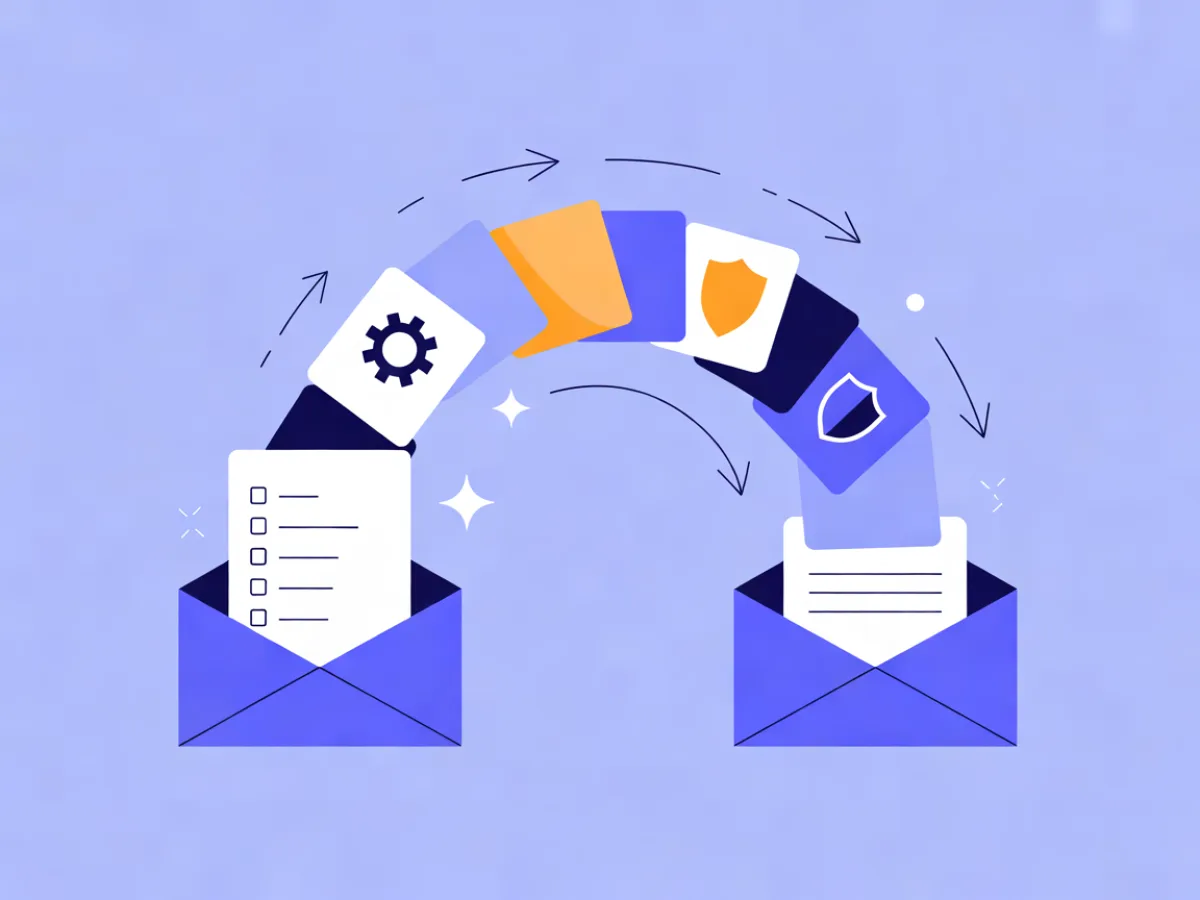
A platform switch is a data and consent migration, not a copy-paste job. The contacts are the easy part; the things that actually break a migration are the suppression list you forgot to export and the sending domain you never re-authenticated. If you want to switch email marketing platform without damaging deliverability, work through seven things in order: contacts and custom fields, tags and segments, suppression lists, templates, automations, forms, and sending domains with DNS. This checklist walks through each phase with copy-ready templates you can adapt for your own list.
Start With the Migration Map, Not the Import Button
Before you touch an export, write down what has to move. Seven categories cover almost every account:
- Contacts and custom fields — including signup date, last engagement date, and consent source.
- Tags and segments — the logic, not just the names.
- Suppression lists — unsubscribes, hard bounces, spam complaints.
- Templates — the ones you actually send, not the whole library.
- Automations — triggers, waits, conditions, and every email inside them.
- Signup forms and landing pages — plus the consent records behind them.
- Sending domains and DNS — DKIM, SPF, DMARC, and who controls the records.
Two of the most damaging mistakes happen at number three and number seven. A contact import that drops unsubscribes means your first campaign mails people who already opted out. A domain that was never re-authenticated means your first campaign lands in spam even though the data is perfect.
If you are on an eligible paid plan, Mailerflow includes free migration help covering contacts, suppression lists, templates, and core automations, so part of this list can be handed off rather than rebuilt by hand.
Phase 1: Audit and Export From Your Current Platform
Do this while the old account is still active and paid. Check your provider's export policy before cancelling, since access to data after cancellation varies.
Export contacts as CSV with every custom field included. At minimum you want email, first name, signup date, last engagement date, and any consent or source field. If your platform lets you choose columns, choose all of them — you can drop what you do not need later.
Export the suppression list separately. This is the step people skip. A normal contact export usually excludes unsubscribed and bounced addresses, which means those people simply vanish from your file. If you import what is left and start sending, you have no record of who must not be contacted. Look for a dedicated export for unsubscribes, bounces, and complaints, or a compliance export.
Then capture the rest:
- Screenshot or export every automation flow, including the trigger, the wait steps, the conditions, and the copy of each email.
- Export templates, or at least screenshot the ones in active use.
- Note the embed code and location of each signup form.
- Write down your sending domain and check who has access to the DNS records.
Keep the old account open in read-only mode if the platform allows it. You will want to check details during the rebuild.
Phase 2: Clean and Prepare the Data Before Importing
Cleaning after import means fixing the same problem twice. Do it in the CSV.
- Deduplicate on email address. Case-insensitive, trimmed of whitespace.
- Remove role addresses like info@ or sales@ unless a real person reads them.
- Fix obvious typos in domain names before they become hard bounces.
- Decide on long-term inactive contacts. If someone has not engaged in 12+ months and consent is unclear, suppress rather than delete — you keep the record without mailing them.
- Normalise field names and date formats so the new platform maps columns cleanly.
signup_dateinYYYY-MM-DDeverywhere beats three different formats.
Never import a purchased or scraped list. It damages your sending reputation and, depending on where your contacts live, may breach consent rules.
Mailerflow's CSV import runs duplicate and validity checks and maps columns to custom fields and tags, which is where this preparation pays off.
Phase 3: Import Contacts and Suppressions in the Right Order
The order is not optional:
- Suppression list first. Import unsubscribes, hard bounces, and complaints so the platform knows never to mail them.
- Contacts second, mapped to custom fields.
- Tags and segments third, so segment logic has something to run against.
Importing unsubscribes as active contacts and then emailing them is a serious and common migration mistake, and it is the one most likely to generate a spam complaint.
When you map columns, keep tag names identical to the old platform where possible. That makes it easier to rebuild segment rules. In Mailerflow, dynamic segments on fields, tags, engagement, events, and website behaviour can replace many hand-built static segments, and AI segmentation from a plain-language description can rebuild a complex segment faster than clicking through conditions.
Phase 4: Rebuild Templates, Automations and Forms
Templates rarely transfer cleanly between platforms. Plan to rebuild the three to five you actually send, not the twenty you once made.
For each automation, write it out as a line before you rebuild it:
Trigger: signup form "Newsletter" submitted
Wait: 1 day
Condition: tag "trial" present
Email 1: Welcome — what to expect
Wait: 3 days
Condition: opened email 1? no → resend with new subject
Email 2: Getting started guide
That line is your build spec. It also shows you which flows are worth rebuilding at all — if a flow has not sent in a year, retire it.
Mailerflow's AI email builder turns a description into a complete responsive design with subject lines and preview text, and the AI automation builder drafts a workflow (trigger, waits, conditions, emails) for review before activation. Both are useful when you are rebuilding core flows rather than designing from scratch.
Recreate signup forms with double opt-in and consent records, then re-embed them on your site. Check that landing pages and lead magnets point to the new platform, and turn off the old forms so you are not collecting contacts in two places.
Phase 5: Domains, Authentication and Warm-Up
DKIM, SPF, and DMARC are the records that tell inbox providers your mail is legitimate. Set them up on the new platform before you send anything.
- SPF lists the servers allowed to send for your domain.
- DKIM signs your messages so they can be verified.
- DMARC tells receivers what to do when authentication fails.
You cannot run two platforms on the same sending domain indefinitely without care, so coordinate the cutover: pause sending on the old platform when the new one goes live.
Warm-up means starting small. Send to your most engaged segment first, keep volumes low, and increase gradually over days or weeks. Rushing this is the fastest way to undo years of reputation.
Mailerflow handles guided DKIM, SPF, and DMARC setup with automatic verification, automatic suppression of bounces and complaints, reputation monitoring, and warm-up limits.
Phase 6: Test, Cut Over and Retire the Old Platform
Send test campaigns to internal addresses and a small seed segment. Check links, personalisation fields, unsubscribe links, and preference centres. Confirm that triggered and transactional emails still fire.
Then reconcile:
- Contact count: old vs. new, minus suppressed addresses.
- Suppression count: old vs. new.
- Segment counts: spot-check two or three.
Only after that should you cancel the old plan — and export a final archive of contacts and reports first. Check your current provider's official pricing page for your options before deciding.
A Realistic Migration Timeline
| Week | Focus |
|---|---|
| 1 | Audit and export: contacts, suppressions, templates, automations, forms |
| 2 | Clean and import: dedupe, suppress, map fields, load suppressions first |
| 3 | Rebuild: templates, core automations, signup forms |
| 4 | Domain setup and warm-up: DKIM, SPF, DMARC, first small sends |
| 5 | First full send and cutover; retire the old platform |
Large lists or complex automations stretch this. Warm-up should not be rushed to hit a date.
How Other Platforms Compare on Migration-Relevant Details
Details verified 2026-10-12 on the official pricing pages linked below. Check each page yourself before you decide, since plans change.
| Platform | Free plan / trial | Entry paid tier | Migration help | Source |
|---|---|---|---|---|
| MailerLite | Free plan available | Paid plans; Power includes unlimited monthly emails, unlimited user seats, unlimited automations | Check official page | mailerlite.com/pricing |
| Mailchimp | 14-day free trial of Standard; can cancel or downgrade to Essentials or Free | Standard allows up to 6,000 emails/month | Check official page | mailchimp.com/pricing/marketing |
| Brevo | Free forever plan, no credit card needed | Starter from 5,000 emails/month; Standard adds marketing automation with unlimited multi-step workflows | Check official page | brevo.com/pricing |
| ActiveCampaign | 30-day money-back guarantee | Pro includes 3 users and unlimited automation actions; Enterprise includes 5 users and SSO | Check official page | activecampaign.com/pricing |
| EmailOctopus | Starter plan is free (up to 2,500 subscribers, 10,000 emails/month); no free trial | Pro $9/month billed yearly for 10,000 subscribers | Check official page | emailoctopus.com/pricing |
| Mailerflow | Free plan: 2,500 contacts, 10,000 emails/month | Paid plans from $14.90/month, unlimited emails | Free migration help on eligible paid plans | mailerflow.ai/pricing |
Common Mistakes That Cost You Deliverability
- Importing unsubscribes as active contacts.
- Skipping the suppression list export entirely.
- Sending a full-list campaign on day one without warm-up.
- Forgetting to re-authenticate the sending domain.
- Leaving old forms live and collecting contacts in two places.
- Rebuilding every automation instead of the ones that matter.
- Not testing unsubscribe and preference centre links.
- Cancelling the old platform before the new one is verified.
FAQ
How long does a migration take? A reasonable plan for a typical list is three to five weeks including warm-up. Large lists or complex automations take longer.
Can I import unsubscribes? Yes, and you should. Export them separately and import them as suppressed before any send.
Will I lose my sending reputation? Reputation is tied to your domain and IPs, not the platform. Re-authenticating your domain and warming up gradually protects it.
Do I need to warm up a new domain? Yes. Start with your most engaged segment and increase volume gradually.
Can I run two platforms at once? Briefly, for the cutover. Avoid sending from both on the same domain for long.
What happens to my old templates? They usually do not transfer cleanly. Rebuild the few you actually use.
Start free on Mailerflow and import your first list. Get started.